
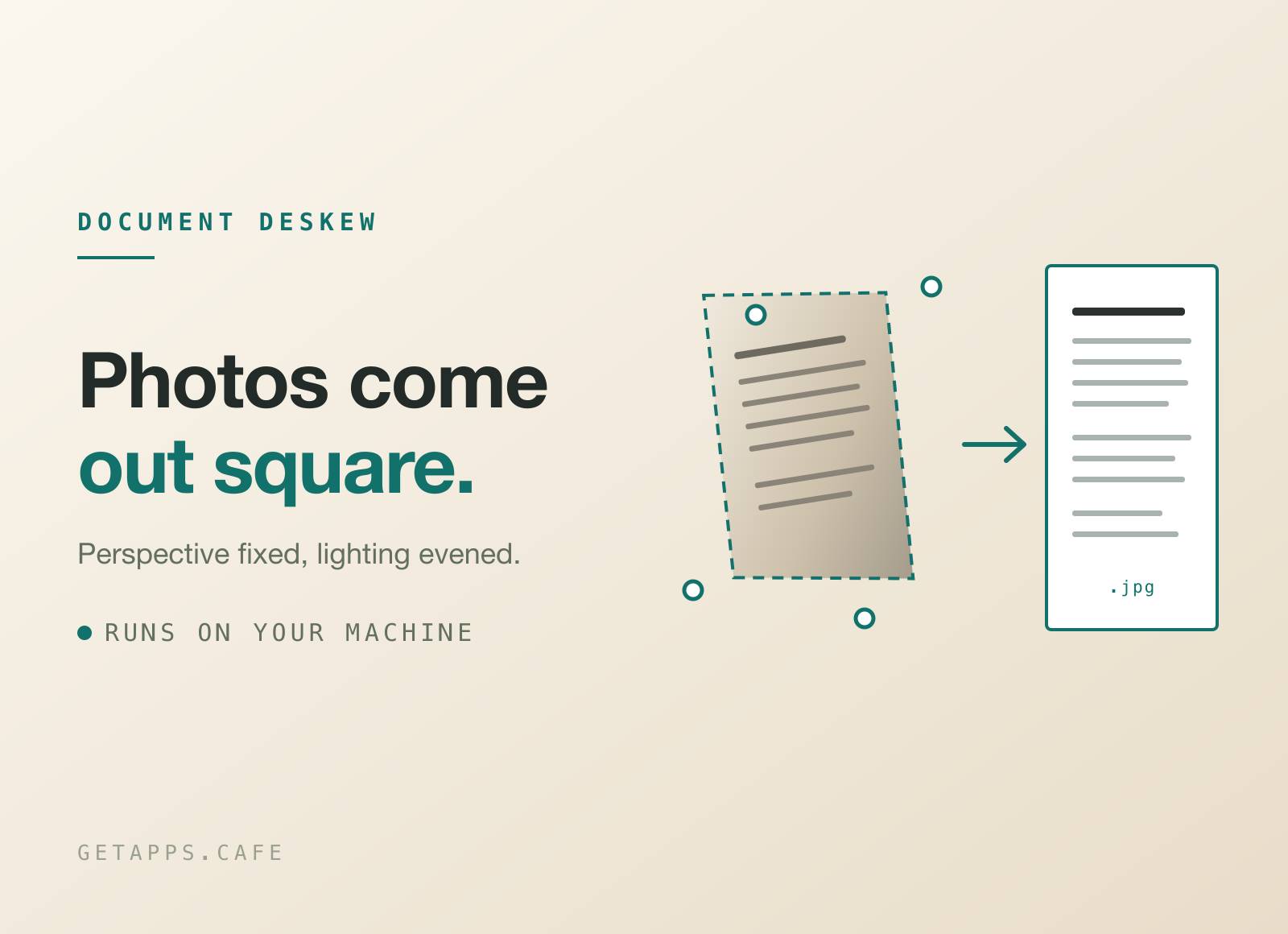
ScanStraightener turns a photo of a document into something that looks scanned. Drop in a snapshot of a contract, a receipt or a page of notes and you get back a square, evenly lit JPG - the page as a scanner would have caught it, without the scanner.
Nothing is uploaded. The page detection and the perspective correction run on your own computer, so a payslip or a passport photo never leaves the machine. Your originals are never touched: every scan is written as a new file beside the photo it came from.
Want the page as something other than an image? Two sibling apps take it further: ScanToPDF for a PDF whose text you can select, copy and search, and ScanToDocx for an editable Word file.
Highlights
- Finds the page and flattens it - the document is detected as a four-cornered shape wherever it sits in the frame, and the perspective is unwarped. A page shot from an angle comes out square, not merely rotated.
- A file everything can open - the output is a plain JPG, so it drops into Mail, Slack, an upload form or a photo library with nothing to convert first.
- Turns the page the right way up - a page photographed sideways is straightened, and any page can be turned upright from its own row with a single button. On macOS it also happens by itself: the page is turned the way its own lines of writing run, and one with too little writing to go on is left exactly as it came in.
- Four looks, one click apart - keep the photo as it was, clean it up like a scanner would, drop it to gray, or go hard black and white for the smallest, sharpest text.
- Whole batches at once - drop twenty photos and they queue up, several at a time, each landing beside its own original as it finishes.
- Bind a batch into one PDF - twenty pages of one contract become a single document, in the order you dropped them, one page per scan. Each page keeps its real physical size, and the file weighs about what the scans did.
- Straight into an editor - a finished page opens in Pixpresso in one click if you want to crop or retouch it further, or in whatever your computer opens a JPG with.
- Tells you when it could not find a page - a photo with no detectable document is still cleaned up and saved, and the row says "Full frame" so you know why that one is not cropped.
- Entirely offline - your pages are never uploaded, and there is no queue on somebody else's server. Scanning needs no connection, so it works on a plane.
How it works
Drop photos anywhere on the window, or send them over with "Open With" from wherever you keep them. Each one is read, the page inside it is found and flattened, the lighting is evened out, and the result is written next to the original with a -scan suffix. There is no confirm step: dropping is the instruction. When the batch is done, one button binds every finished page into a single PDF if you want the whole set as one file.
The Settings panel is optional and stays out of the way. It is where you pick how the page should look, name the suffix, and switch off page-finding for the photos that do not need it. There is no format to choose: every scan is a JPG.
Perfect for
- Expense claims - a pile of crumpled receipts photographed on a desk, filed as clean pages or bound into one PDF to attach.
- Signed paperwork - send back something that looks scanned instead of a photo of your kitchen table.
- Lecture and meeting notes - handwriting and whiteboards straightened into pages you can flip through.
- Books and archives - photograph pages quickly and get back a flat, evenly lit page for every one of them.
- Anything private - contracts, medical letters, ID documents. Nothing about them is ever sent anywhere.
Compatibility
Scanning itself runs on your own computer on both macOS and Windows, and the results are the same. Two things differ. Turning a page upright on its own needs a text recogniser that only macOS has, so on Windows you turn a page with the button on its row. And HEIC photos, the kind an iPhone takes by default, open on macOS but not yet on Windows - there the app says so and asks you to save the photo as a JPEG first, rather than treating it as a broken file.


