
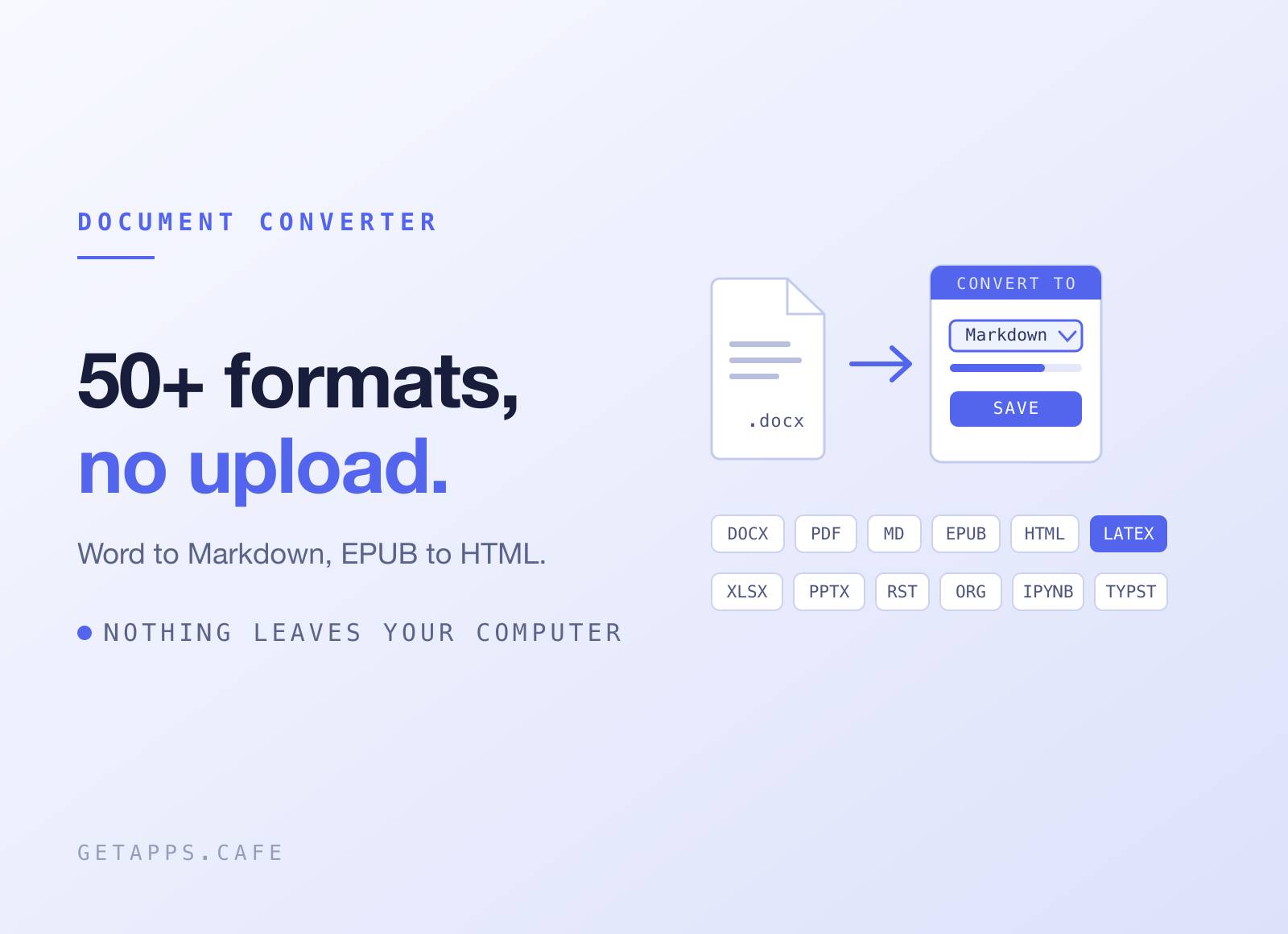
DocConvert converts documents between 50+ formats right on your computer - Word to Markdown, Markdown to PDF, EPUB to HTML - without uploading a single file anywhere.
Drop a file in, pick what you want out, save. No account to convert, no upload queue, no browser tab that swallows your document and emails you a download link.
Highlights
- 26 formats in, 25 out - Word, PDF, Markdown, HTML, EPUB, PowerPoint, Excel, LaTeX, Typst, reStructuredText, AsciiDoc, Org mode, DocBook, MediaWiki, Confluence, Jupyter notebooks and more.
- Your documents never leave your machine - the converting happens on your own computer, not on someone else's server. Works on a plane, works with documents you are not allowed to send anywhere.
- PDF that just works - the first time you choose PDF, DocConvert quietly sets itself up. Nothing else to install, no command line, no multi-gigabyte download.
- Batch mode - drop in a stack of files, pick one target format and an output folder. Each file's source format is detected on its own; anything that fails is listed by name.
- You can watch it work - every file in the queue shows its own status - queued, converting, done, failed - so a long batch is never one silent wait.
- Drag and drop - drop onto the window or click to browse. The source format is picked from the extension and stays editable if you disagree.
- Images come out clean - pictures buried inside a Word or EPUB file come out as real image files in a folder beside your document, tidied up rather than dumped in raw.
- Every option in view - target format, source format, standalone document, table of contents, title override. All on one panel, nothing hidden behind an Advanced button.
- Recent conversions - every conversion is remembered, newest first. Click one to open its folder with the output file selected.
- Native and quiet - light and dark themes in Settings, no flash on launch. The app counts that it was opened, never what you convert.
How it works
The first time you open DocConvert it downloads the piece that does the converting, verifies it, and tucks it away in its own folder. That is the only thing it ever fetches to convert. From then on every document you open is read and written on your own computer, online or not.
Day to day: drop files on the window, confirm the detected source format, choose the output format, hit Convert, and pick where to save. Drop more than one and the save dialog becomes an output folder. Recent, at the foot of the sidebar, keeps the full history; click any row to jump back to the result.
Perfect for
- Writers living between Word and Markdown - take the editor's .docx, work in Markdown, hand back a .docx.
- Developers writing docs - turn stakeholder Word files into Markdown for the repo, or ship a polished PDF from your README.
- Researchers and students - move between Word, PDF and the formats your department insists on, without wrestling any setup.
- Teams migrating a wiki - batch-convert Confluence, MediaWiki or DokuWiki exports into Markdown in one pass.
- Anyone with confidential documents - contracts, medical records, internal reports: convert them without handing them to a website.


