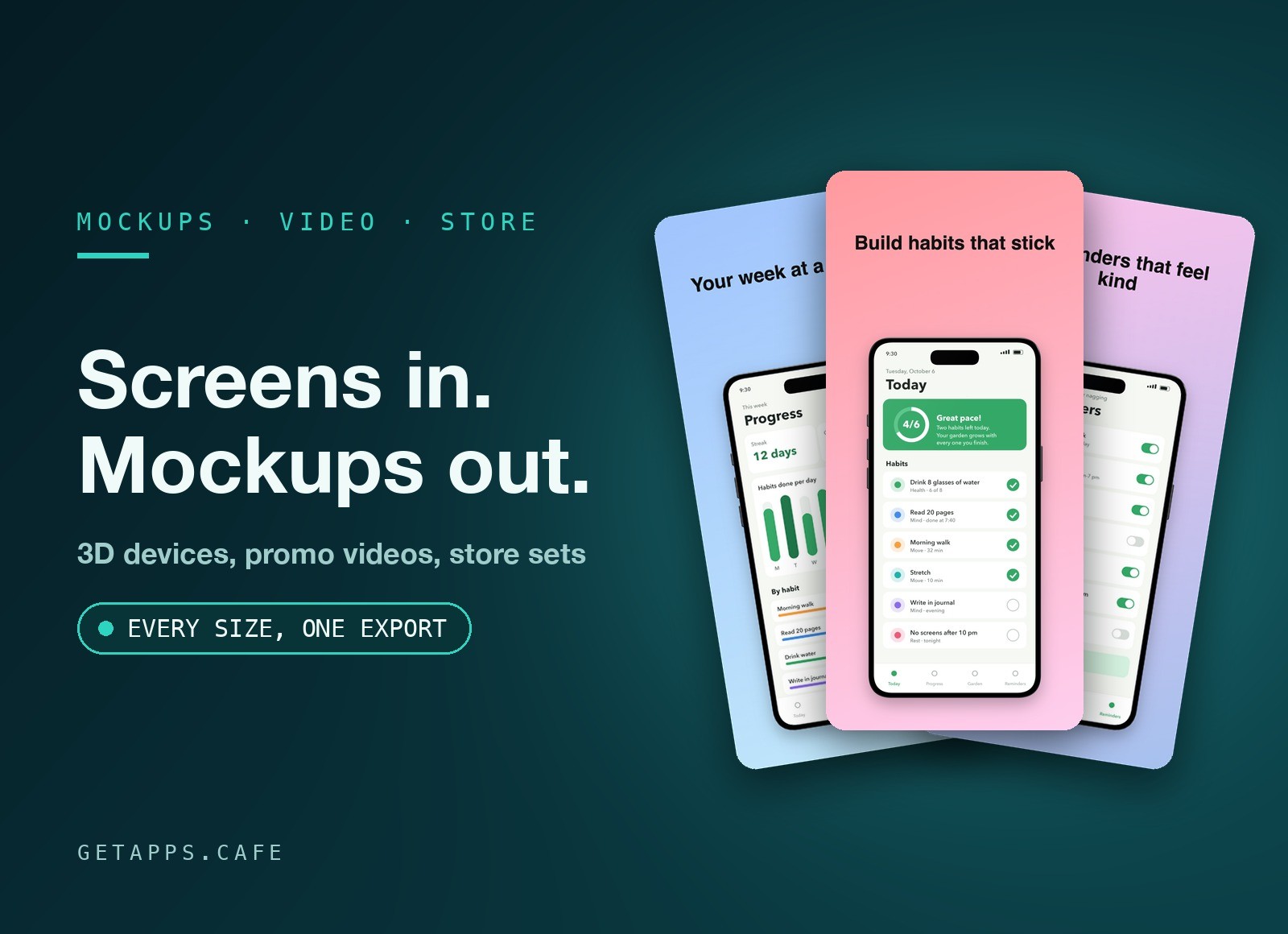
ShotFrame turns screenshots and screen recordings of your app or website into 3D device mockups, promo videos and store screenshots - all in one place.
Drop your screens onto a phone, tablet or laptop, pick a ready-made look, and export a video or a full set of store screenshots in every size the App Store and Google Play ask for.
Highlights
- Eight devices - two styles of phone, a foldable, a tablet, a laptop whose lid opens, a desktop monitor, a browser window and a floating screen. Choose the colour, the finish and the shine.
- Your real screens - drop screenshots or screen recordings straight onto a device. Recordings play in step with the animation, and long screenshots can scroll.
- Colours you can trust - your screens look exactly as they do in your screenshots, with no tint and no washed-out greys.
- Animation in one click - 15 ready-made moves such as Turntable, Hero reveal, Float, Swing, Open lid and a slow camera orbit. Run them on several devices, one after another.
- A timeline that is easy to use - move any keyframe, make a move smooth or bouncy, and mark where the video starts and ends to export just that part.
- Studio lighting - turn the light and the shadow follows it. Add a glowing backdrop, a soft reflection on the floor, or a gleam sweeping across the screens. Keep one device sharp and let the rest go soft.
- Backgrounds that move - a colour, a gradient, a photo, a video or a ready-made wallpaper, with a slow zoom or drift, a touch of film grain, or a blur.
- Promo videos and App Previews - landscape, 4K, vertical, square or feed sized. App Previews are checked for size and length, and get the silent sound track the App Store expects.
- Store screenshot sets - 14 templates to start from. Every screenshot has its own background, light and shadow, with captions, badges and panels on top. Copy a look from one screenshot to the rest in one go.
- Every size in one export - App Store, Google Play and social sizes, or a size of your own. The sizes the stores require are picked for you, and one export writes them all, in every language, ready to upload.
How it works
Start a new store screenshot set or video scene, pick a device and a template, and drop your screens onto the devices. Drag a device to turn it, add a move from the Animate panel, and fine-tune anything in the side panel or on the timeline. Export when you are ready - you can keep working while it runs.
Each project is a single .shotframe file that holds your screens too, so you can move it, back it up or send it to a teammate. Every change is saved as you go, undo reaches back through the whole project, and your projects and screens stay on your own computer - nothing is uploaded.
Perfect for
- App makers - a launch video and a complete screenshot set, without a design tool or a video editor.
- Indie developers - refresh the store listing with every release in minutes, from the same project.
- Marketers and designers - product shots for a landing page, social posts and ads, with a transparent background when you need one.
- Agencies - one project file per client app, easy to hand over, reopen and update.