
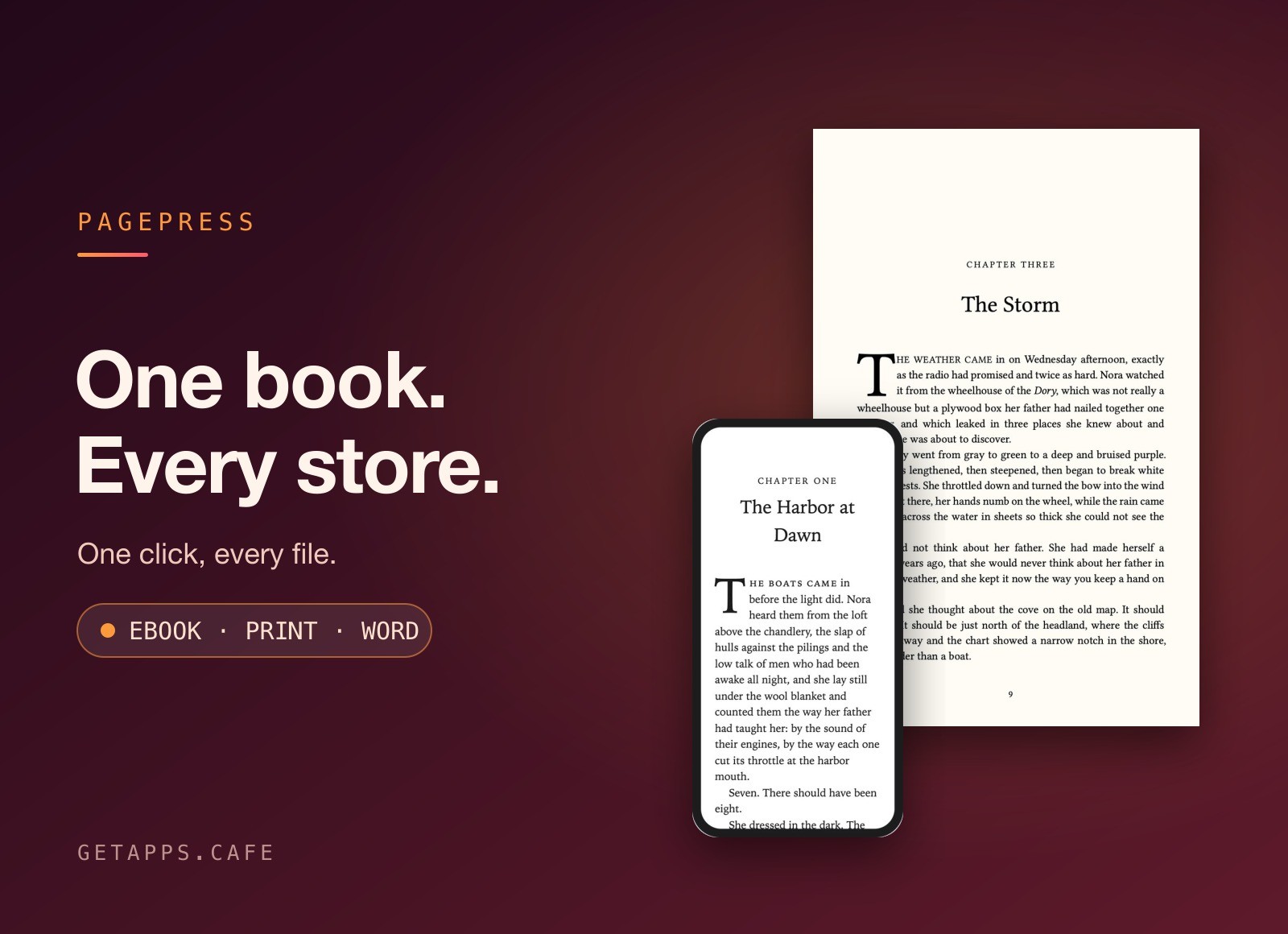
PagePress turns one manuscript into store-ready ebooks and a print-ready paperback interior - one click, every file.
Write or import your book, fill in its details once, and press Generate. You get a folder for each store with the ebook made for it, plus a print PDF you can upload as it is.
Highlights
- One ebook per store - Kindle, Apple Books, Kobo, Barnes & Noble, Google Play and a generic file for distributors, all from one click.
- The right buy links in each - list your other books once; every store's file links them to that store, never to a competitor.
- A print book that looks printed - choose a trim size and get a PDF ready for KDP Print and IngramSpark - margins, page numbers and running heads done for you.
- No lonely lines - no single line stranded at the top or bottom of a page, and every chapter opens on a right-hand page.
- Facing pages that end together - both pages of every spread finish on the same line, the way a typeset book should.
- Four book styles - classic, modern, elegant or bold chapter openings, drop caps and ornamental scene breaks, in print and ebook alike.
- Your cover, measured - a cover template sized from your real page count: spine width, bleed, safe areas and the barcode spot.
- Images and footnotes - footnotes sit at the foot of the page in print and pop up in ebooks.
- See it as readers will - a live preview of each page on an e-reader, a phone or a tablet while you write.
- Inside margins that grow with your book - the margin by the spine widens automatically as the page count crosses each printer threshold.
- Bring your Word manuscript - import a .docx and it is split into chapters at every Heading 1, italics and scene breaks intact.
- Standard and special trims - 5 × 8 to 6 × 9, A5 and Royal, mass-market paperback and large print.
- Back to Word when you need it - export a clean .docx for your editor or beta readers.
How it works
Start a new book or import a Word document from the welcome window. Every book is one .pagepress file that saves as you type - double-click it to come back. Arrange chapters in the sidebar, add your cover and your other titles, then choose Generate: pick the stores, a trim size and a font, and PagePress writes everything into the folder you choose. Preview print opens the paperback interior before you commit.
Perfect for
- Indie authors - publishing wide without paying for a formatting service on every book.
- Series writers - who need every volume's Also By page to point at the right store.
- Small presses - turning edited manuscripts into store files and print interiors in an afternoon.
- Anyone moving from Word - who wants a real printed-book look without learning layout software.


