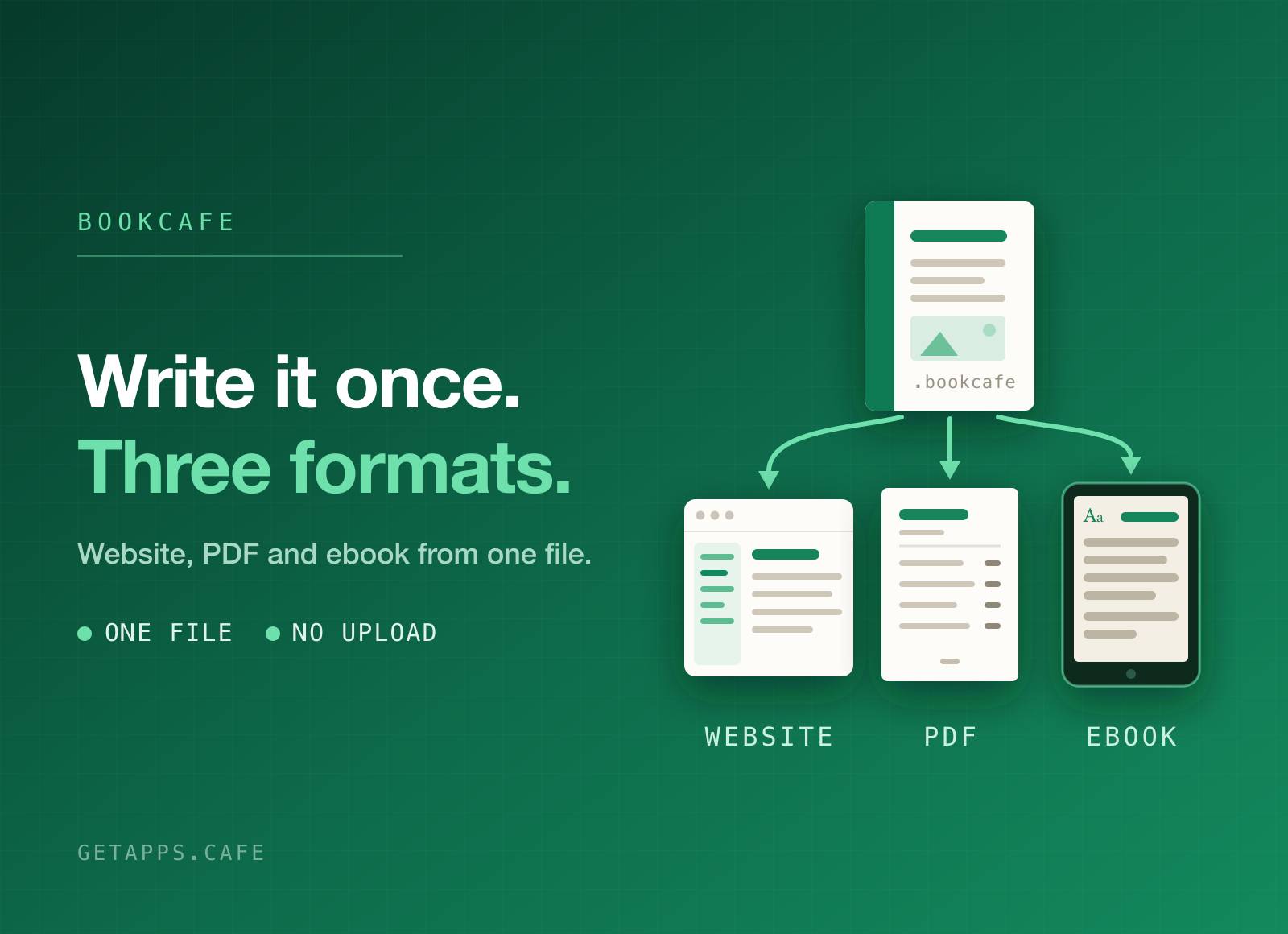
BookCafe is a writing app for anything with chapters. Write each one on a clean page, keep the whole book in an outline you can drag, and publish it as a website, a PDF or an ebook (.epub), each with a proper table of contents.
A book is a single file. Every chapter, every picture and every setting lives inside it, so you can move it to another machine, copy it to a drive, or send the whole thing to someone as one document and nothing goes missing.
Highlights
- Write on the page, not in code - headings, bold, lists, quotes and links are one click away, and the page you type on is the page your reader gets.
- An outline you can rearrange - drag a chapter to move it, drop it onto another to nest it, and a chapter you move carries its sections with it.
- Sort without dragging - a long book reorders from a list, one step at a time or alphabetically, with nesting left untouched.
- Pictures stay with the book - add an image and it is copied inside, so deleting or moving the original never leaves a hole in your pages.
- Publish a website - one page per chapter with a contents sidebar, previous and next links, search and a light or dark switch. It needs nothing to run it: open the first page and it works.
- Publish a PDF - a cover, a table of contents, page numbers and running headers, ready to print or send.
- Publish an ebook (.epub) - one .epub file that opens in Apple Books, Kobo, Calibre and most other readers, with chapters, pictures and working links. Readers keep their own text size and night mode.
- Write in any language - set the book's language and everything follows it: Arabic, Hebrew, Persian and Urdu read right to left as you write, and in the website, PDF and ebook you publish.
- Start from a Word document - bring in a .docx and every heading becomes its own chapter, saved as a new book right beside the original.
- See it before you publish - the preview shows a chapter as it will read on the web, on paper or in an ebook reader, so nothing is a surprise at the end.
- Links that stay honest - rename a chapter and every reference to it is updated; point at one that is not there and it is marked while you write, not after you publish.
- Nothing leaves your machine - there is no account, no sync and no upload. Your book is a file you own, and it stays where you put it.
- Counts as you go - words in the chapter and words in the whole book, always in view.
How it works
Make a book, and you get one chapter to start on. Add chapters in the outline, drag them into the order you want, drop one onto another to group them, and write. Everything saves as you type.
When you are ready, choose a website, a PDF or an ebook (.epub). Pick where it goes and the whole book is built, contents page and all.
Perfect for
- Writers with a long manuscript - anyone who has outgrown one enormous document and wants chapters they can move.
- Teams writing a handbook - onboarding guides, policies and internal manuals that need to read well and be easy to hand over.
- Course and workshop notes - a website for students to read, a PDF to print and an ebook to take anywhere, all from the same source.
- Product documentation - a searchable set of pages you can publish anywhere, or hand to someone as a single file.
- Anyone finishing a personal project - a memoir, a recipe collection, a field guide: something that deserves to end up looking like a book, on a shelf or in a reading app.