
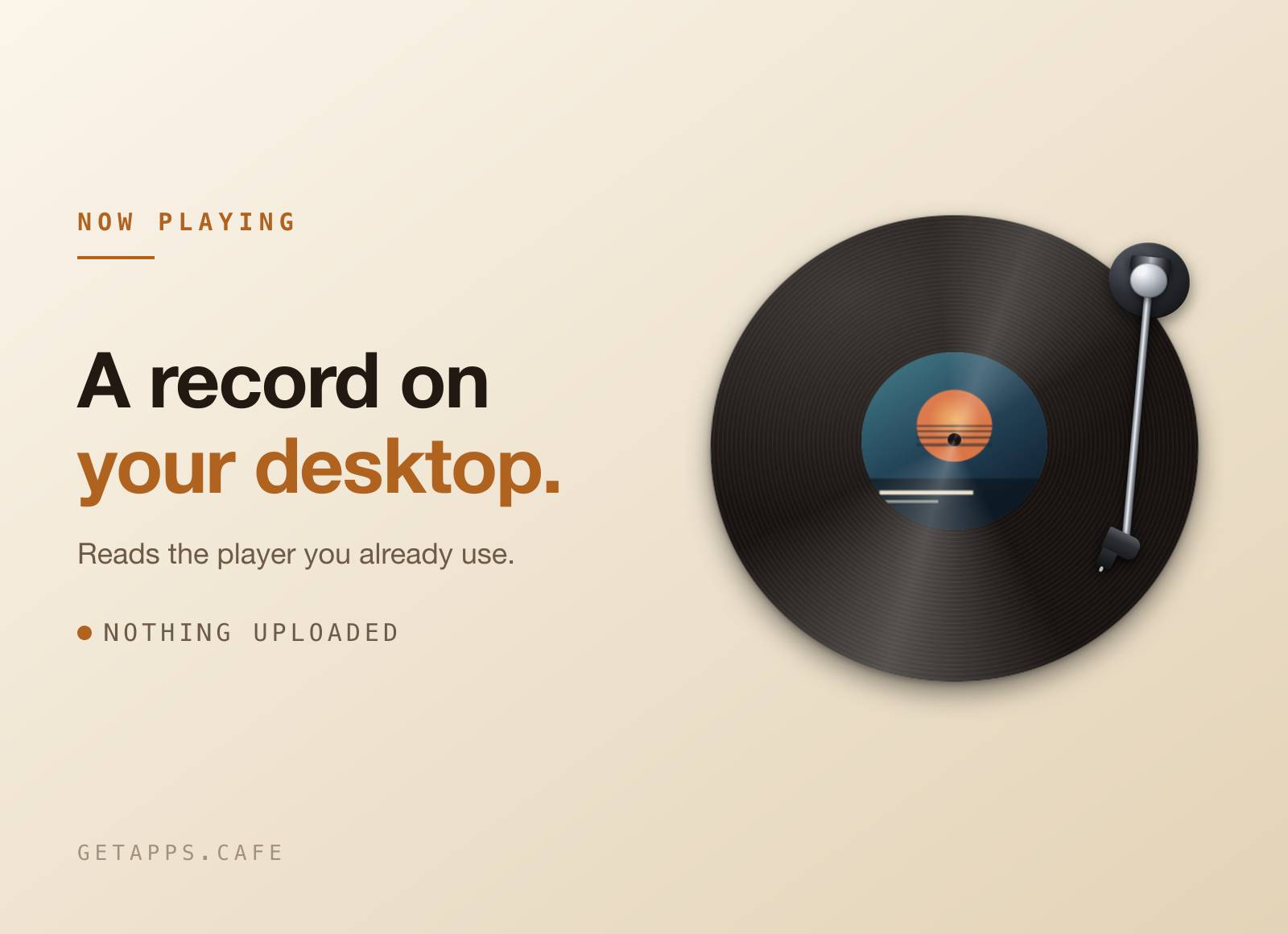
BrewSpin puts a vinyl record on your desktop and turns it in time with whatever you are playing. The cover art becomes the label, and the tonearm tracks the song - outer groove at the start, run-out at the end.
There is no window around it. No frame, no title bar, no panel of buttons: just a record sitting on your wallpaper, wherever you dragged it, at whatever size you left it. Nothing to connect, no account to make, and nothing about what you listen to ever leaves your computer.
Highlights
- A record, not a window - no frame and no title bar. Drag it anywhere, resize it by its edge, and it stays where you put it.
- Your cover art on the label - the sleeve of whatever is playing, turning with the record, and a new pressing the moment the song changes.
- The arm tracks the song - it lands on the outer groove at the start and works its way in, so a glance tells you how far through you are.
- Reads the player you already use - Apple Music and MochaMusic are picked up automatically, along with a number of other desktop music players. Whichever one is playing wins.
- On every desktop - switch to another desktop and the record is already there, not stranded on the one you opened it from.
- Desktop mode - drops the record behind your icons and lets clicks pass straight through, so it becomes part of the wallpaper instead of something sitting on top of it.
- Five pressings - classic black, clear, red, white, or a picture disc with the cover printed across the whole record. Three sizes, or drag the edge to anything in between.
- Colour from the cover - switch it on and the wax is tinted from the artwork, so the record changes colour with every track. Leave it off and the wax stays black.
- Set the speed - 33 is the real LP speed and where it starts. Take it down to a slow drift, or up to 78 if you want it racing.
- Quiet when nothing is on - an idle record shows nothing at all. No placeholder text, no "not playing" label, just the record.
- Stays out of the way - no icon in the dock or the taskbar, and no window to manage. A small icon beside the clock shows or hides the record, and right-clicking it opens everything else.
- Nothing leaves your computer - no sign-in for your music, no listening history kept, no server in the middle.
How it works
The first time it runs, BrewSpin asks for permission to see your music player. That single yes is the whole setup: from then on it reads the title, the artist and the cover art of whatever is playing, and nothing else.
Press play and the record spins up. Pause and it coasts down with the arm still resting on the groove, the way a real one does. Change the song and a new pressing drops. Click the icon beside the clock to show or hide the record; right-click it to turn on desktop mode, open Settings, or quit.
Settings is one small window and that is all of it: the pressing, the size, the speed, whether the tonearm is on, whether the title and artist sit under the record, and whether the wax takes its colour from the cover. Everything you change takes effect on the record straight away.
Perfect for
- Long listening sessions, where a desktop that is doing something beats a static photo.
- Anyone who misses sleeves - cover art at a size you can actually see, instead of a thumbnail in a corner.
- Working with music on, and wanting to know what is playing without leaving what you are doing.
- Streaming or sharing a screen, where a now-playing display should look deliberate rather than like a widget.


