
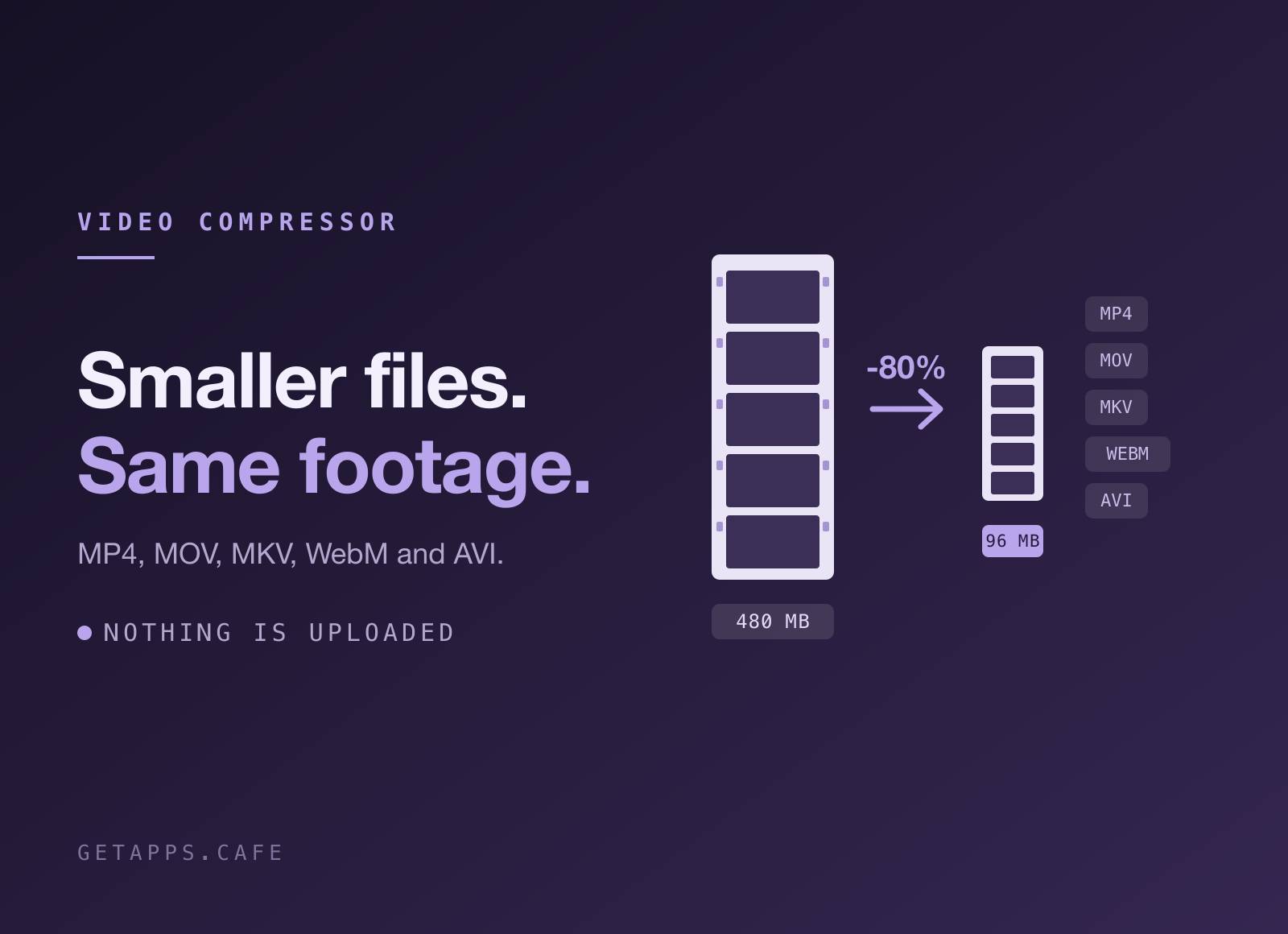
TinyVideo makes MP4, MOV, MKV, WebM and AVI files smaller without changing what you see. Drop a screen recording, a clip off your phone, or a whole folder of them onto the window, and a compressed copy of each lands beside the original.
No account, no upload, no queue on somebody else's server. Every frame is decoded and re-encoded on your own machine, and your originals are never touched.
Highlights
- Drop and it starts - the whole window is the drop target, and encoding begins the moment files land. There is no confirm step to click through.
- Your originals stay exactly as they were - the compressed file is written next to the original with a suffix you choose (
clip-min.mp4by default). Nothing is ever overwritten, and a name that is already taken gets numbered instead of replaced. - Same codec, same container - unless you say otherwise - by default HEVC comes out HEVC, a .mkv stays a .mkv, and a 4K clip stays 4K: no silent resizing, no surprise conversion. When you do want the change, Settings has it - convert to H.264 or HEVC, put everything in MP4 so it opens on any phone, TV or editor, and cap the longest edge so oversized footage comes down on the way through.
- Three levels of squeeze - Smaller, Balanced or Best. One control, with a quality ladder tuned per codec behind it, instead of a wall of encoder settings you would have to learn.
- Never bigger than what you started with - a clip that was already compressed hard can come out larger when re-encoded. When that happens TinyVideo keeps the original bytes and tells you, so a "compressed" file is never the larger one.
- Progress you can actually read - each row shows a real percentage as the encoder works through the timeline, not a spinner that tells you nothing. The bar along the bottom tracks the whole batch the same way.
- Stop means stop - a long encode ends the moment you press it, and the half-written file is cleaned up. Everything already finished is kept, and the rest waits for you to pick it up again.
- Built for whole folders - drop fifty clips and they run one after another, so the first result arrives as early as possible instead of everything finishing at once at the end.
- You can see what you saved - every row shows the before size, the after size and the percentage, with a poster frame and the runtime so you know which clip you are looking at. Show in Finder opens the folder the copies went to.
How it works
Open the app and you get one panel: drop videos on it, or click it to pick files. Each file appears as a row with a poster frame, its size and its length, and encoding starts on its own. When a row finishes it shows how much it lost, and the copy is already sitting in the same folder as the original.
The first time you open TinyVideo it sets itself up: one button fetches ffmpeg, the open-source encoder it drives - about 90 MB, once, with a progress bar and nothing to install by hand. Carrying it inside the app would have turned a 6 MB download into a 200 MB one for everybody, including the people who already have it. Settings live under the drop zone and stay put between launches. Everything else runs locally, so the app works the same on a plane as it does on your desk, and an About panel sits beside them with a Check for Updates button for when a newer build is out.
Perfect for
- Sharing screen recordings - a demo or a bug repro that fits under a Slack, email or issue-tracker limit and still reads clearly.
- Phone footage that eats a disk - modern phones record at bitrates built for editing, not for keeping. Reclaim the space without dropping to a lower resolution.
- Putting video on a site - H.264 in MP4 with the index up front, so it starts playing before it has finished downloading.
- Sending work to clients - a folder of exports that fits in a transfer, at the resolution you exported it at.


