Scribe Steep records your calls and meetings - your voice and everyone else's - and turns them into a searchable, editable transcript, entirely on your own computer.
Pick the app the call is in, press record, and get back to the conversation. Nothing is uploaded and there is no bot joining your meeting: the audio and the words stay in one library on your machine.
Highlights
- Both sides of the call - captures your microphone and the sound of one app you choose (a video call, a browser tab, a webinar player), so you hear yourself and them, not the whole computer.
- Private by design - recording and transcription both happen on your machine. No cloud, no meeting bot.
- Live transcript - on a fast enough computer, words appear while people are still talking. Otherwise the transcript is ready shortly after you stop.
- 100 languages - let it detect the language on its own, or pick the one your meeting is in.
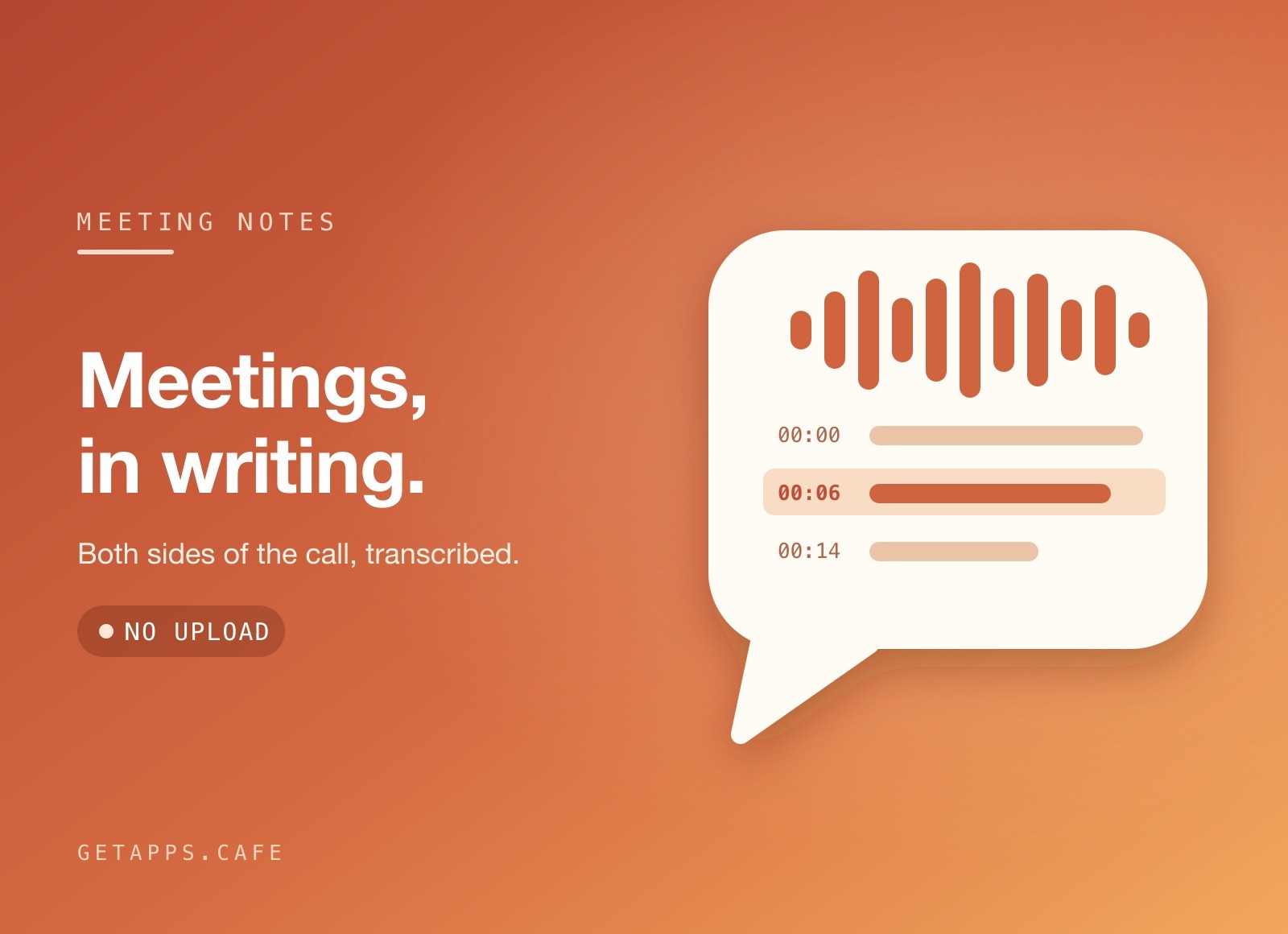
- Click a line, hear it again - every line carries its timestamp. Click it and playback jumps straight to that moment.
- Fix it in place - correct a name or a misheard word right in the transcript. Edits save as you type and never shift the timing.
- Export three ways - plain text for notes, Markdown for your docs, or subtitles (.srt) for a video.
- Small files, your call - recordings are stored compactly. Delete the audio of an old call and keep the transcript, or delete both.
How it works
Join your call first, then open Scribe Steep: the app you are talking in appears under Record from. Leave the language on Auto-detect and press record. Two level meters show that both your mic and the call are coming through. When you stop, the recording lands in your library, grouped by day, and the transcript follows.
On first run the app walks you through the audio permissions it needs and, if your computer needs it, a one-time download of the speech model (about 550 MB). You can record while it downloads; those recordings are transcribed as soon as it finishes. After that everything works offline.
Perfect for
- Meetings and stand-ups - keep a word-for-word record so you can listen instead of taking notes.
- Interviews and user research - get quotes with exact timestamps, without sending anyone's voice to a server.
- Lectures and webinars - turn a talk into text you can skim, search and paste into your notes.
- Creators - record a podcast guest or a video call and export ready-made subtitles.


