Notes from the café
Guides, release notes, and the occasional brew log - everything we're pouring at getapps.cafe.
Page 2 of 10
How to Back Up a Mac (Built-in Tools First)
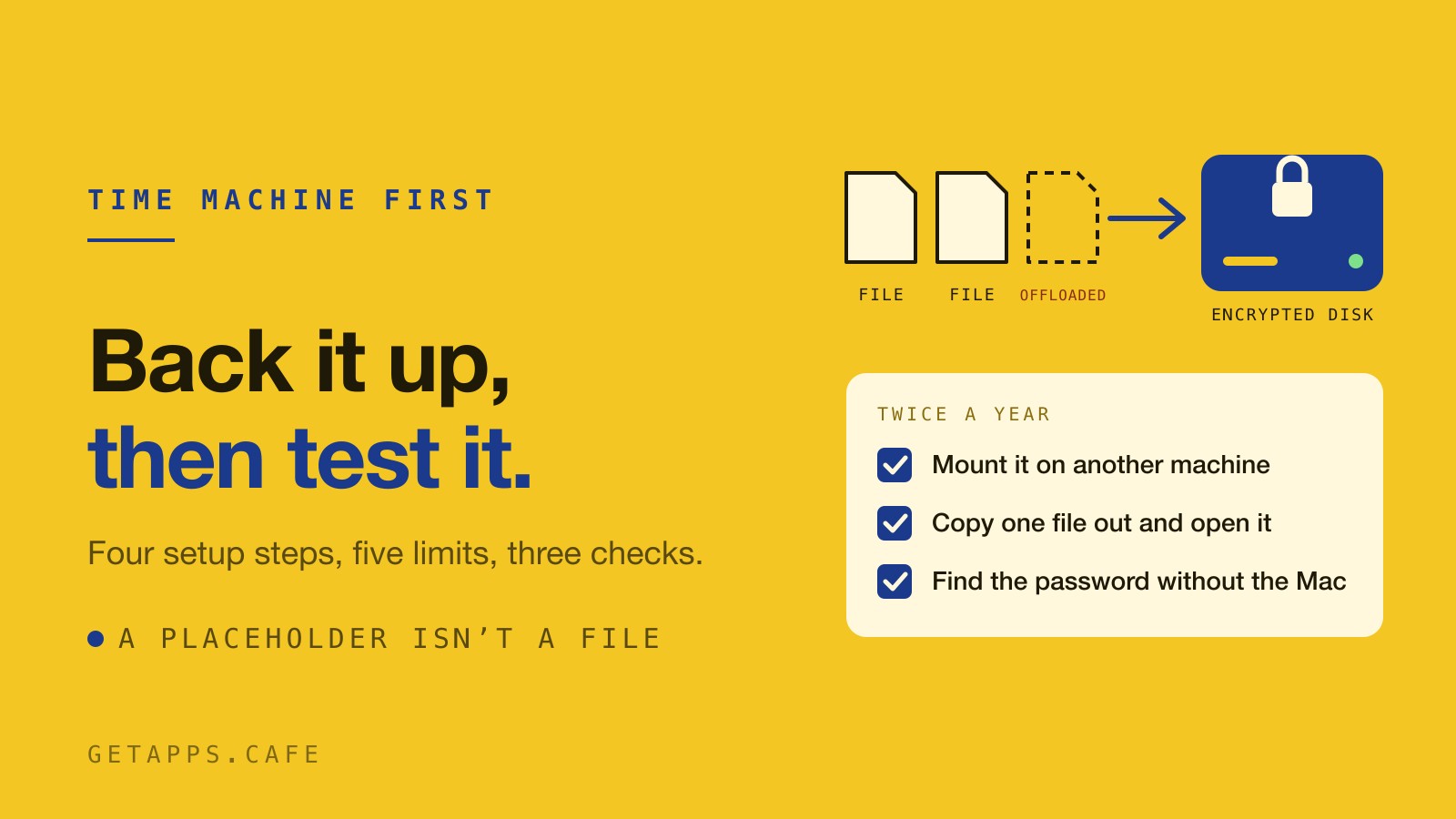
Time Machine has been on your Mac the whole time, and the setup takes about a minute. What the built-in backup does well, the five places it stops, and the three checks that catch the copy people assume they have.
You Can Now Buy a Single App Instead of the Whole Menu
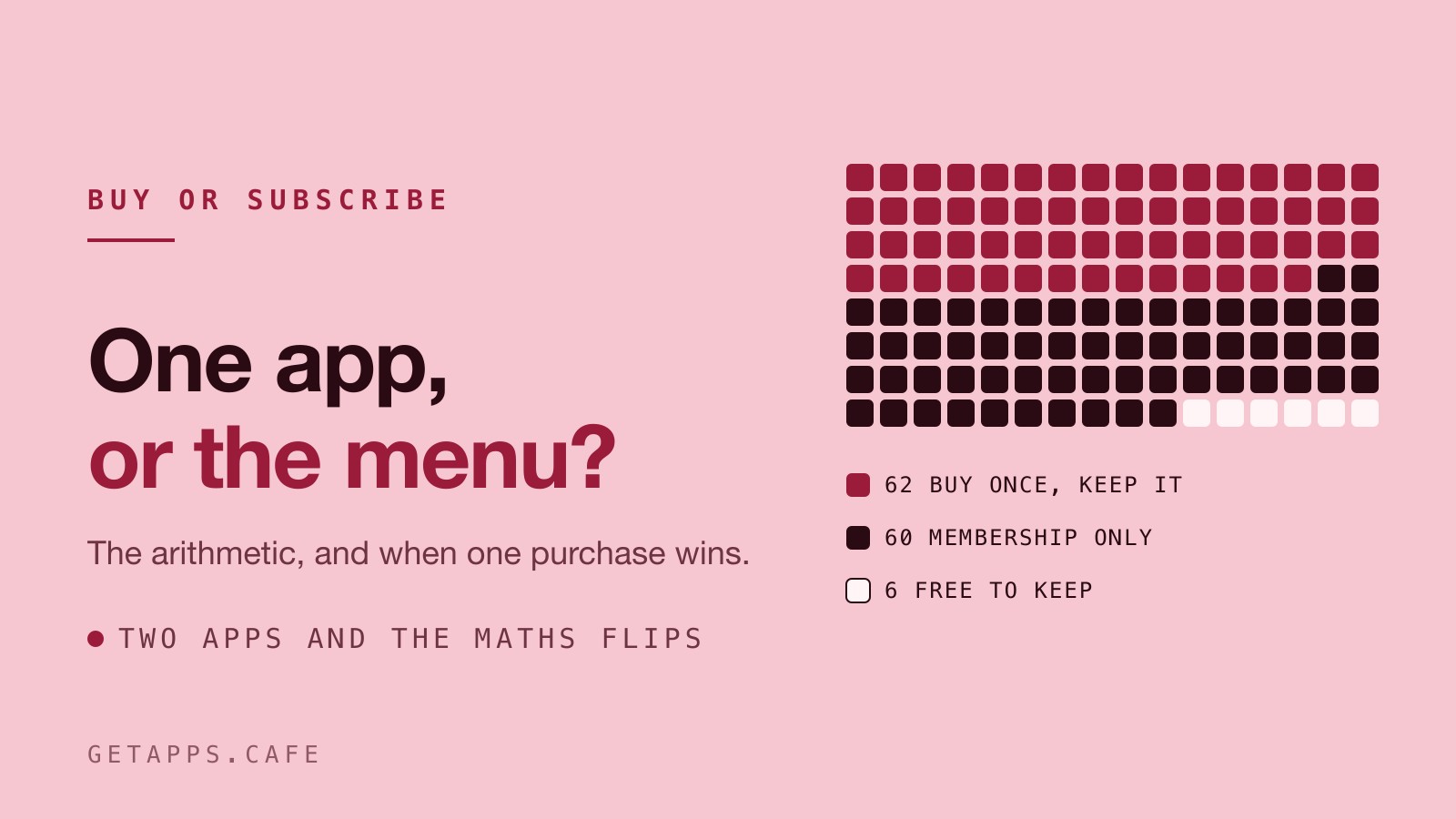
Sixty of the 128 apps can be bought on their own for $19.99 or $29.99. The other 62 come with the membership, and the maths decides fast.
You Don't Need AutoCAD to View and Tweak a DWG or DXF File
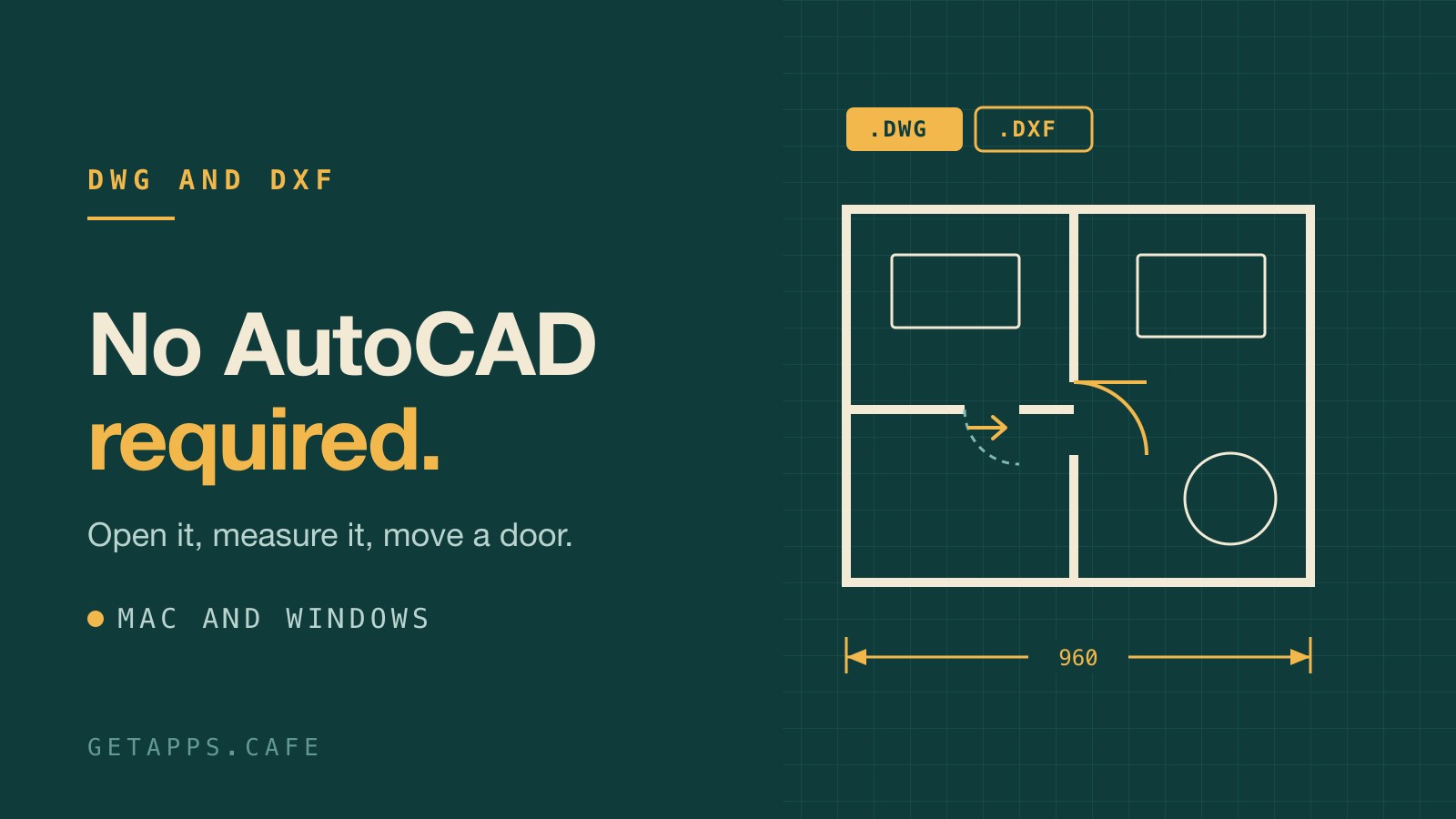
Someone sent you a floor plan as a .dwg. You need to open it, measure a wall, move a door and print it, and that is not a job for a full CAD subscription. What DWG and DXF really are, the free converter between them, and a light editor for Mac and Windows, with its limits stated plainly.
How to Password-Protect a Folder on Mac (Built-in Tools First)
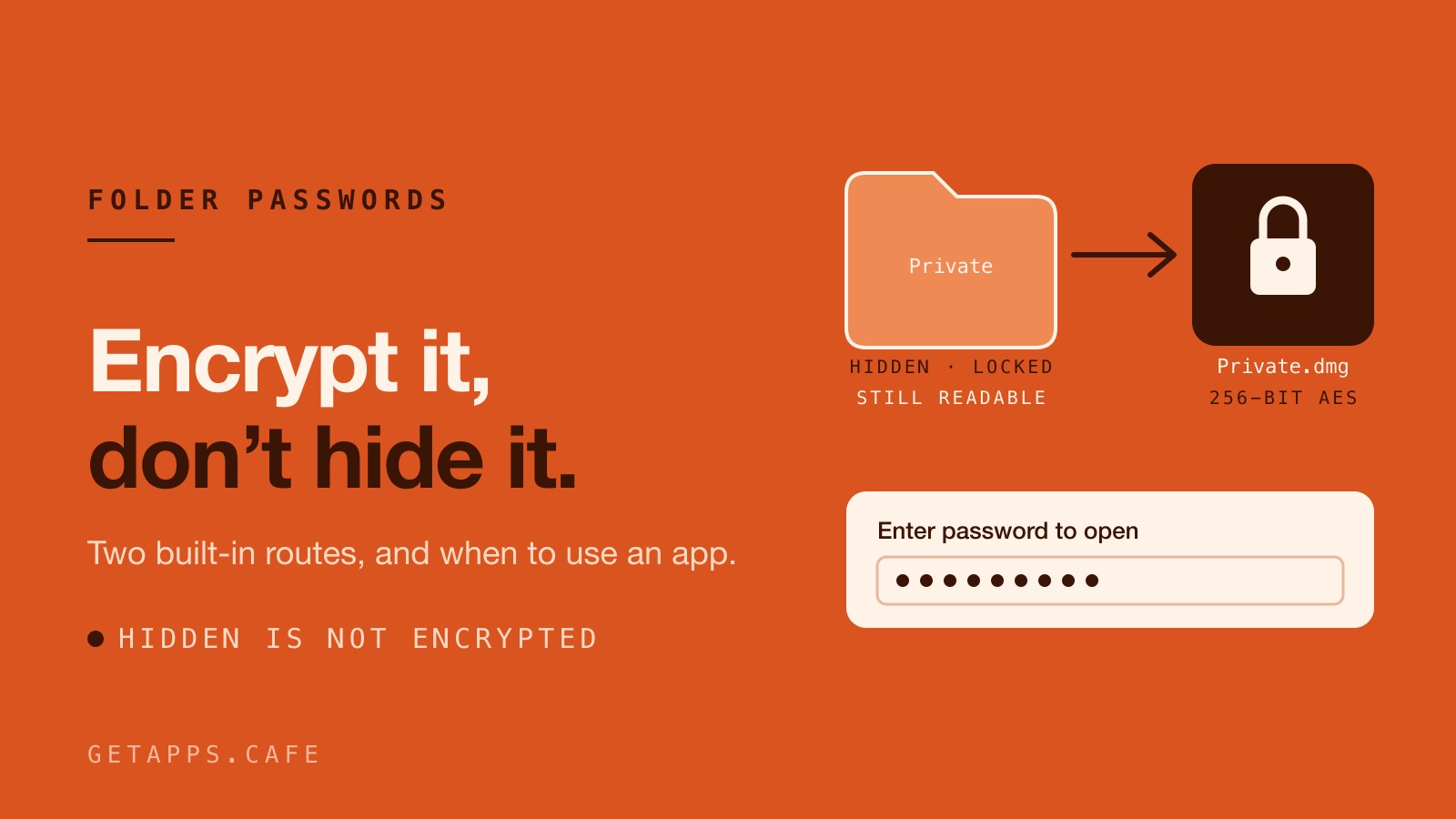
macOS has no password switch for a folder, but it does have two ways to encrypt one. What to use for a folder of documents, a photo library, a diary, and the passwords themselves.
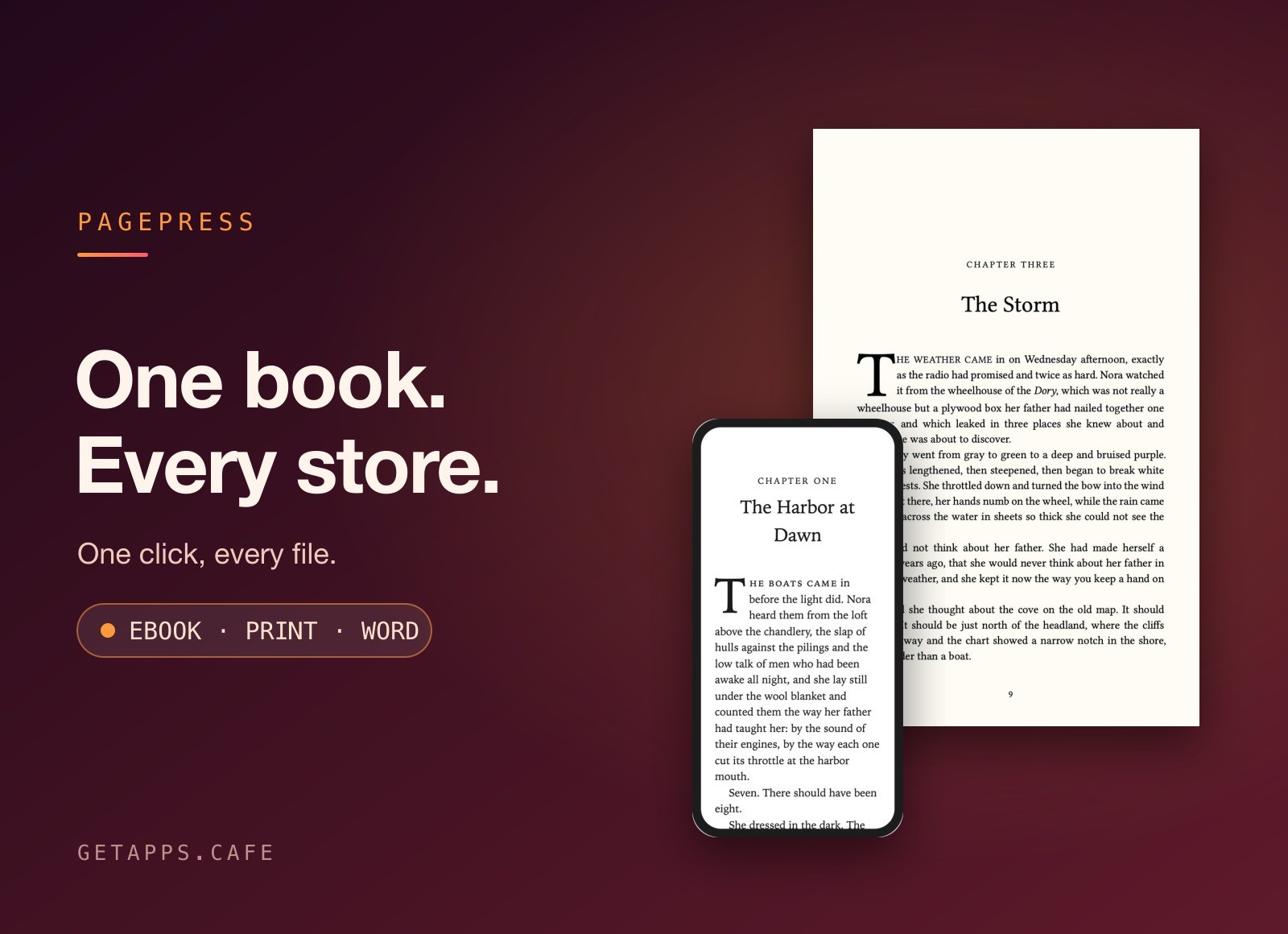
PagePress Lands on the Menu: One Manuscript, Every Bookstore
PagePress joins the Mocha shelf this week. Import one manuscript, press Generate, and get a store-ready ebook for every shop plus a print-ready paperback interior.
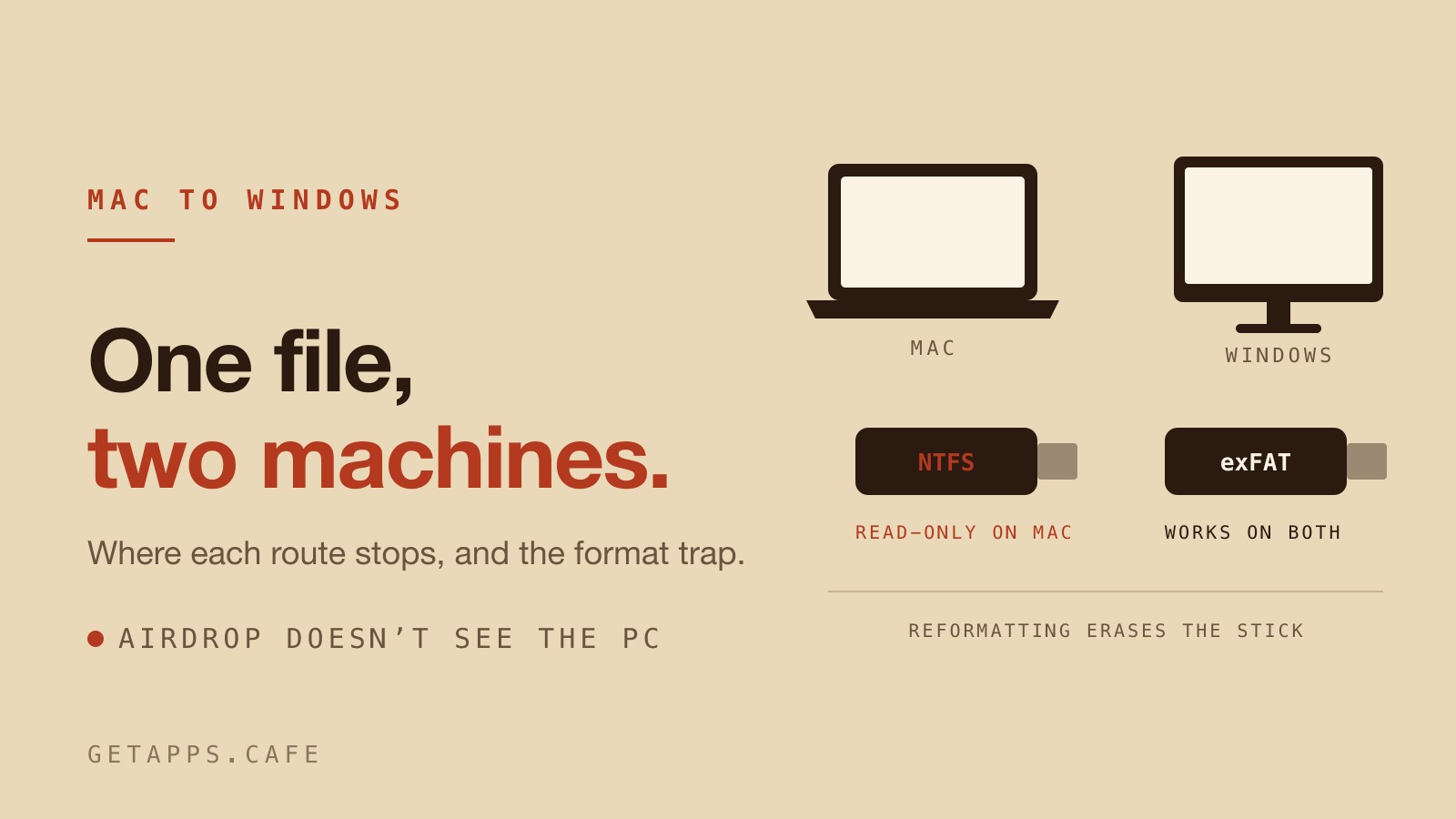
How to Transfer Files Between Mac and Windows
One file, two computers, forty wasted minutes. Where each transfer method stops working, and the format trap that catches almost everyone the first time.
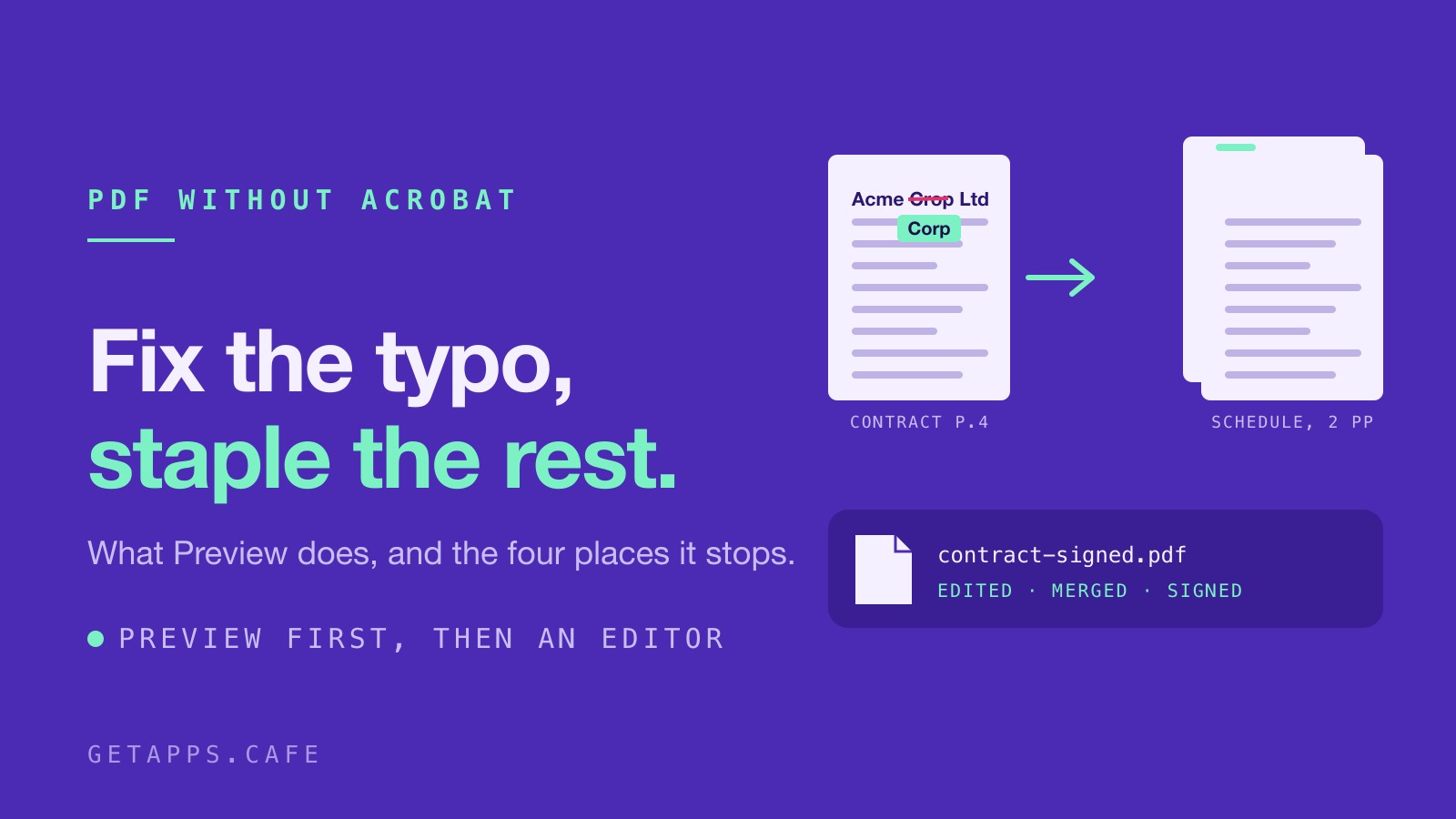
How to Edit and Merge PDFs on Mac Without Adobe Acrobat
Fix a typo inside a PDF, sign it, staple two documents together and shrink the result before you send it. What Preview already does, the four places it stops, and the native editor that covers the rest.
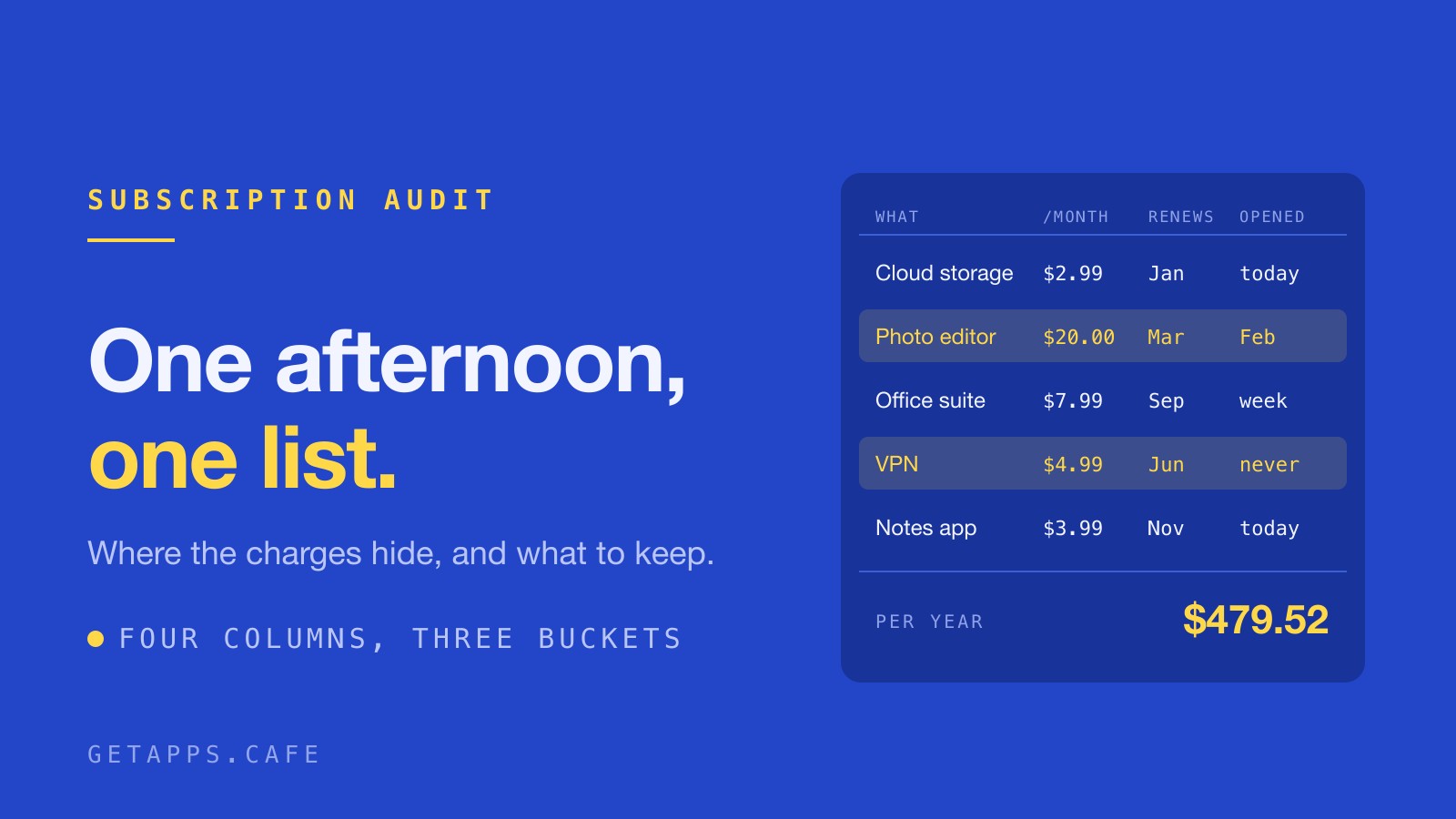
How to Audit Your Mac App Subscriptions in One Afternoon
Most people underestimate their subscription list. A one-afternoon audit: where the charges hide, how to build the list, and what to do with the number.
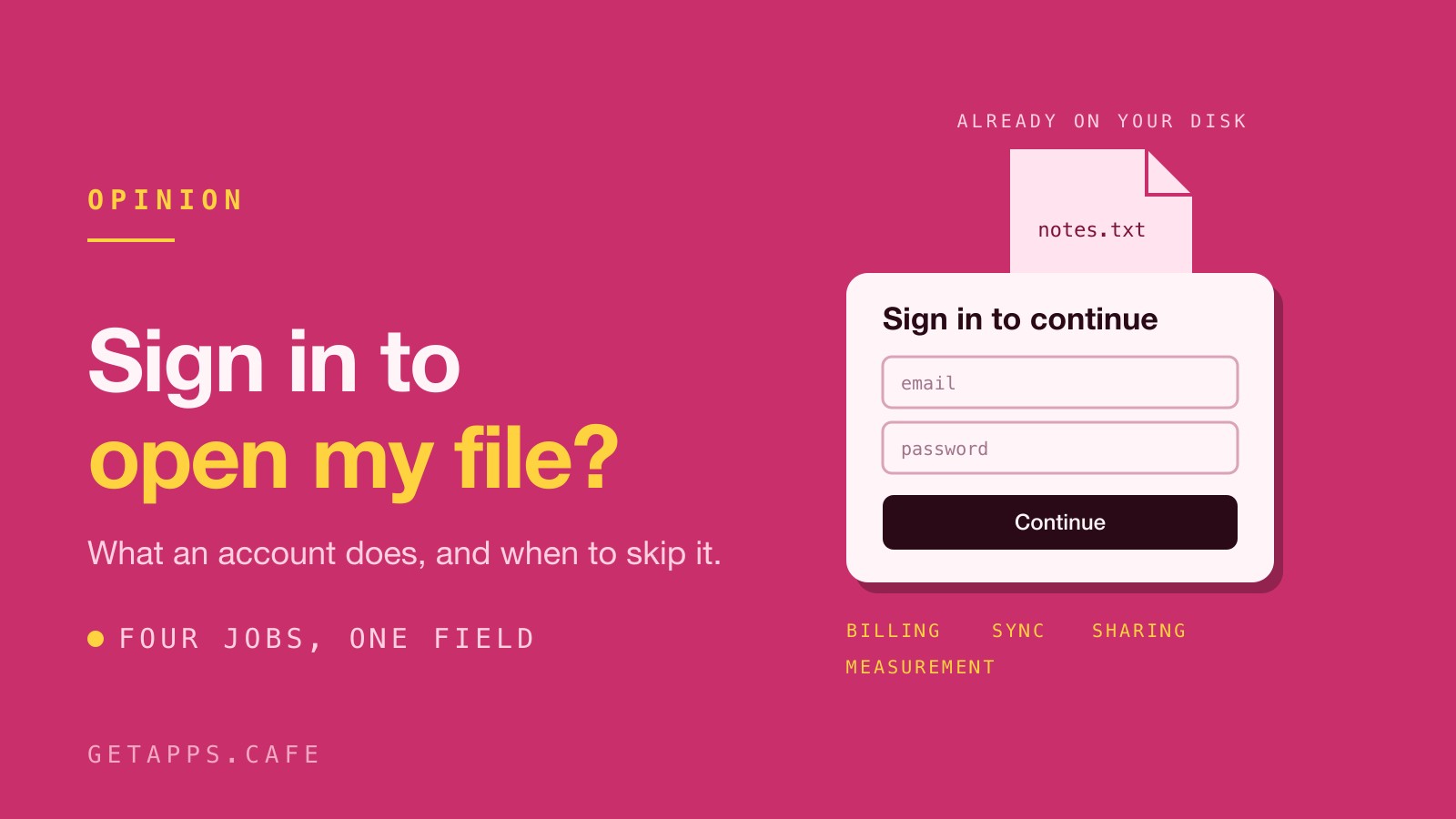
You Shouldn't Need an Account to Use Your Own Computer
Every app asks for a sign-in before it will open a file that is already on your disk. What an account is actually doing, what it costs, and how to tell which ones you can skip.
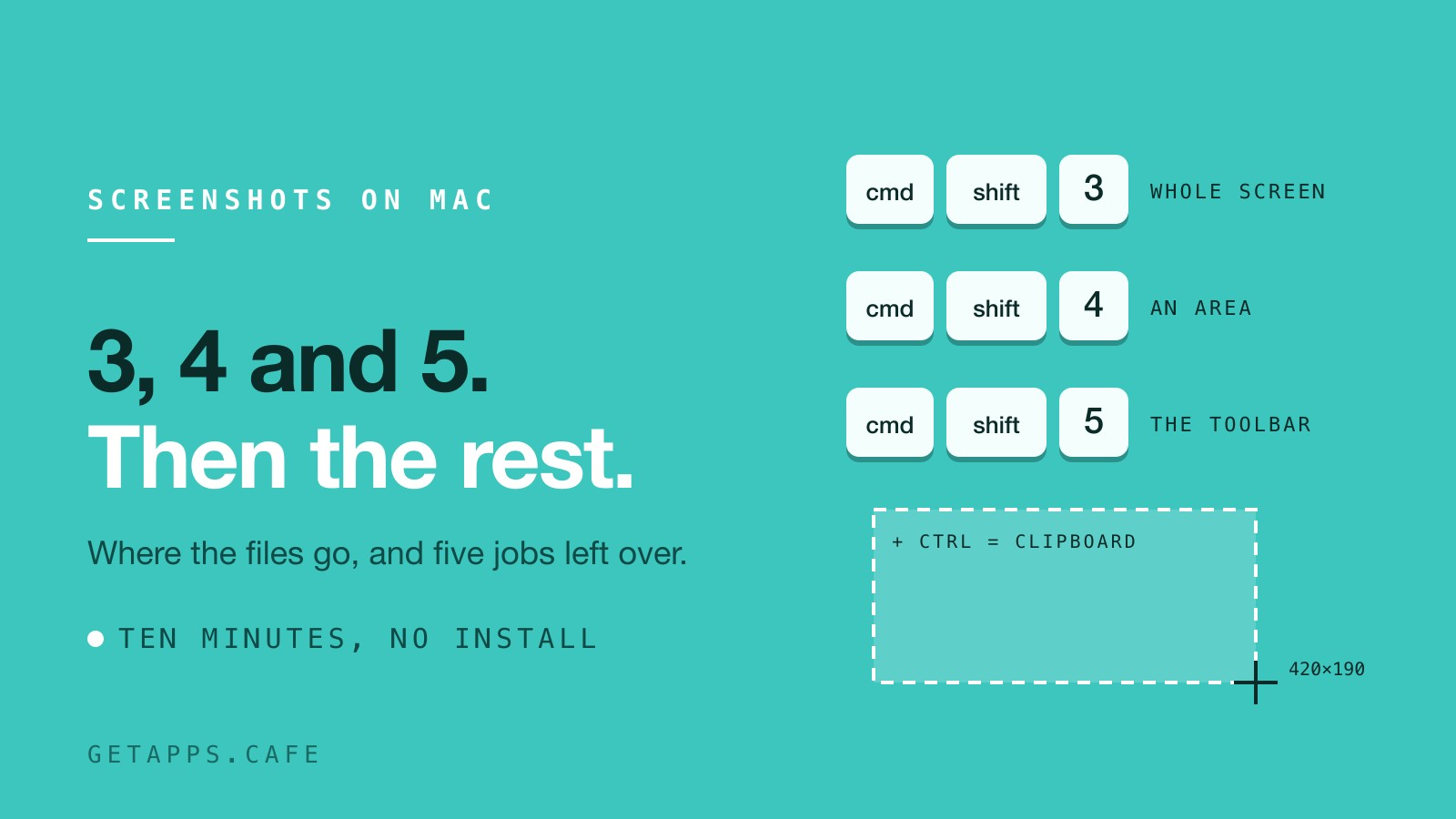
How to Take a Screenshot on Mac (Built-in Tools First)
Command-Shift-3, 4 and 5 have been doing screenshots on your Mac all along. Here is what each one does, where the files go, and the five jobs the built-in tool leaves for a small native app.
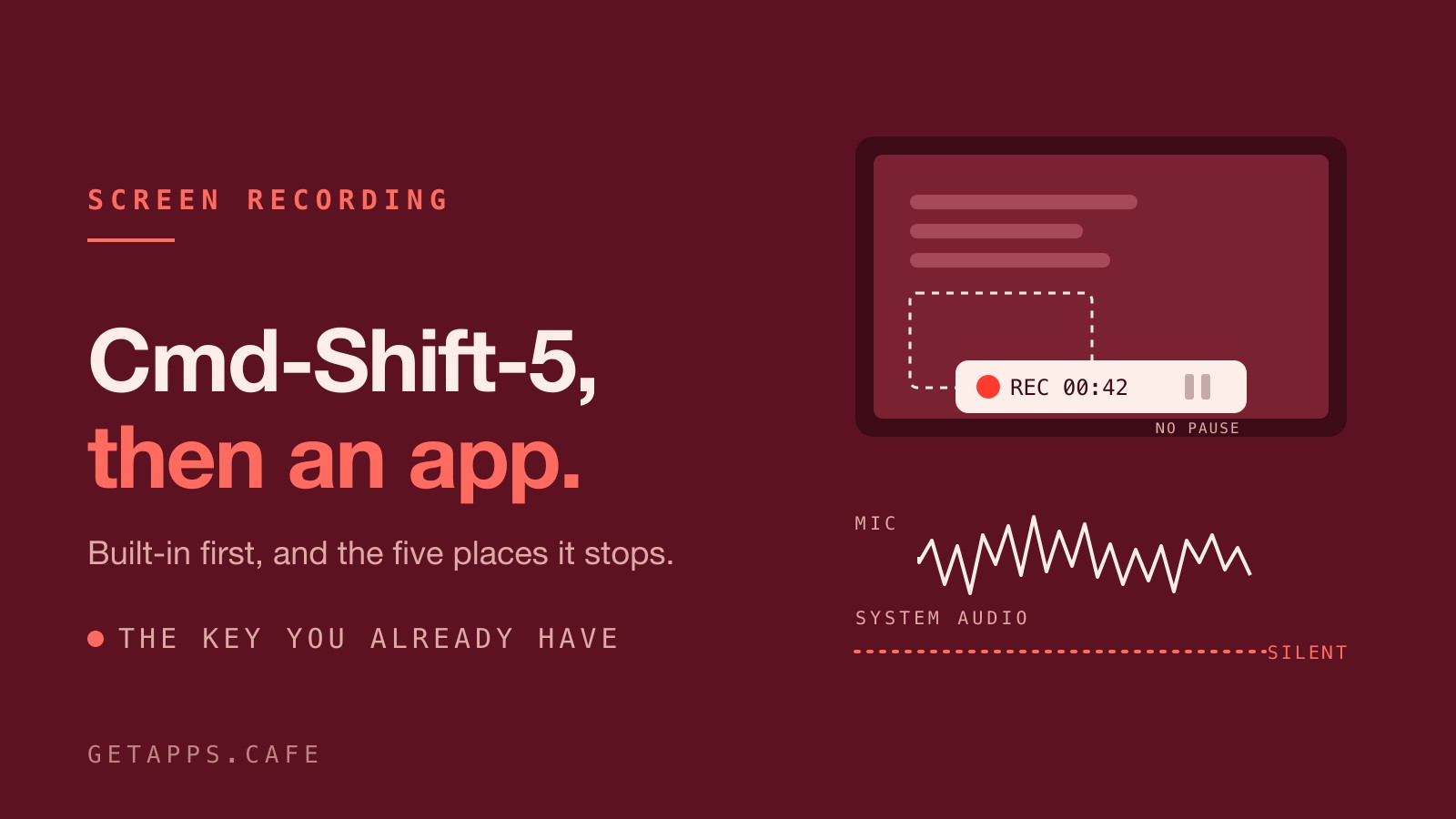
How to Record Your Screen on Mac (Built-in Tools First)
The record button has been on your keyboard the whole time. Here's what the built-in macOS tools do well, the five places they stop, and which app picks up from there.
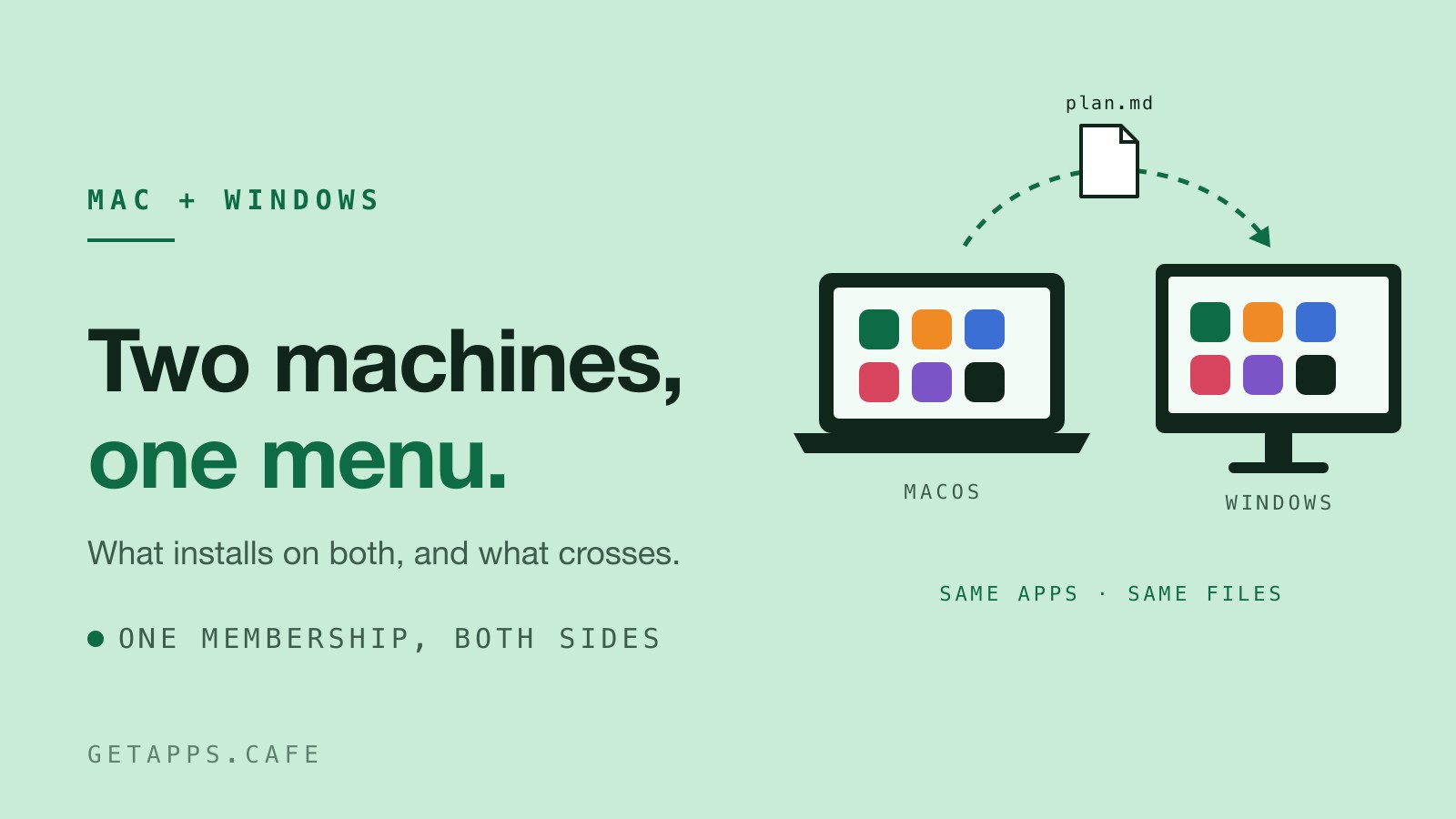
Two Machines, One Menu: The Same Apps on Mac and Windows
A Mac and a Windows PC can share one getapps.cafe membership. Here's what installs on both, how the work crosses between them, and where the two versions differ.