PagePress Lands on the Menu: One Manuscript, Every Bookstore
PagePress joins the Mocha shelf this week. Import one manuscript, press Generate, and get a store-ready ebook for every shop plus a print-ready paperback interior.
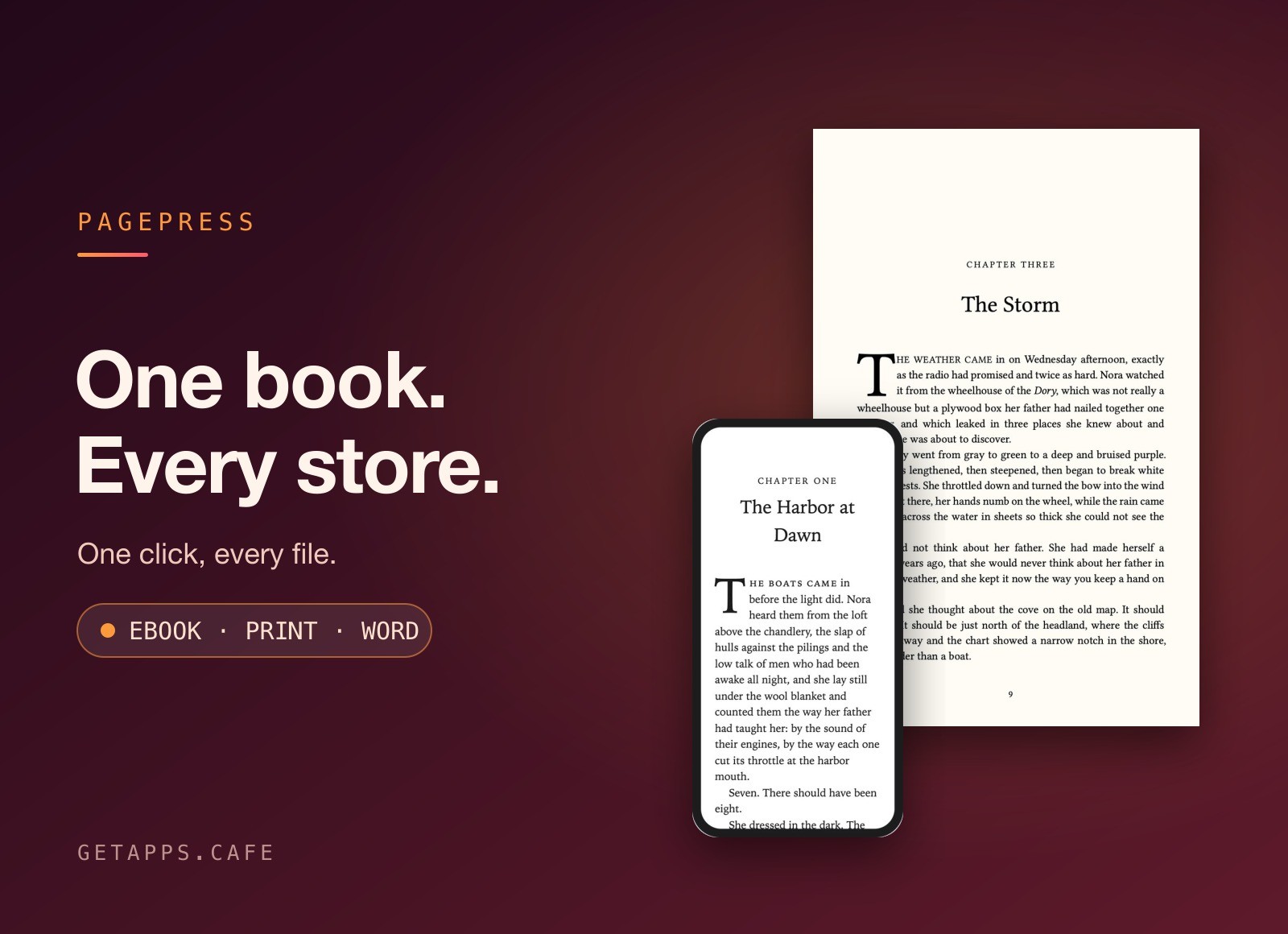
You finish the manuscript, and then you find out that the book isn't finished. Publishing wide means a Kindle file, an Apple Books file, a Kobo file, a Barnes & Noble file, a Google Play file, and a paperback laid out to a printer's trim size. Add a Word copy for the editor who emails two weeks later, and one finished draft has become seven jobs that have nothing to do with writing.
PagePress takes that batch off your desk. It joined the Mocha shelf this week, it's included with a membership, and it ships for macOS and Windows.
One button, a folder of editions
Import a Word document, or start a new book and write in PagePress. Fill in the book's details once, choose your shops and a trim size, then press Generate. Everything lands in the folder you pick: an ebook prepared for each retailer, a generic edition for distributors, and a print-ready PDF you can upload to KDP Print or IngramSpark without touching it first.
Each edition is built for the shop it goes to. The buy links for the rest of your series point at that shop, so listing the other titles once means the Kindle edition sends readers to Kindle while the Kobo edition sends them to Kobo. A competitor's checkout never appears inside your own book.
How a bad paperback gives itself away
Anyone who has opened one knows the giveaways: a single line stranded at the top of a page, a chapter that opens on the left when it should open on the right, two facing pages that finish at different heights. Printers call these widows and orphans, and most word processors produce them all day without complaint.
PagePress lays out the pages properly. Margins, page numbers and running heads are worked out from your trim size, chapters open on the right-hand page, and both halves of a spread end on the same line. The inside margin widens on its own as the page count crosses each printer threshold, which is the detail that decides whether the text vanishes into the spine on a thick book. Trim sizes run from 5 x 8 up to 6 x 9, plus A5, Royal, mass-market paperback and large print.
Four chapter styles cover the look: classic, modern, elegant and bold, with drop caps and ornamental scene breaks in the paperback and the ebook alike. Footnotes sit at the foot of the page on paper and open as pop-ups in the ebooks. A cover template is sized from your real page count, so the spine width, bleed, safe areas and barcode spot are measured rather than guessed.
Seeing the page before you commit
PagePress previews each page the way a reader will meet it, on an e-reader, a phone or a tablet. Preview print opens the finished pages before you commit, so an awkward break is caught while the file is still yours to change.
The draft you already have
Most books arrive as a Word document. Import a .docx and PagePress splits it into chapters at each Heading 1, keeping italics and scene breaks where they were. Structure matters. If the original was formatted by hand, with bold text standing in for headings, the import has nothing to cut on, so tidy the outline first and the rest follows.
The reverse trip works too. Export a clean .docx for the editor, the proofreader, or the beta readers who want to leave comments in the margins the way they always have.
BookCafe writes it, PagePress ships it
The Mocha shelf now covers both ends of the project. BookCafe is where the writing happens: chapters on their own page, an outline you can drag into order, and everything a book needs stored in one file. Its publishing step gives you a website, a PDF or an .epub.
PagePress starts where that ends. It handles the retail side of the same job, with the per-shop editions, the typeset pages and the cover maths that a reader never sees and a printer always checks. Between them they replace the formatting service that quotes per book, and the layout software that asks you to learn a trade before you can publish.
What it doesn't do
The edges are worth stating plainly. PagePress formats a finished manuscript. It doesn't edit one, and it isn't the place you write a first draft. BookCafe holds that slot. It won't write your blurb, choose your categories, or upload anything to a shop on your behalf. And it prepares files rather than proving them: the store's own previewer is still the last look before you hit publish.
What lands on your disk
Every book is a single .pagepress file that saves as you type, and you can double-click it to come back to the project later. What Generate writes goes into a folder you chose. There's no account to create, no upload, and no fee that grows with your backlist.
That arithmetic matters once you have more than one title. A formatting service charges again for each release. A desktop layout app costs a couple of hundred dollars once and then lives on one machine. PagePress is part of the membership, alongside the writing app at the other end of the job.
Two posts explain where the café stands on the files you own: You Shouldn't Need an Account to Use Your Own Computer makes the argument, and You Can Only Back Up What You Actually Have covers what it means when the book is one file on your own drive.
Who ends up using it
Indie authors publishing wide without outsourcing the formatting. Series writers who need every volume's Also By page to point at the right shop. Small presses turning edited manuscripts into store editions and camera-ready pages in an afternoon. Writers leaving Word behind who want a properly typeset book without learning InDesign.
PagePress is on the menu now, for macOS and Windows, one .pagepress file per book, with the rest of the Mocha shelf behind it.
Start a 7-day free trial. The trial adds a card when it starts and charges nothing until it ends, and the yearly plan works out at half the monthly price.