Why We Don't Call Ourselves a Setapp Alternative
"Oh, a cheaper Setapp?" is the first thing people say, and the answer is no. One side is a library of 330+ Mac, iOS and web apps you browse. The other is 126 apps packaged in one place, 50 of them also on Windows. Where the two really do overlap, their apps are better. Every number dated 18 September 2026.
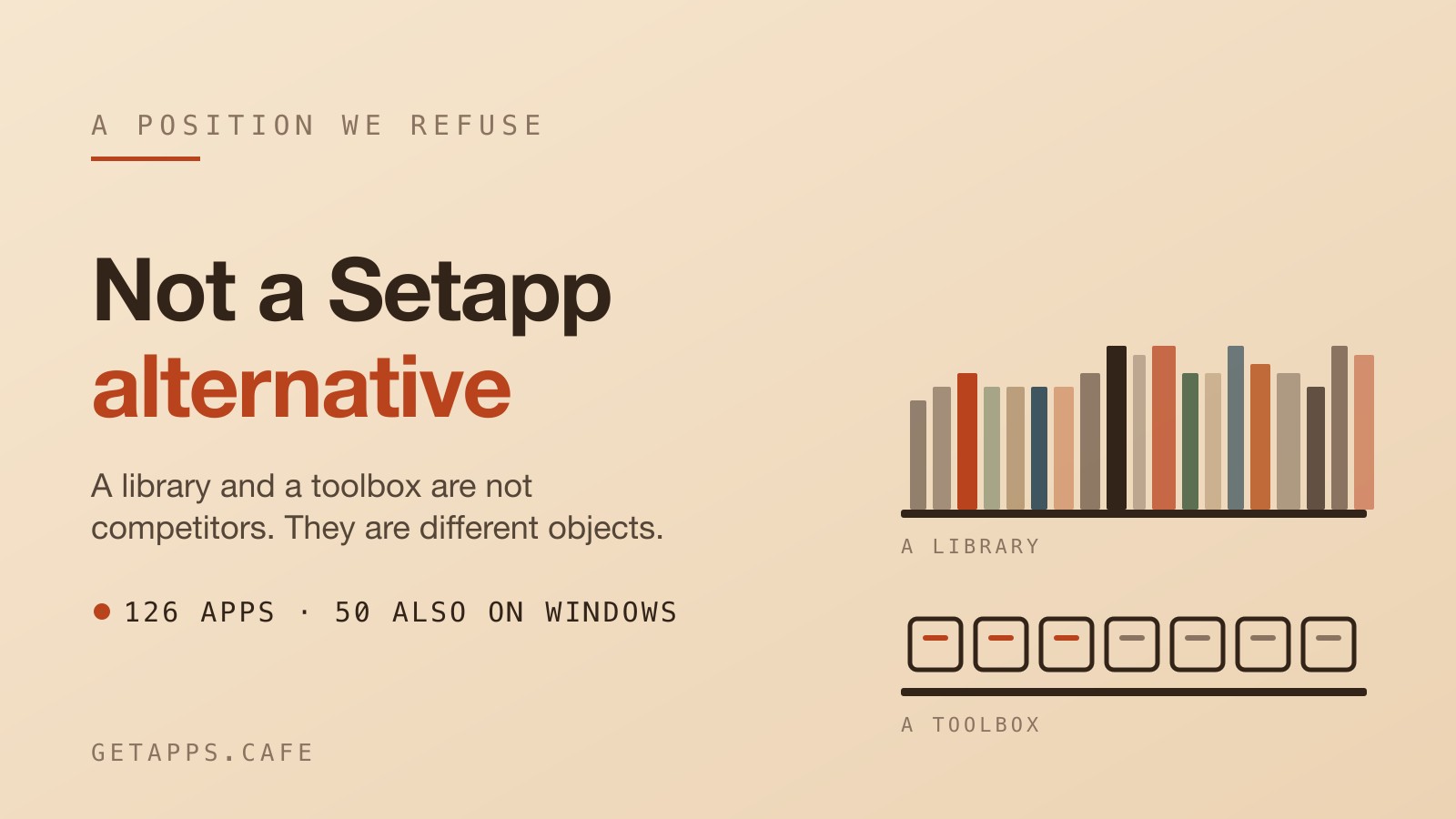
When someone hears "a $3.99 a month bundle of Mac apps", the first thing they say is "oh, a cheaper Setapp?"
Answering yes makes us a discount clone of something else. Answering no means you have to actually argue it. The word alternative means doing the exact same job for less money, and that isn't what is happening here. Read off their pricing page on 18 September 2026, their entry Mac plan is $14.99 a month plus tax. A Solo Cup plan here is $3.99 a month. That is the one time you will see those numbers compared.
One side is a curated library. Read their homepage on the same day, and it advertises "330+ Mac, iOS, and web apps in one subscription", published there by the developers who make them and now bundled with AI credits. You are renting access to a library. The other side is 128 apps packaged and supported by one place, built to one pattern, doing their work on your own machine. 105 of them also ship for Windows. You are renting a toolbox. A library and a toolbox are not competitors. They are different objects.
What a library is for
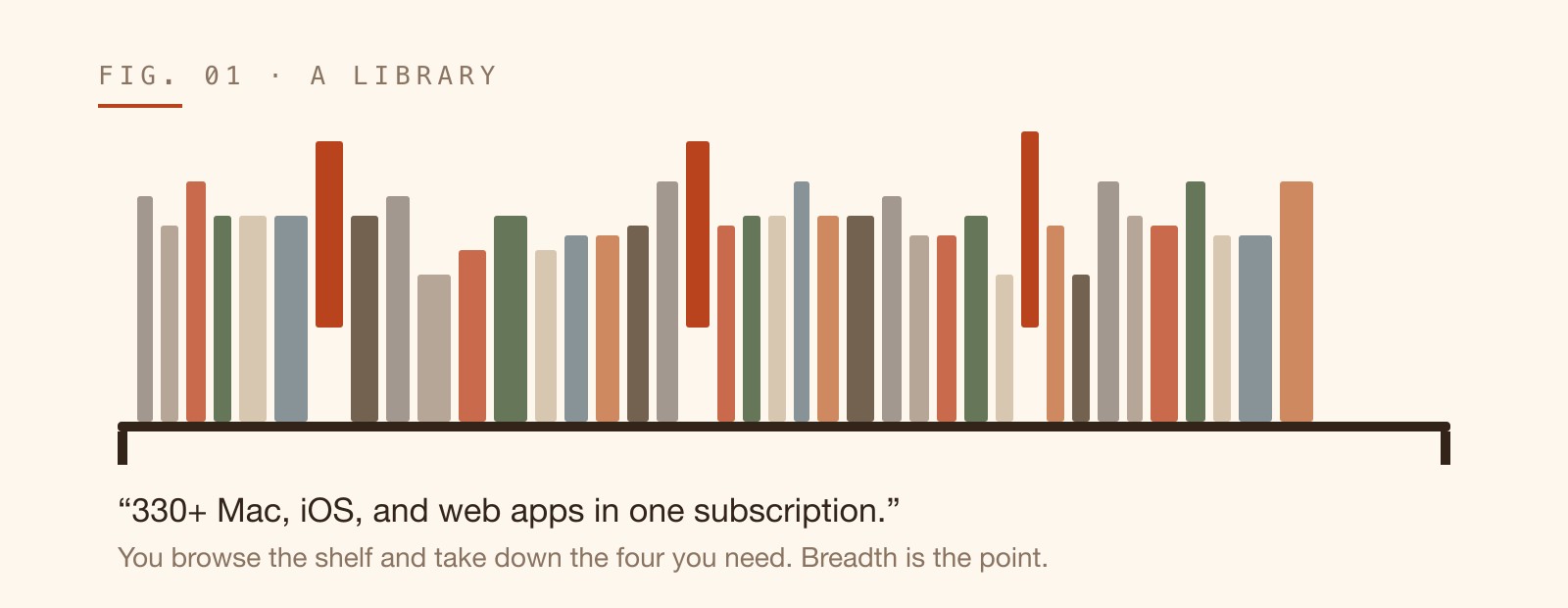
Their home page promises more than 330 apps across Mac, iOS, and the web, all covered by one subscription. You sign up, you receive 1,000 AI credits on their standard plans, and you start installing. A massive catalogue is exactly what a library is good at. Breadth is the whole point. You go in looking for a menu bar manager, and you stumble across a new way to capture your screen, a dedicated tool to structure your documents, and a utility you never realized you wanted. A single membership reaches your phone, your web browser, and your computer.
The platform curates the collection, but the software comes from independent creators. Their developer page explicitly invites outside developers to publish on the service. If you read a user review on an app page, you might spot a direct reply headed "Response from Developer", written by the person who built the tool. You are renting access to a wide, sprawling shelf.
What a toolbox is for
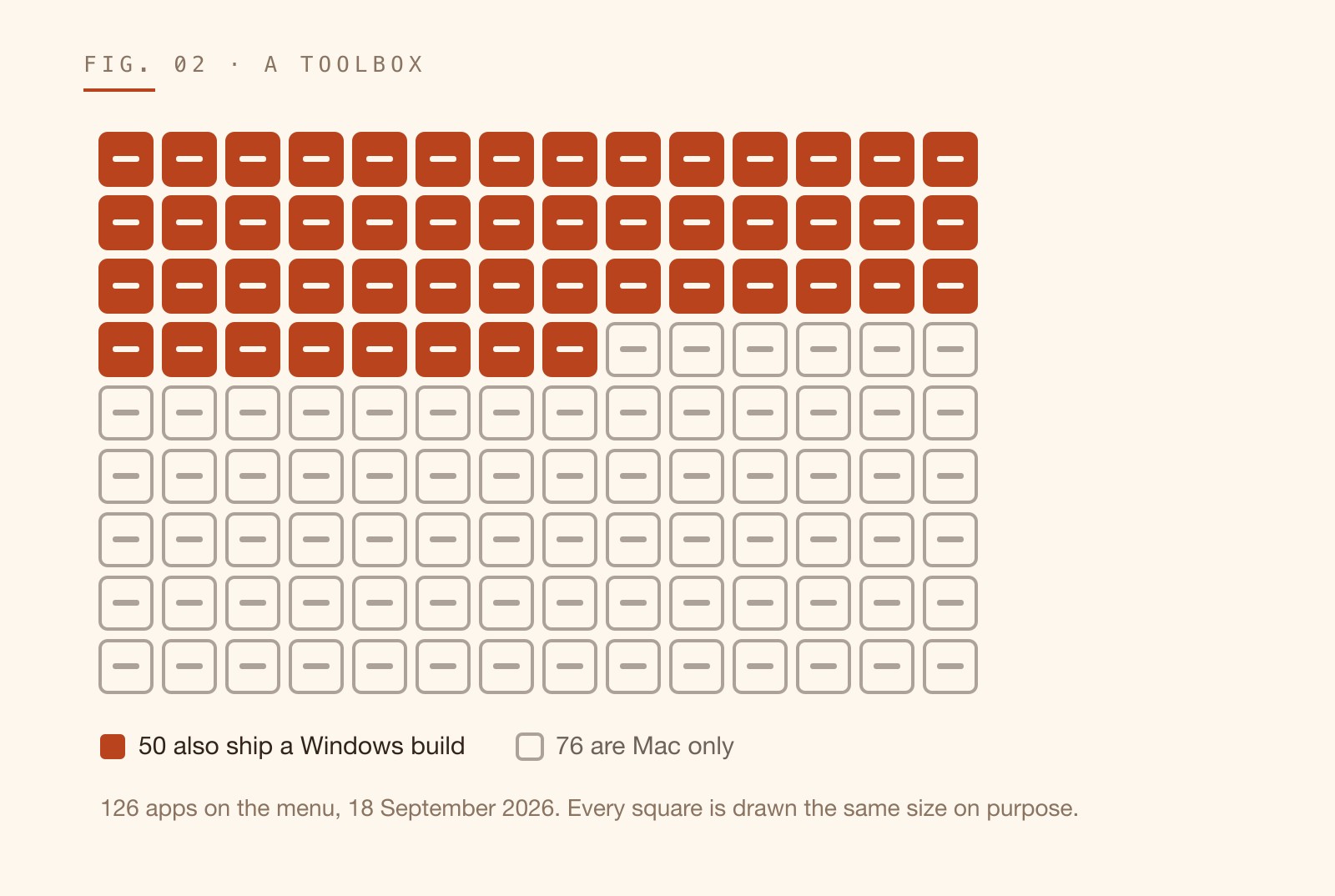
According to our own catalogue on 18 September 2026, we publish 128 apps today, spread across eight shelves: Frappe 19, Pour Over 19, Latte 16, Affogato 16, Americano 15, Mocha 15, Espresso 14, and Cold Brew 14. We do not do iOS and we do not do web apps. Exactly 105 of the 128 also ship a Windows build. The other 23 are Mac only.
Every application here is a native desktop app. They read and write ordinary files on your own disk, working offline. One membership covers every app on the menu. DocCafe opens and edits .docx files to replace Microsoft Word. SheetCafe handles your .xlsx and .csv documents with formulas and pivot tables. SlideCafe exports PowerPoint files. You can preview installed fonts with FontSiphon, build a CV and export a clean PDF with ResumeRoast, or get a live preview in LatteX with no TeX install.
These tools are packaged and supported by one place. That doesn't mean every line of code was written from scratch in one room. SlideCafe is built on PPTist and released under the AGPL-3.0. Lungo3D relies on Chili3D and the Open CASCADE geometry kernel under the GNU Affero General Public License v3. The value isn't that we invented every concept. The value is that the entire toolbox follows one pattern, behaves consistently, and respects your local files.
Where the two actually overlap
The overlap happens in system utilities and writing tools. When you look at disk cleaners, menu bar managers, screen capture utilities, and note editors, both sides offer an application for the slot. Setapp carries CleanMyMac to clean and optimize your system. We publish two tools for the job. DripCleaner finds the caches and forgotten folders eating your disk, and deletes nothing until you say so. It ships for Mac and Windows. If you are exclusively on a Mac, you can also open DiskBrew. It visualizes your available space as rings. You drill in, reveal the massive files hiding deep in your file browser, and reclaim the drive. They have Bartender to organize menu bar icons. On our side, that slot is filled by Barkeeper, another Mac-only utility. It hides the icons you don't need right now, keeping your screen quiet, and brings them back with one click.
Some tools make more sense to introduce by what they actually do. CreamShot X is our Mac-only tool for native screen capture and annotation. You snip an area. You mark it up, pin it on top of your screen, or pull the text right out of the image using OCR. Their library includes CleanShot X for screenshot capture and recording. Finally, for writing and structuring documents, they offer Craft and Ulysses. We ship NoteCafe. It handles your writing, but it leaves your notes as plain Markdown files on your own computer, searchable instantly. It works on both Mac and Windows.
In these specific slots, their apps are older, better known, and better.
If you are looking for side-by-side numbers, strict feature counts, and how the subscription tiers match up, we keep those details in a dedicated place. This post is not a comparison table.
Related: Setapp vs getapps.cafe: An Honest Comparison for 2026
The choice is not which subscription to pick. It is which one you are actually looking for. If a consistent, local toolbox fits the work you do, you can start a free trial and see the apps for yourself.