The AI Features That Still Work With Wi-Fi Off
Every app has an AI button now. Turn your Wi-Fi off and you find out in ten seconds which ones do the work on your machine and which ones just ask somebody else's server.
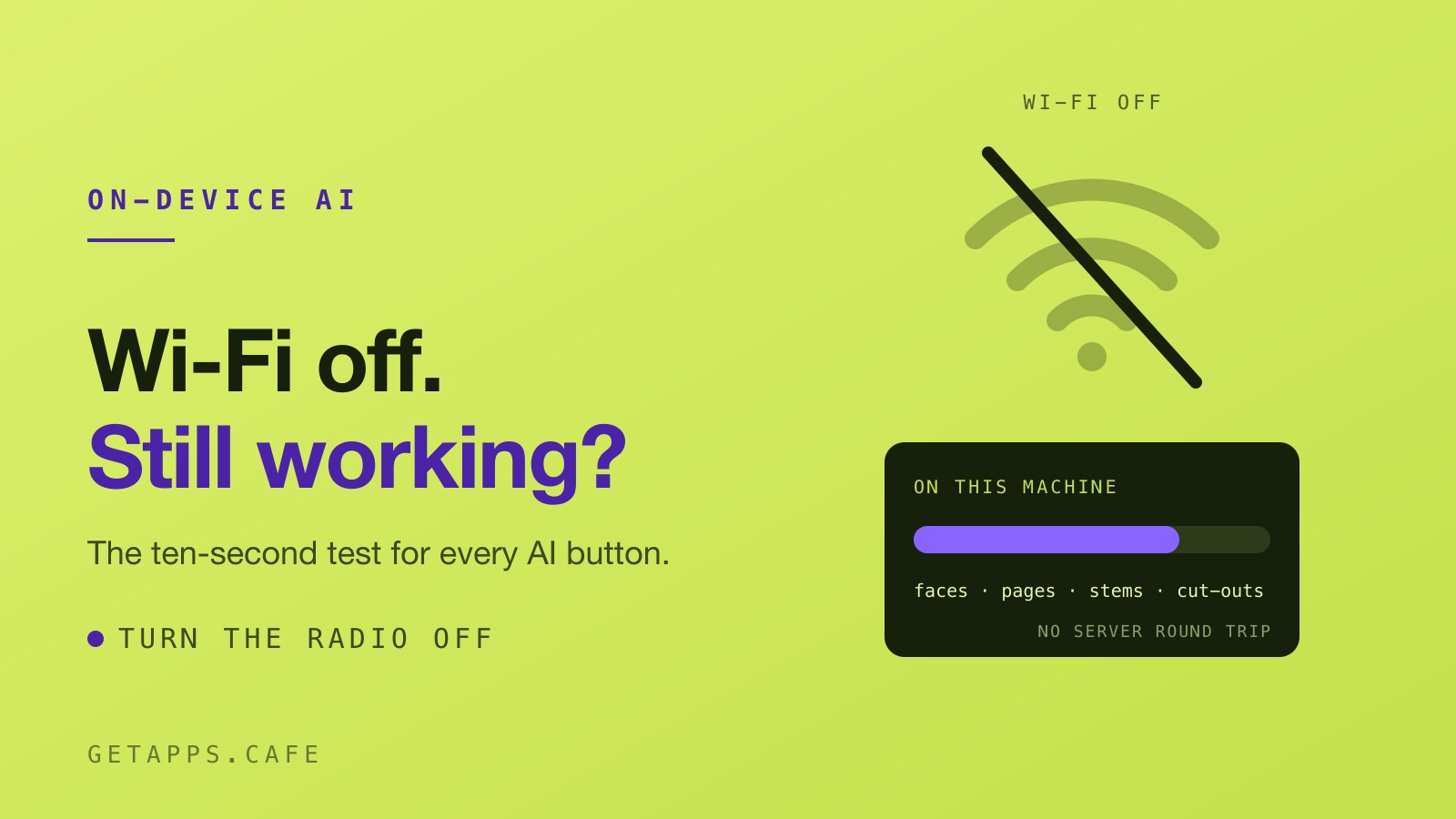
Every app you own grew a button with "AI" on it over the last two years, and nobody sent a release note. Summarise. Enhance. Rewrite. Ask about this document. They look identical in a screenshot. The difference shows up the moment your connection drops.
The ten-second test
Turn your Wi-Fi off. On a Mac, click the Wi-Fi icon in the menu bar and switch it off, or flip on Airplane Mode. Then use the feature you were about to use anyway.
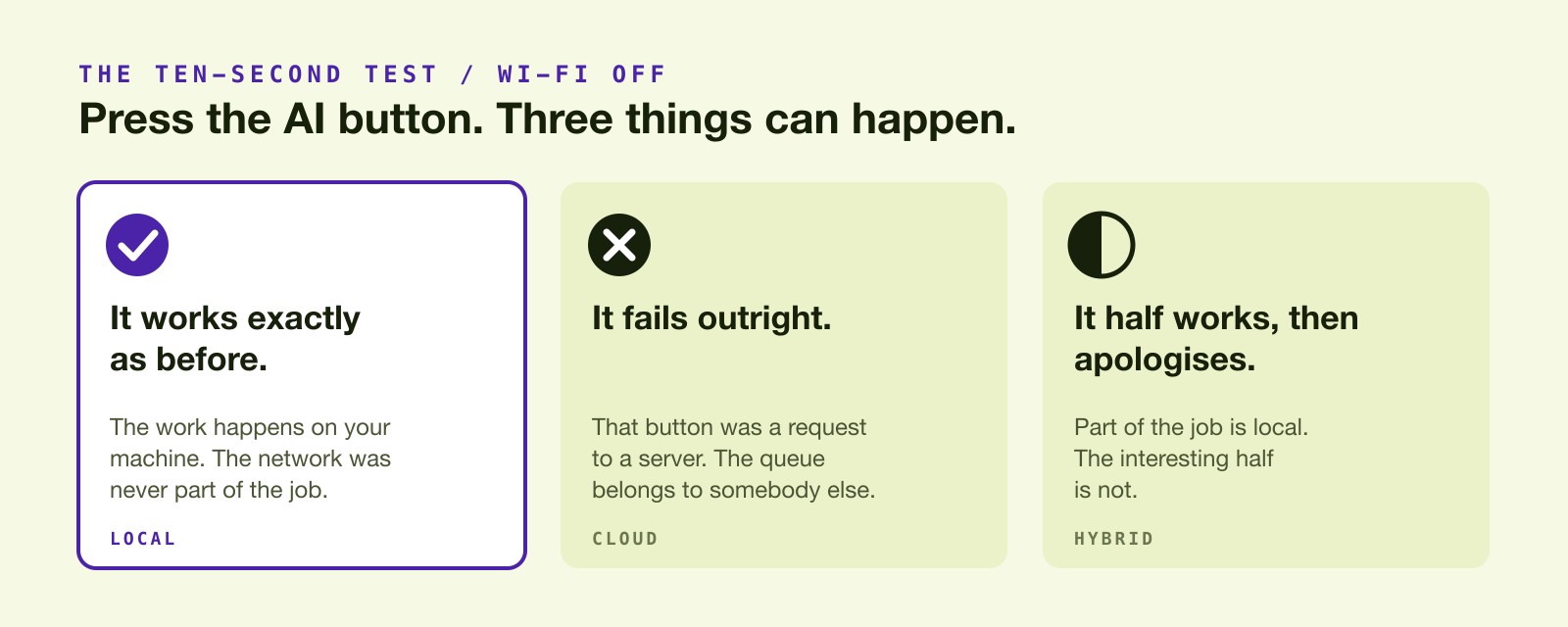
Three things can happen, and each one tells you what you actually bought.
- It works exactly as before. The work happens on your machine, and the network was never part of the job.
- It fails outright. That button was a request to a server. The form in front of you needs a queue on the other end, and the queue belongs to somebody else.
- It half works and then apologises. Part of the job is local and the interesting half is not.
No benchmark to run, no privacy policy to read, no reviewer to trust. A feature that keeps working with the radio off is one you can understand, because it has to fit on the machine in front of you.
Why so many of them phone home
The economics are honest enough. Serving a large model costs real money per request, and renting that capacity is cheaper than expecting customers to own hardware that can run it. So the default way to build an AI feature is a call out to a data centre, and the company behind the data centre would like a monthly fee.
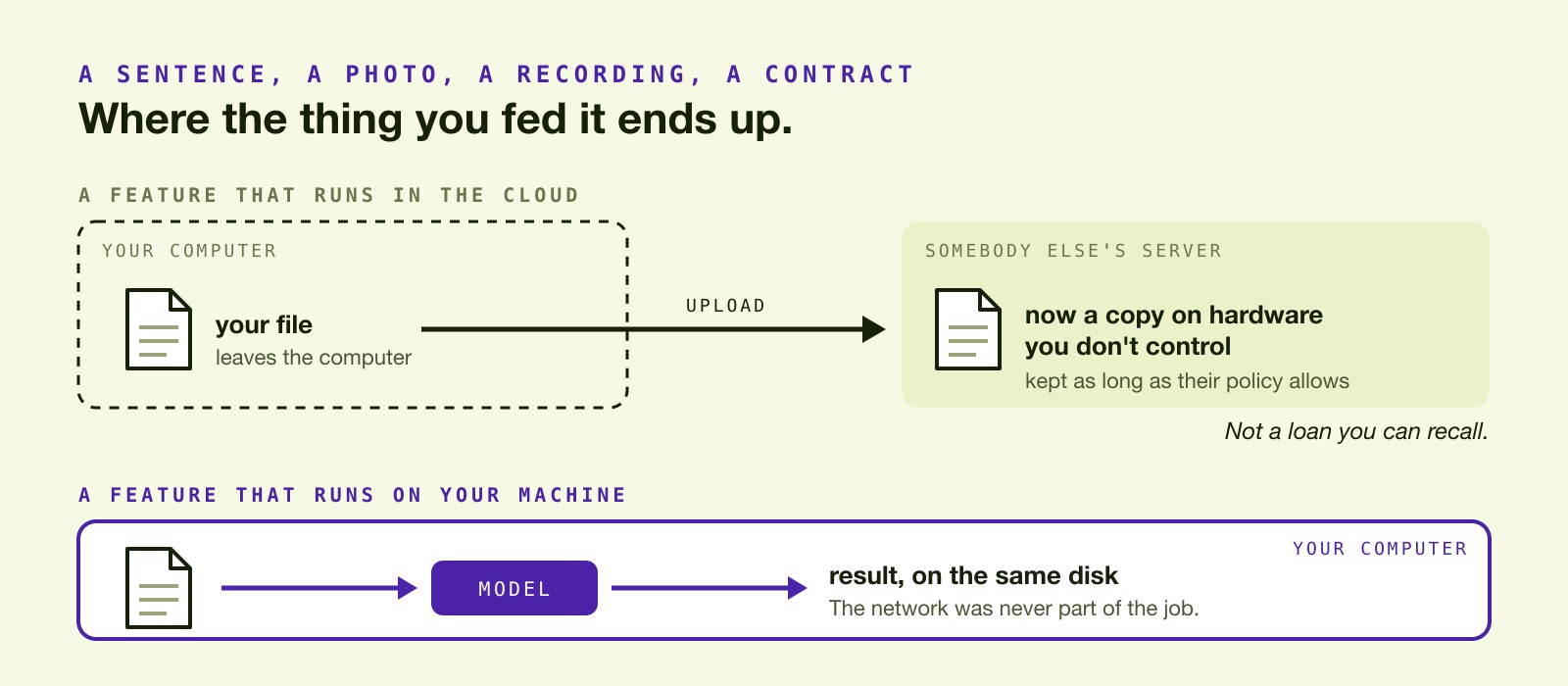
The part that should worry you is the upload. When a feature runs in the cloud, the thing you fed it leaves your computer. A sentence, a photo, a recording, a contract: whatever the tool needed in order to work is now a copy on hardware you don't control, kept for as long as somebody else's policy allows. That copy isn't a loan you can recall.
What local AI looks like now
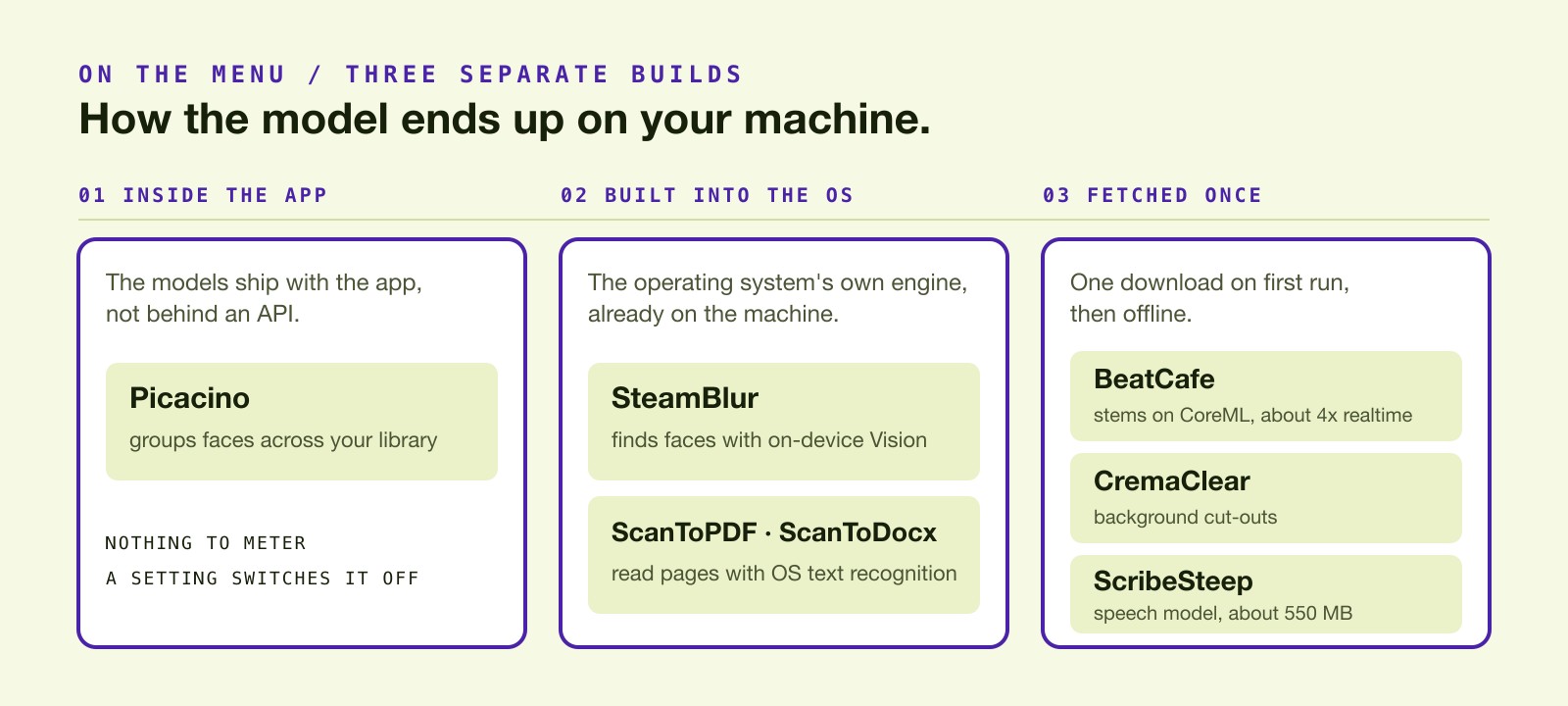
On-device machine learning stopped being the poor relation somewhere in the last two years, mostly because of what ships inside the hardware. Three separate builds turn up on the menu.
Picacino groups faces across your photo library by reading every image on your own machine. The models come inside the app rather than sitting behind an API, so there is nothing to meter, no account to sign into, and a setting that switches it off.
SteamBlur takes the operating system's route instead and finds faces with Apple's on-device Vision engine. There's no download and no server round trip, and it blurs, pixelates or covers each face across the frames of a clip. The scan apps on the Latte shelf work the same way: ScanToPDF and ScanToDocx use the text recognition built into the operating system, which is how a snapshot of a contract comes back as a searchable PDF or an editable Word file without leaving the laptop.
Others fetch what they need once and then stop talking to anyone. BeatCafe splits a song into vocals and instrumental on Apple's CoreML, using the Neural Engine or the GPU, at about four times realtime on Apple Silicon, and makes no network calls at all after the first download. CremaClear fetches its model on first run and cuts a background out of a photo entirely offline after that. ScribeSteep takes a one-time speech model of about 550 MB and then transcribes calls on your own computer.
Where the cloud still wins
The other side of this argument has real strengths.
Local AI sometimes costs you a download before it costs you anything else. A first download means waiting, and disk space isn't free on a laptop that's already full. On a metered connection or a laptop with 8 GB left, that's a real trade.
The biggest models are still in the data centres, and they earn the room. Something that fits on a laptop won't write your novel or reason its way through a contract. It will find the face, cut out the background, read the page, split the song and turn speech into text, which covers most of what people ask an AI button to do on a working day.
The test has a limit too. A hybrid tool can pass a quick check and still upload later, so run it twice on anything unfamiliar: once with the network off to see what breaks, and once with a network monitor open while it runs. Anything unexpected in the connection list is your answer.
Jobs worth testing with the radio off
These are the ones where the gap is easiest to feel, because the alternative is a website asking you to drag your file into a box.
- Split a song into vocals and instrumental with BeatCafe.
- Cut a background out with CremaClear.
- Hide a face through a clip with SteamBlur.
- Record and transcribe a call with ScribeSteep, which captures your microphone and one app you choose, with no bot joining the meeting.
- Straighten a page you photographed with ScanStraightener.
- Turn that page into an editable document with ScanToDocx, or into a searchable PDF with ScanToPDF.
- Sort the whole library by who is in it with Picacino.
- Shrink a folder of video with TinyVideo, which decodes and re-encodes each frame locally.
Run it on anything
Try the test on the apps you already pay for, not just the ones here. Plenty will pass, and those are worth keeping at any price. The ones that stop dead are telling you something useful about where your work goes while they run.
Every app named above comes with a getapps.cafe membership: $4.99 a month billed yearly or $9.99 monthly, a 7-day free trial, and Mac and Windows builds on one sign-in. The trial runs through Stripe, so a card goes on file when it starts.
Related reading: Your Files Are Training Data, What Local-First Actually Means and Why Your Mac Apps Shouldn't Need the Internet.