MultiInstance runs a second, third, or fourth copy of the apps you already have - each with its own account and data, open at the same time.
Pick an app, give the copy a name, and launch. Every instance keeps its own login and settings, so a work profile and a personal one never step on each other.
Highlights
- Two accounts, side by side - sign into the same app twice and keep both windows open at once.
- Separate data per copy - each instance holds its own login, history, and preferences.
- Works with your installed apps - pick from a list of what you have, or browse to anything else.
- Real icons, clear list - every instance shows its app's icon and a name you choose.
- One-click shortcuts - turn any instance into a shortcut you can pin and launch on its own.
- Running at a glance - a "Running" badge marks the copies that are open right now.
- Light and dark - a clean, native look either way.
- Nothing leaves your computer - it only launches apps you already have, with their data kept in folders on your own disk. Nothing you do in it is uploaded.
How it works
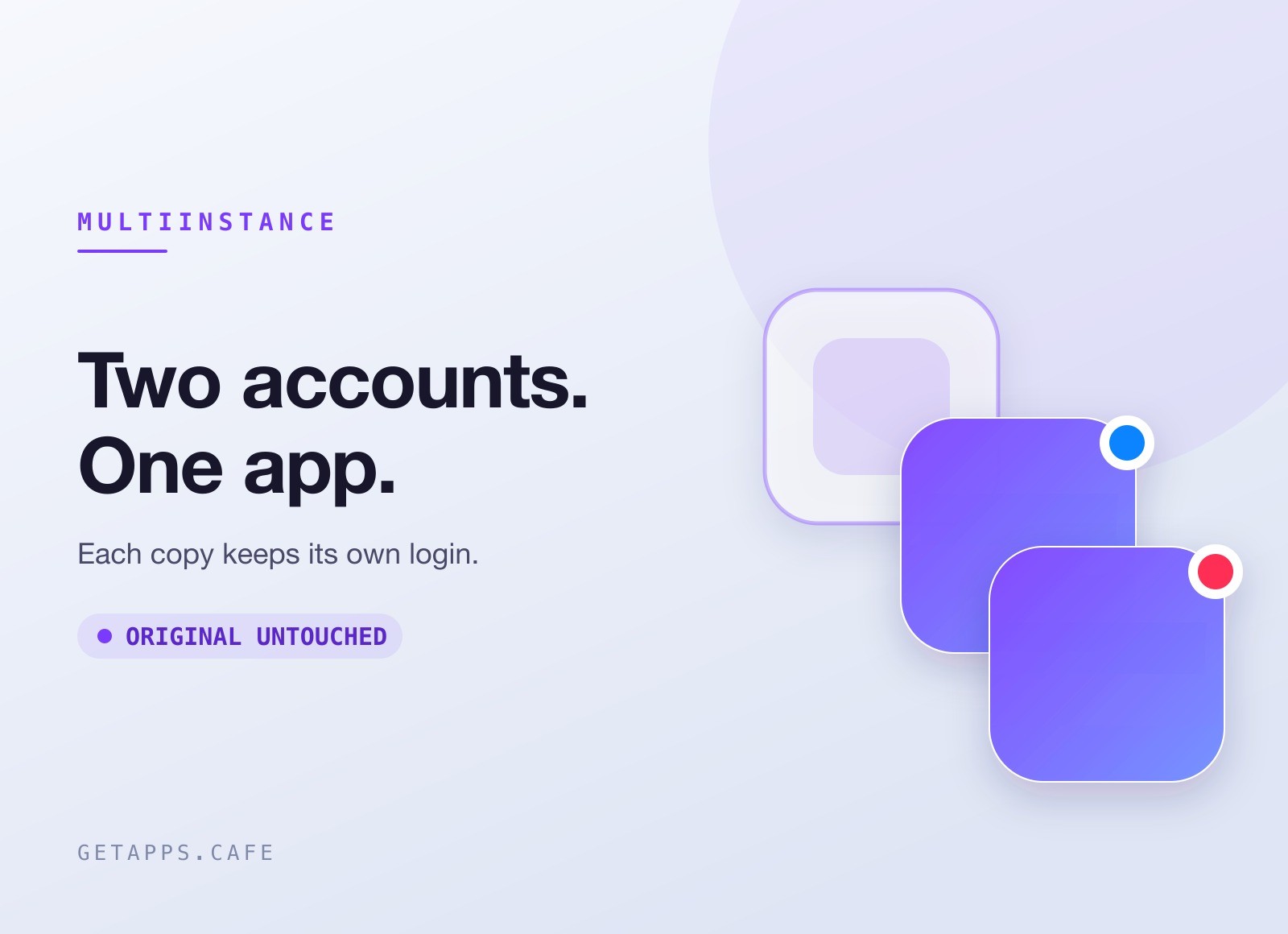
Choose an app to duplicate. Name the copy - "Work Slack", "Personal Chrome" - and choose whether it keeps its own separate data or shares the app's normal account. Hit Launch and the copy opens right away. Every copy sits in one list with its own Launch button, so coming back to it later is one click. Turn any of them into a shortcut and it lives on its own.
Instances that keep their own data remember their login between launches, so the second account stays signed in just like the first.
Perfect for
- Work and personal - keep two logins of the same chat, mail, or browser app open together.
- Managing multiple clients - a separate copy per client, each with its own account.
- Testing and support - run a clean second profile without touching your main one.
- Anyone juggling accounts - stop signing in and out all day.


