Fresh Brews: PassBrew and Session Join the getapps.cafe Menu
Two new apps hit the menu this week. PassBrew keeps your passwords safe in a local KeePass vault. Session tracks your focus with a built-in reflection journal. Both are live now and included in every subscription.
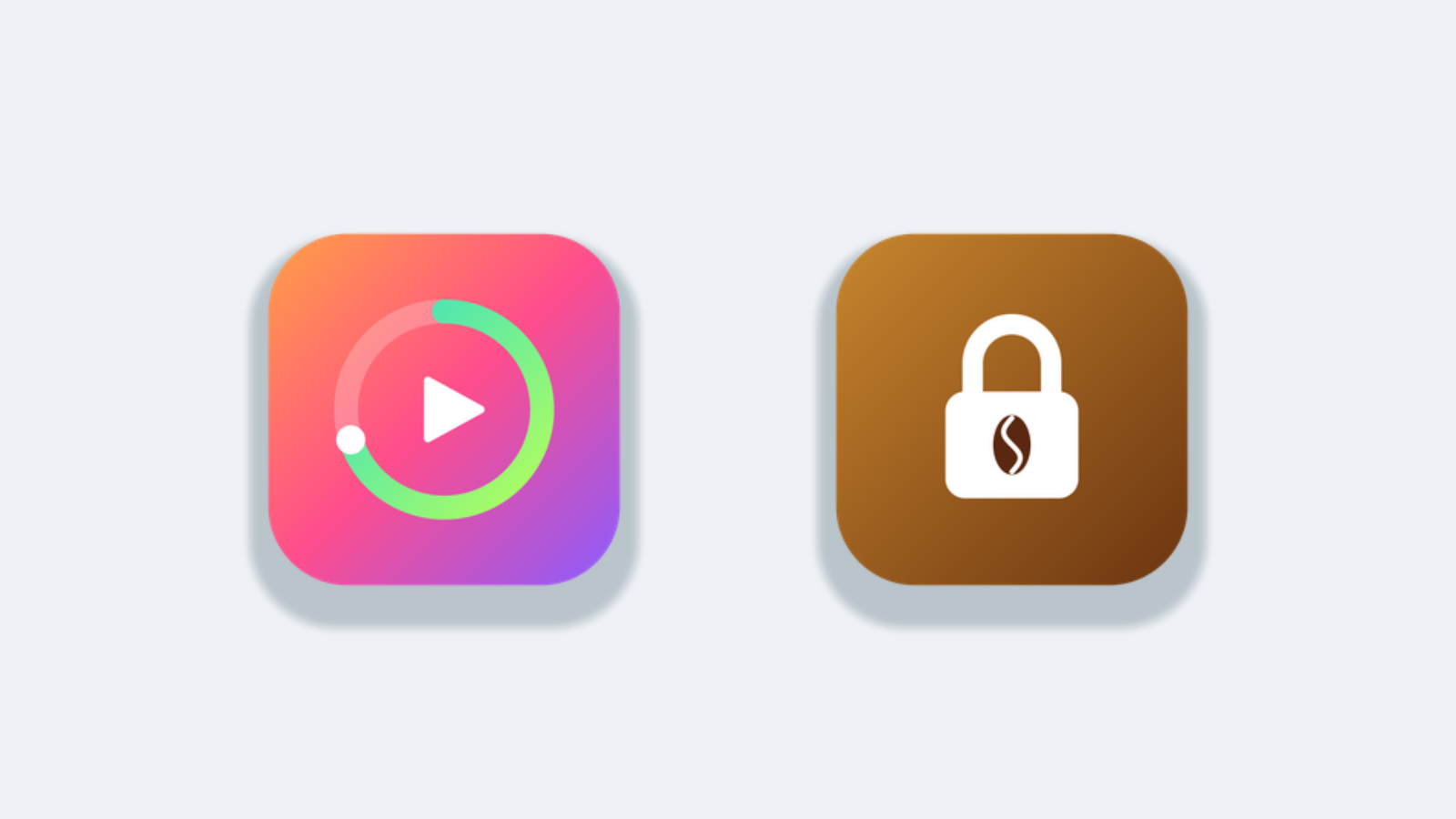
PassBrew: Passwords That Stay on Your Machine

PassBrew is a native password manager for Mac and Windows that opens standard KeePass (.kdbx) files. No cloud sync. No master account. No company holding the keys to your digital life.
You create a local encrypted database, set one master password, and PassBrew handles the rest. It generates strong passwords, auto-fills in any browser, and organizes entries by folder and tag. The interface is clean - a sidebar tree, a search bar that finds entries as you type, and a detail pane that shows everything at a glance.
Why KeePass format matters: it's open. If PassBrew disappears tomorrow, your passwords live on in any KeePass-compatible app. You're never locked in.
PassBrew joins the Cold Brew section alongside ClipBrew, PressZip, and BrewReader - tools for focus and productivity that don't phone home.
GrindSession: A Timer That Does More Than Count Down

GrindSession is a focus timer built around reflection. Before each session, you write down what you're about to do. After the timer ends, you rate how it went. The app tracks your focus streaks, session patterns, and productivity trends over time.
It's not just a Pomodoro clone. GrindSession keeps a journal of your work - what you planned, what you finished, and how focused you actually were. The analytics dashboard shows you which times of day you work best, how long your average deep-work stretch lasts, and which projects eat the most time.
GrindSession fits into the Latte lineup - daily essentials like NoteCafe, DocCafe, and PomoLatte. It's for people who already use a timer and want more from the data.
What This Means for the Menu
PassBrew and GrindSession fill two gaps that have been on my list for a while. A password manager that respects your data. A focus tool that treats your time like something worth measuring.
Both apps are included in every getapps.cafe subscription. Solo Cup ($9.99/month) covers one device. Family Roast ($14.99/month) covers up to five. Both plans unlock the entire menu - no per-app pricing, no upgrades, no upsells.
The menu now sits at 39 live apps across seven categories. Five more are coming soon. Every one of them runs natively on your machine, works offline, and ships without telemetry.
If you've been holding out for a password manager that doesn't sync to someone else's server, or a focus timer that actually helps you improve - they're on the menu now.
Start your free trial - no credit card, 7 days, the whole menu.
Related: The Ultimate Mac Menu Bar: 8 Tools That Save Me 2 Hours Every Day