CremaStudio Arrives on the Menu: Pro Photo Editing, Hold the Bloat
CremaStudio brings full layered photo editing to the Mocha menu. PSD and RAW support, non-destructive adjustments, content-aware fill, and more. All native, all offline, all included in your subscription.
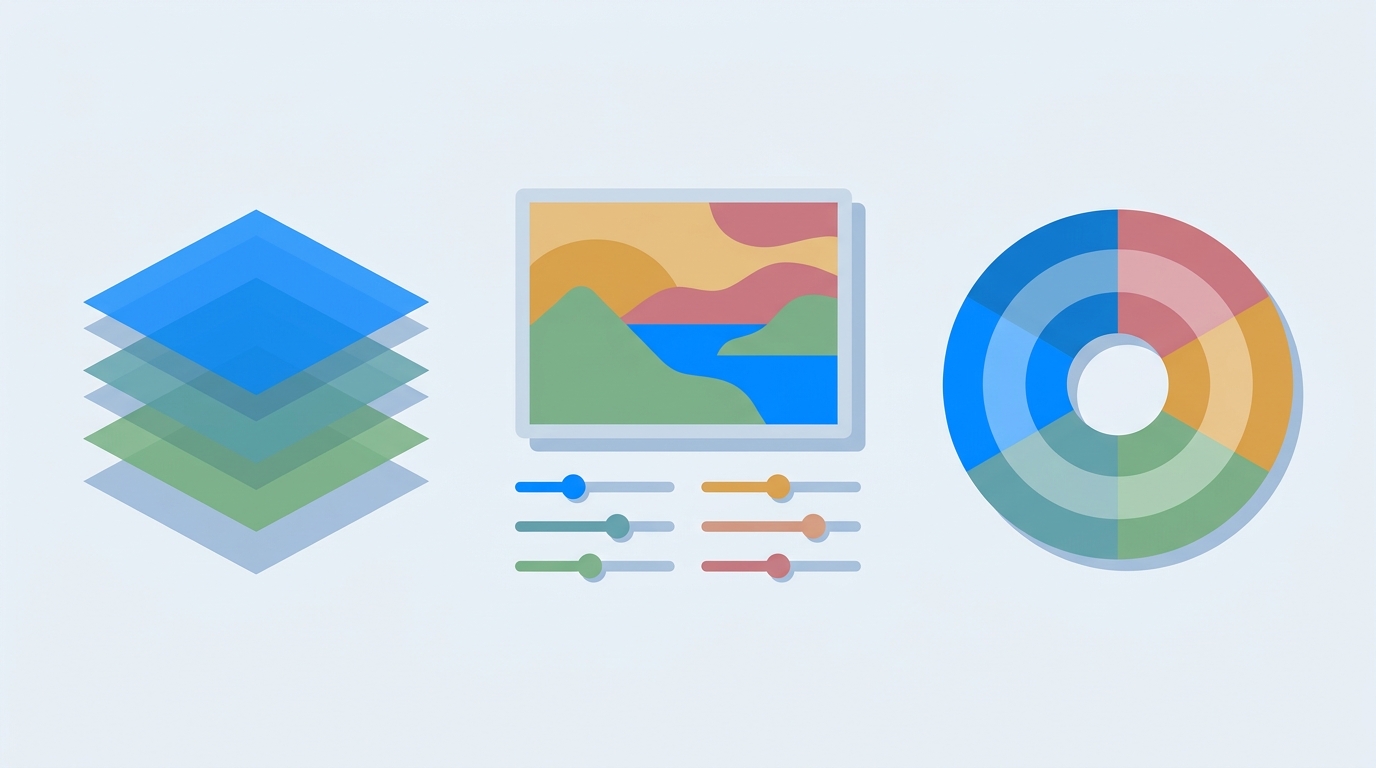
What's under the hood
CremaStudio is a real layered editor. Every change lands on a layer you can reorder, mask, group, or flatten. The feature set covers the heavy hitters:
Layer stack. Groups, masks, opacity sliders, blend modes, clipping. Arrange things how you want and nothing bakes in until you say so.
PSD & RAW support. Import layered PSD files with their layers intact. Develop camera RAW images straight on the timeline. Opens PNG, JPEG, WebP, and TIFF too.
Non-destructive adjustments. Curves, Levels, Hue/Saturation, Color Balance, Vibrance, Exposure. All as live adjustments. You can double-click and tweak them three hours later.
Free Transform. Scale, rotate, skew, distort, and corner-pin with a live preview. Perspective corrections take ten seconds instead of ten minutes.
Selections that stick. Marquee, lasso, magic wand, quick selection, and Color Range. Feather, expand, contract, invert. Everything you need to isolate a subject.
Filters with live preview. Gaussian and Motion blur, Sharpen, High Pass, Add Noise. Dial in the slider before you commit.
Layer styles. Drop shadow, inner shadow, outer glow, inner glow, color overlay, gradient overlay, bevel, stroke. All from one panel.
Content-aware fill and spot healing. Select an object, hit fill, and the tool rebuilds the area from surrounding pixels. Blemishes and distractions disappear without leaving a seam.
Export anywhere. Save to PNG, JPEG, WebP, TIFF, ORA, or keep a native .pho project file that preserves the full composition.
Who it's for
Photographers developing RAW and grading with live adjustments. Designers opening layered PSD handoffs and re-exporting in seconds. Retouchers doing quick selections and object removal without installing a multi-gigabyte suite. Anyone doing web or content work who needs a fast image editor that doesn't phone home.
How to get it
CremaStudio is on the Mocha menu now. It's included in every getapps.cafe subscription. Solo Cup at $9.99/month or Family Roast at $15.99/month for up to five devices. Both plans start with a 7-day free trial, no credit card required.
If you only need the one app, you can buy CremaStudio outright for $4.99. But considering that same $4.99/month unlocks CremaStudio and 56 other native apps across seven categories, the bundle math isn't close.
Mocha now has ten creative tools: CremaStudio, ScreenMotion, DesignBrew, BrewCAD, BrewBIM, Pixpresso, ResumeRoast, and two more coming soon. All native. All offline. All included in one subscription.
Related: CremaClear: Remove Image Backgrounds Locally, No Upload Required