TextShot: Instant Screen OCR Lands on the getapps.cafe Menu
TextShot is now live on the getapps.cafe menu. Select any area of your screen and pull the text out instantly - no cloud, no uploads, OCR that runs right on your Mac.
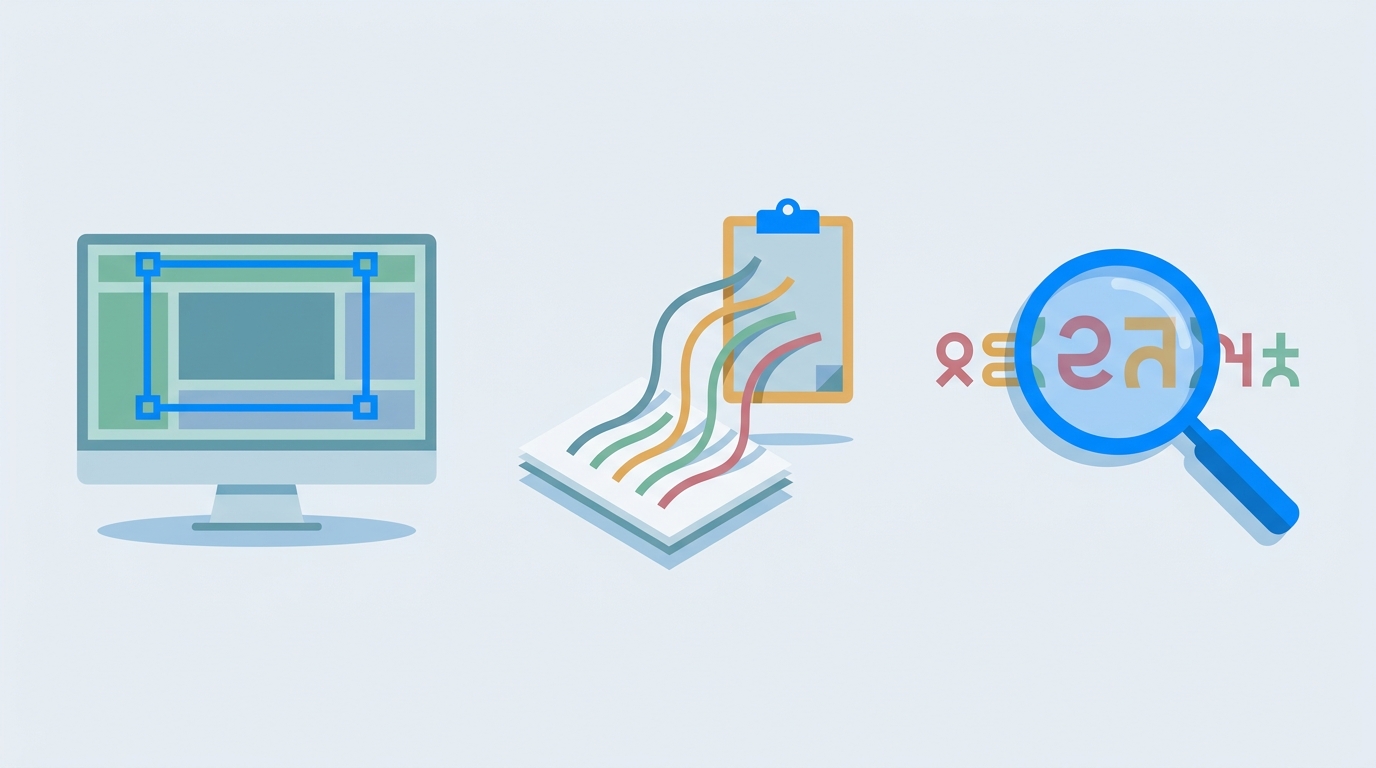
The Espresso lineup just got a new shot. TextShot is live on the menu, and it solves a problem every Mac user has run into: text trapped inside an image, a PDF, or a video frame that you can't copy.
Select an area of your screen. TextShot pulls the text out. That's it. No uploads, no cloud processing, no API keys. The OCR engine runs right on your Mac.
Why screen OCR matters more than you think
You hit this problem more often than you notice. A screenshot from a colleague's presentation. A Figma mockup with copy you need to reuse. Error messages in a dialog box that you'd rather not retype. A Japanese menu you want to translate. In each case, the text is right there on your screen. But your system treats it as pixels.
TextShot bridges that gap. You draw a rectangle and the text lands on your clipboard. The whole flow takes about two seconds.
Local-first OCR is the quiet superpower
Most OCR tools send your screen captures to a server. That means latency while your image round-trips to a data center, and it means someone else's computer is reading whatever was on your screen. For most people, that's fine. Until it isn't.
TextShot processes everything locally. Your screen contents never leave your machine. This matters if you work with client data, internal documents, or anything covered by an NDA. It also means TextShot works with the Wi-Fi turned off, on a plane, or in a coffee shop with spotty internet.
The Espresso category keeps growing
TextShot joins six other tools in the Espresso section, the quick utilities you reach for dozens of times a day:
- CreamRec X - screen recording and GIF export
- CreamShot X - screenshots with annotation and pinning
- DiskBrew - disk space visualized as rings you can drill into
- DripCleaner - system junk cleanup, no auto-delete
- RobuStats - menu bar system monitor with live charts
- Barista - one search bar for files, calculator, crypto, weather, and clipboard
TextShot and CreamShot X make a particularly good pair. CreamShot X captures and annotates what you see. TextShot captures what it says.
Who this is for
If you regularly retype text from screenshots, PDFs, or design files, TextShot pays for itself in the first afternoon. If you work across languages, the OCR handles non-English scripts without extra configuration. If you care about keeping your data on your device, this is the kind of tool you install once and forget about. Then, the next time you need it, you're glad it's there.
Try it with the 7-day free trial
TextShot is included in every getapps.cafe subscription. Solo Cup is $9.99/month for one device. Family Roast covers up to five devices for $14.99/month. Both plans unlock the full menu: 35 native apps across seven categories, with more landing every month.
No credit card required for the trial. If it's not your thing, walk away. If it is, you've got a screen OCR tool that works offline, respects your privacy, and costs less than lunch.
Related: The All-in-One Office for Mac - Six Apps, One Subscription