Fresh Brews: Five New Apps Join the Menu
Five drinks joined the menu in a single day: a whiteboard, a wallpaper puppy, a site auditor, a Markdown writer, and a stretch timer. All membership drinks, all local-first.
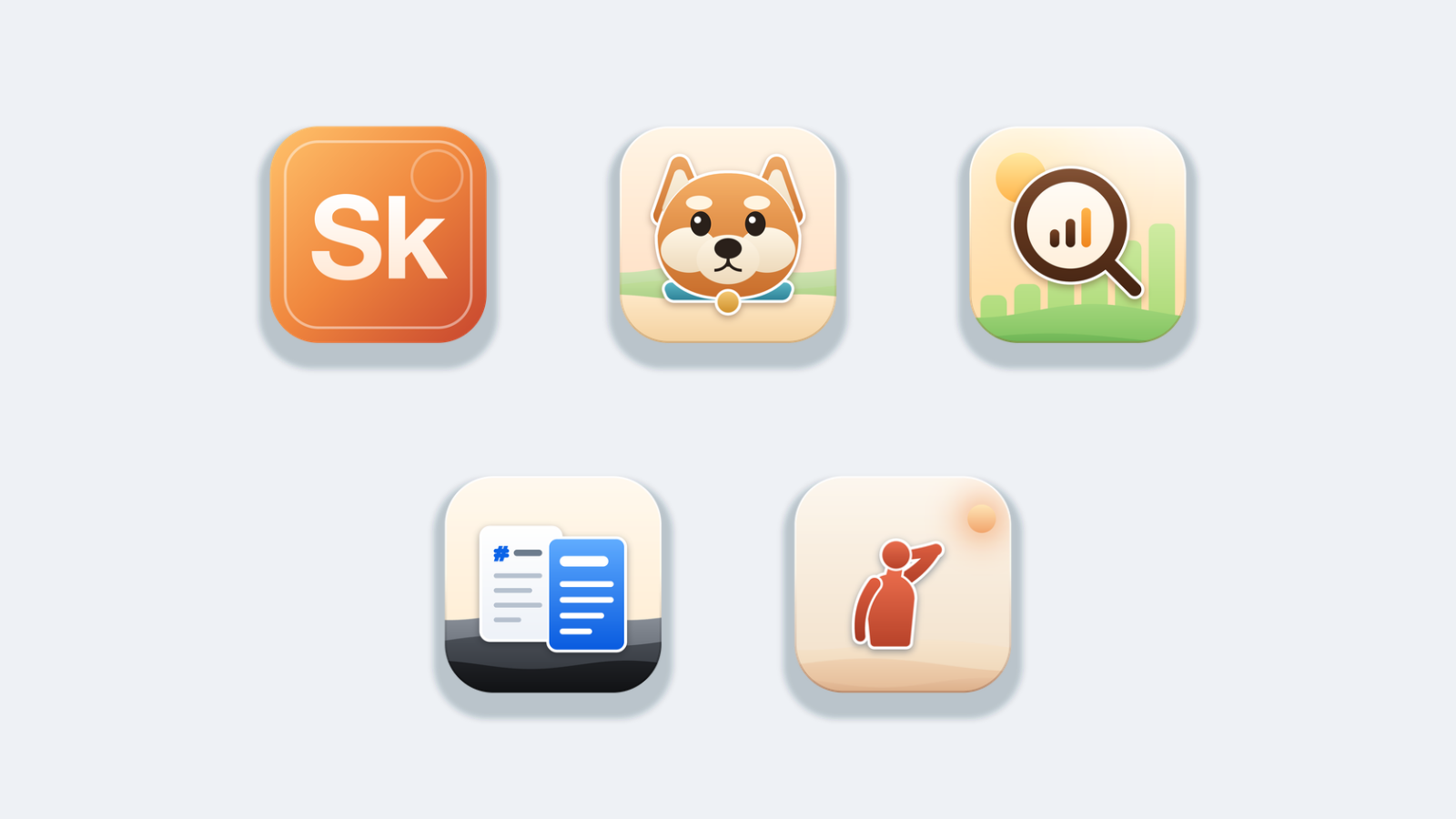
Five drinks joined the menu on the same day, the biggest pour since the August 4 expansion. The café now serves 86 apps, and today's batch covers a whiteboard, a wallpaper puppy, a site auditor, a Markdown writer, and a stretch timer. All five are membership drinks: no standalone price tags, no separate downloads to track. One subscription, and they are all yours.
SketchCafe: the whiteboard that doesn't get lost

SketchCafe is for the diagrams you draw to explain something, the boxes, arrows and scribbles you would otherwise sketch on a napkin and then lose. Open it and you get a blank canvas and a row of tools: rectangle, arrow, pencil. The canvas runs on forever in every direction, so you never decide up front how big the picture will be.
Press ⌘S to keep it and SketchCafe saves the drawing for you as you work. ⌘N opens another one in a new tab. When it's ready to leave, export it as PNG, SVG or PDF. There is nothing to sign in to. Your drawings are ordinary files on your Mac, it works offline, and nothing you draw leaves the machine. It lives in the Mocha shelf.
DesktopDogs: a puppy that grows up on your wallpaper

DesktopDogs puts a small 3D dog and its house on your wallpaper. It walks out of the door, wanders the yard, sniffs at things, barks at something you cannot see, then goes back in. The charming part is the growing: the puppy you adopt today is one percent bigger tomorrow and fully grown a hundred days from now, stepping up a visible size every ten days. After that the counter keeps going. Your dog has an age, and you keep it for as long as you like.
Everything runs on your own computer. Nothing about your dog is uploaded, and it keeps growing whether you are online or not. It's the newest resident of the Affogato shelf.
LatteSEO: a site audit that stays on your machine

LatteSEO tells you what is quietly holding your website back in search. Give it an address and it walks the site the way a search engine would: it checks the robots.txt and sitemap, then works outward from the homepage, following links and stopping at the page budget you set. You watch the count climb as it goes, and you can stop it at any point. Whatever it reached is still a full report.
When it finishes you get a score, a breakdown by severity, and the issues worth fixing first. Click any one of them to read what it means, how to fix it, and exactly which pages have it. Export the issues or the page table to CSV when you want to work through them somewhere else. There is no account to make, no monthly bill, no API key to buy, and nothing about your site is uploaded anywhere. Point it at a site you are about to launch, a client's site before you quote, or your own site on a Sunday afternoon. It's in Americano.
MarkdownCafe: write on the left, see the page on the right

MarkdownCafe is a Markdown writing tool that keeps your words in front of you and the machinery out of the way. Open one file or a whole folder of notes, type on the left, and watch the finished page appear beside it. You get a short list of what you were last working on, and anything you write is saved back to that same file. Nothing is locked inside it. Keep the folder in Dropbox, iCloud, a Git repository or a plain backup drive.
When you want the room to yourself, hide the sidebar and the preview and write in a single clean column. When the document is finished, export it as a web page or a PDF. Send it on. Your notes stay as plain text files exactly where you already keep them, and the tool simply opens them. It sits on the Latte shelf, right beside NoteCafe.
StretchSteam: three poses, about eighty seconds, done

StretchSteam sits in your menu bar and interrupts you every so often for a stretch. It knows twelve stretches for the four places a day at a keyboard shows up, neck, shoulders, back and wrists, and its whole job is to make sure you actually do a few of them before the day is over. There is no workout plan, no tracking, no scores.
Set how often you want a break and which areas to include. When the timer runs out, StretchSteam shows you one stretch at a time: what to do in a single sentence, a photograph of someone doing it, and a ring counting down the hold. Two-sided poses tell you when to switch. When the three are done the window disappears on its own, there is nothing to dismiss. If the moment is wrong, "Not now" pushes the break out by ten minutes. If you want one early, "Stretch now" is in the menu bar. Everything is a preference, nothing is an account. It joins the Cold Brew shelf, next to BlinkBrew's screen-dimming breaks, which joined last week.
Steeping
One new drink on the board: PrivateMedia is coming to Frappe, a password-locked encrypted vault for your photos and videos. VectorStudio is still steeping in Mocha, the last drink on the waitlist.
The menu keeps pouring
Five new drinks in one day is the fastest the café has poured since the August 4 expansion, and every one of them is a membership drink. That is the deal now: one subscription, from $4.99 a month on annual billing, and all 86 drinks are yours, on macOS or Windows. No per-app carts, no separate renewals, no cloud accounts. Apps, served fresh.