Picacino Is Now Live: Photo Management Without the Cloud
Picacino is now live in Latte: a native photo manager in the spirit of Picasa that reads the folders you already have, with nothing copied, moved, or uploaded. Also on the menu: annual billing at half price.
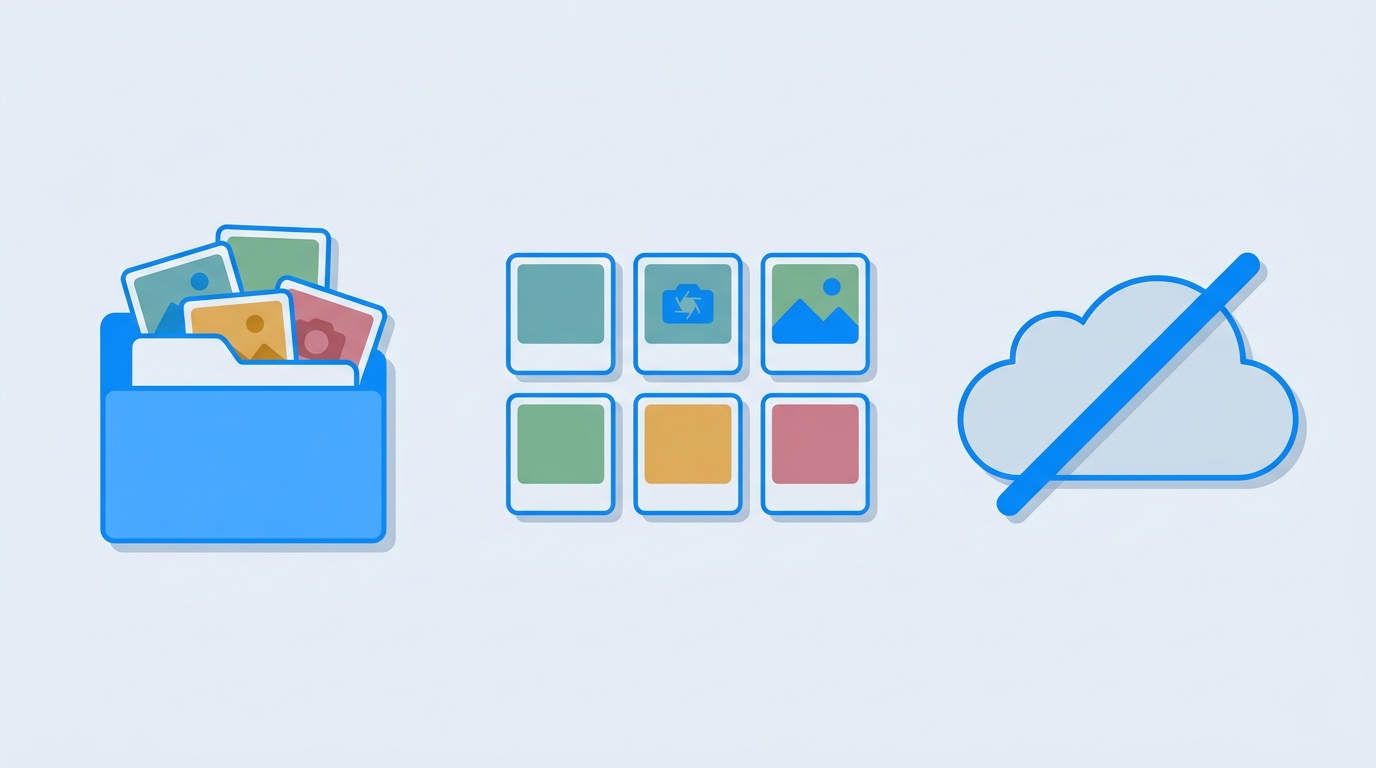
Two days ago I wrote that Picacino and Mixpresso were coming to the menu. Picacino just walked in.
It's a photo manager in the spirit of Picasa: point it at the folders you already have, and it browses, organises, and tidies your whole library without copying, moving, or uploading anything. The folder on your disk stays the source of truth. Picacino's database is only a cache: delete it and rescan, and you lose nothing but the time it takes to read your pictures again.
Rotating or flipping a photo never touches the original. Picacino stores the orientation separately, so the file on disk stays exactly as your camera wrote it, and the picture ends up upright in Finder, Preview, and anywhere you send it. Lossless, no pixels re-encoded. The one deliberate exception is metadata correction: a wrong capture date or a missing lens gets written into the file itself, through a staged copy that swaps in only when complete, so an interruption leaves the original untouched.
Built to stay fast
The grid renders only what's on screen, and thumbnails are generated in Rust, prioritising whatever you're looking at right now. Scanning runs on its own thread, so a hundred thousand images indexing in the background never freezes the window you are scrolling. Browsing works within seconds; the slow part continues behind you and picks up where it left off if you quit.
Search that knows your photos
Full-text search covers file names, cameras, tags, and folders. Type a word, or narrow it with camera:, tag:, folder:, and file: prefixes. Stars are the "I like this" mark, so there's no second favourites list to keep in step. A grid with a size slider for finding a photo by eye, a Finder-style list with sortable columns for name, date, dimensions, size, and rating, and a detail panel that describes whatever you've picked.
Faces, on your machine
Picacino can group photos by who's in them, merge two groups that turned out to be one person, and take a face back off somebody it filed wrongly. The models ship inside the app, nothing is uploaded, and it only starts when you ask. This one feature needs an Apple Silicon Mac or a 64-bit Windows PC, because the face models have no Intel build; everything else in Picacino works the same on every machine.
Small things that add up
Copy a picture here and paste it into Finder, or the other way around, and a paste makes a real file on disk. Drag pictures onto any folder in the sidebar to move the real files, with stars, tags, and named faces travelling along. A duplicate finder compares by content, not by name, so the same image saved twice under different names still gets caught. Removing a photo takes it out of your library and leaves the actual file alone, exactly where it was; deleting for good is a separate, deliberate step.
Picacino reads JPEG, PNG, WebP, GIF, TIFF, and BMP everywhere, plus HEIC on macOS. Its library index lives in a small folder next to the thumbnail cache, and both are disposable: your photos are not in there, only what Picacino learned about them.
The Latte menu was complete
With Picacino pouring, Latte reached ten live apps: DocCafe, SheetCafe, SlideCafe, NoteCafe, PDFCafe, TaskCafe, StickyBoard, LatteX, MailCafe, and Picacino. We've since grouped the photo tools on one shelf, so Picacino now pours in Americano, and ScanStraightener is next up on the Latte waitlist.
Picacino is $11.99 as a one-time purchase, or included in any getapps.cafe plan. If you've been putting off organising a decade of pictures because the cloud import sounded like a weekend project, this is the version that reads the folders you already built.
Also on the menu this week
The homepage grew a few things while Picacino was brewing. Annual billing is now available at half price: Solo Cup at $4.99 a month billed yearly ($59.88), Family Roast at $7.99 a month billed yearly ($95.88), with monthly pricing unchanged. A new Barista's Picks section groups the menu into themed collections: Photo & Video, Office Documents, and Utilities & Tools. The savings math also moved: buying the 60 paid apps one at a time would cost $553, so Family Roast saves about $458 in your first year. And ResumeRoast is now $11.99 once, still a bargain next to a professional resume service.
As I said in the Picacino and Mixpresso announcement, Mixpresso has since poured as well. Picacino, though, is served.
Start your 7-day free trial, no credit card required, and point Picacino at your own photo folders this afternoon. If you read this post from a phone, the app will be waiting on your Mac when you get home.