BrewBIM Lands on the Menu: Native BIM Viewing, No Cloud Required
BrewBIM brings native BIM viewing to the getapps.cafe Mocha menu. Open IFC, RVT, and DWF files locally with 3D navigation, measurements, and section planes - no Autodesk license needed.
What BrewBIM Does
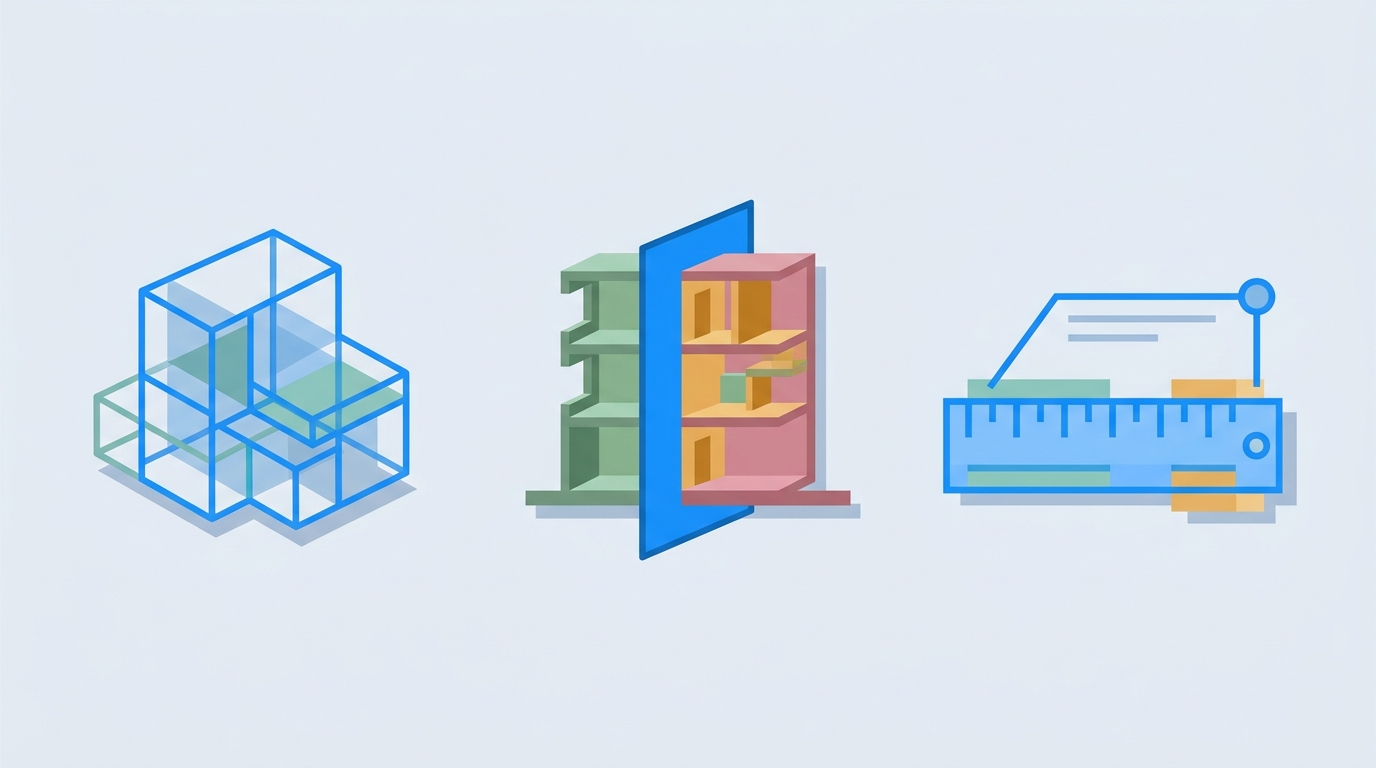
BrewBIM opens common BIM formats (IFC, RVT, DWF) right on your desktop. You browse model hierarchies, inspect element properties, take measurements, and navigate 3D views. It's a lightweight viewer focused on the one thing most architects and engineers actually need: opening the file and seeing the model.
The app renders 3D geometry with hardware acceleration. You get orbit, pan, zoom, and section planes. You can isolate elements by category, filter by property values, and export screenshots. Everything stays local. Nothing hits a cloud render farm.
Why This Matters
If you work in architecture, engineering, or construction, someone will send you a Revit file. You don't need to edit it. You need to look at it, pull a measurement, and answer a question. Before BrewBIM, your options were: buy an Autodesk license, upload to a cloud viewer, or ask the sender for screenshots.
BrewBIM sits in the Mocha category alongside DesignBrew (2D drafting), CremaStudio (creative tools), Pixpresso (image editing), and ResumeRoast (document builder). It's the first architecture-specific tool on the menu and it fills a gap none of the other 46 apps touched.
Local-First Professional Tools
A pattern is forming in Mocha. DesignBrew handles 2D drafting. BrewBIM handles 3D building models. ScreenMotion handles video recording. VectorStudio is coming soon for SVG editing. These are professional tools of the kind people spend $50 to $200 per year on individually. And they all run locally.
No render farms in the cloud. No project files leaving your machine. No trial-expired popups. Just a desktop app that opens your files, shows you the model, and gets out of your way.
Getting BrewBIM
BrewBIM is live now on the getapps.cafe menu. If you're already subscribed, it's included. Download it from your dashboard or the app page. If you're not a subscriber, you can start a 7-day free trial and try BrewBIM alongside 46 other native desktop apps for $9.99 per month.
No credit card required for the trial. Cancel anytime.
Try BrewBIM and the full Mocha menu →
Related: Mocha Keeps Brewing: ScreenMotion and RetroFilter Join the Creative Tools Menu