Most people don't build slides every day. They open PowerPoint when a deck lands in their inbox, fix a typo or swap a chart, then present it or send it on. Keeping a $99.99 a year Microsoft 365 plan for those few times is a lot to pay for a bit of slide editing.
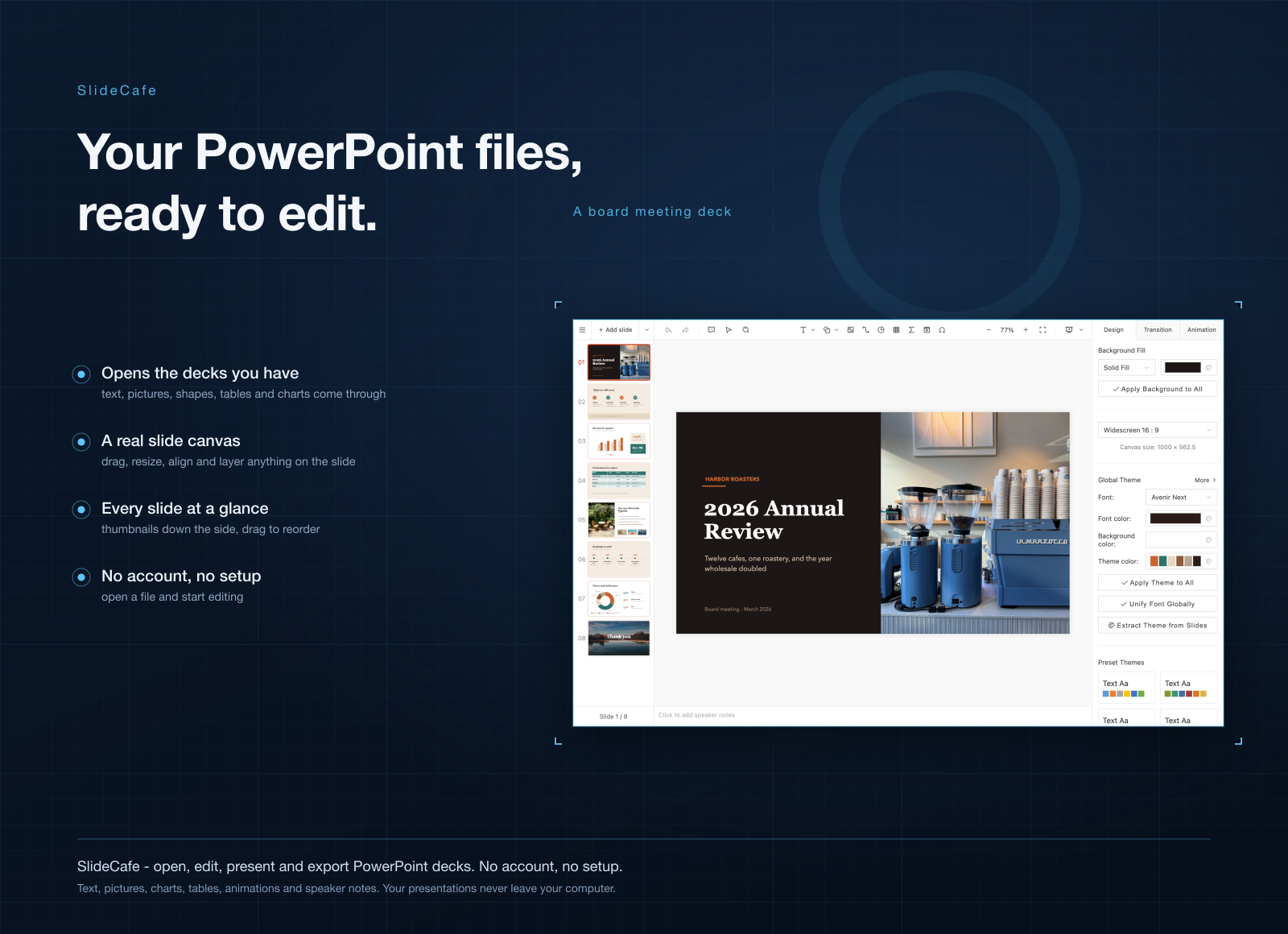
SlideCafe is a slide editor that opens your .pptx files on your own computer. You edit each slide on a real canvas, save it back as a PowerPoint file, and present it full-screen from the same window. No account and no browser tab.
Light, quick, and on Mac and Windows
- About 100 times smaller. SlideCafe for Mac is a 10.6 MB download. PowerPoint on the Mac App Store is about 1.1 GB. On Windows, SlideCafe is about 6 MB.
- Ready when the deck is. Double-click a .pptx, or drop it on the window, and it's open. Nothing to sign into, nothing to upload.
- One editor for both computers. It runs on Mac, Windows and Windows on ARM, so a deck you fix at home works the same at the office.
What you can do in it
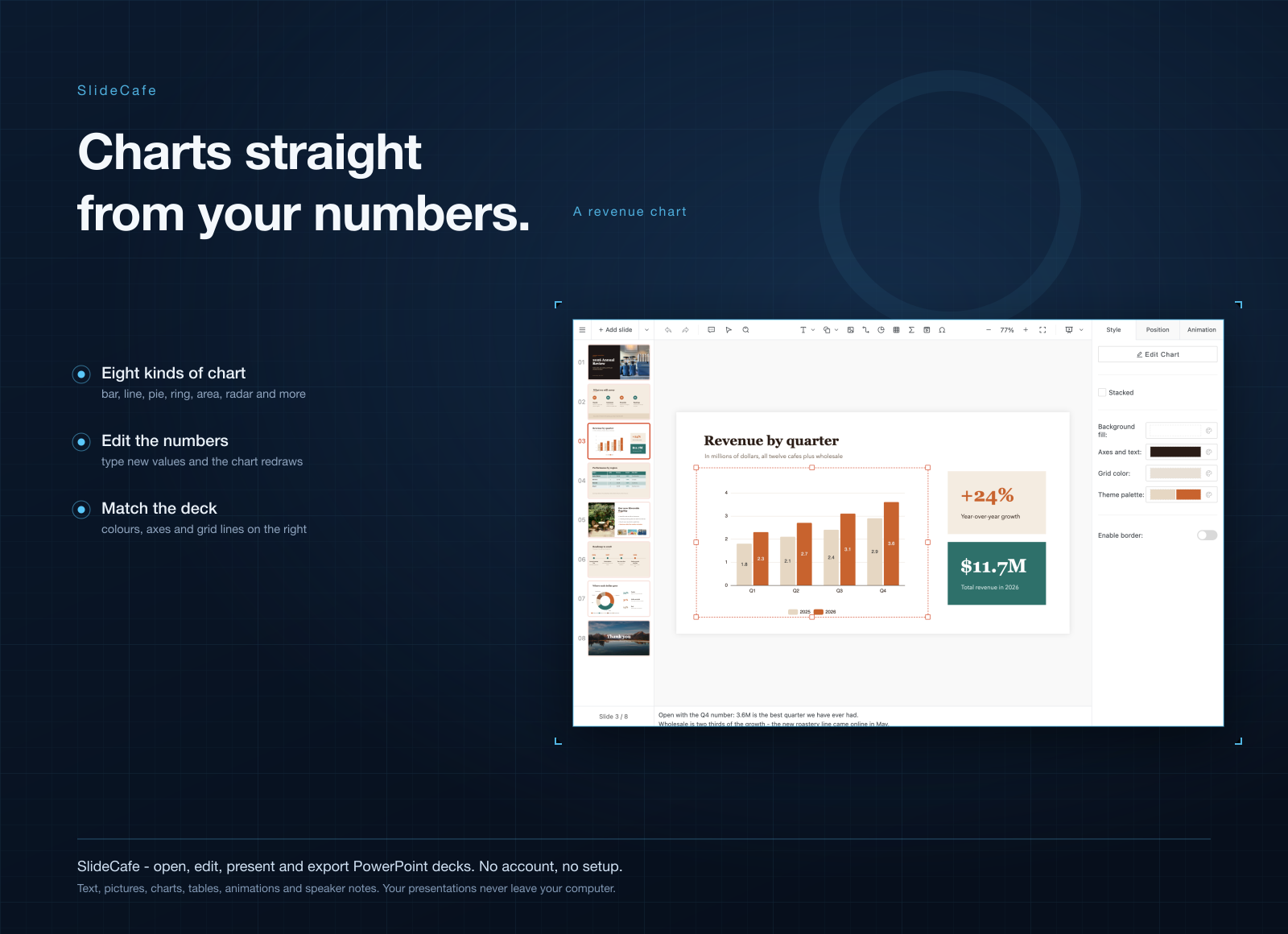
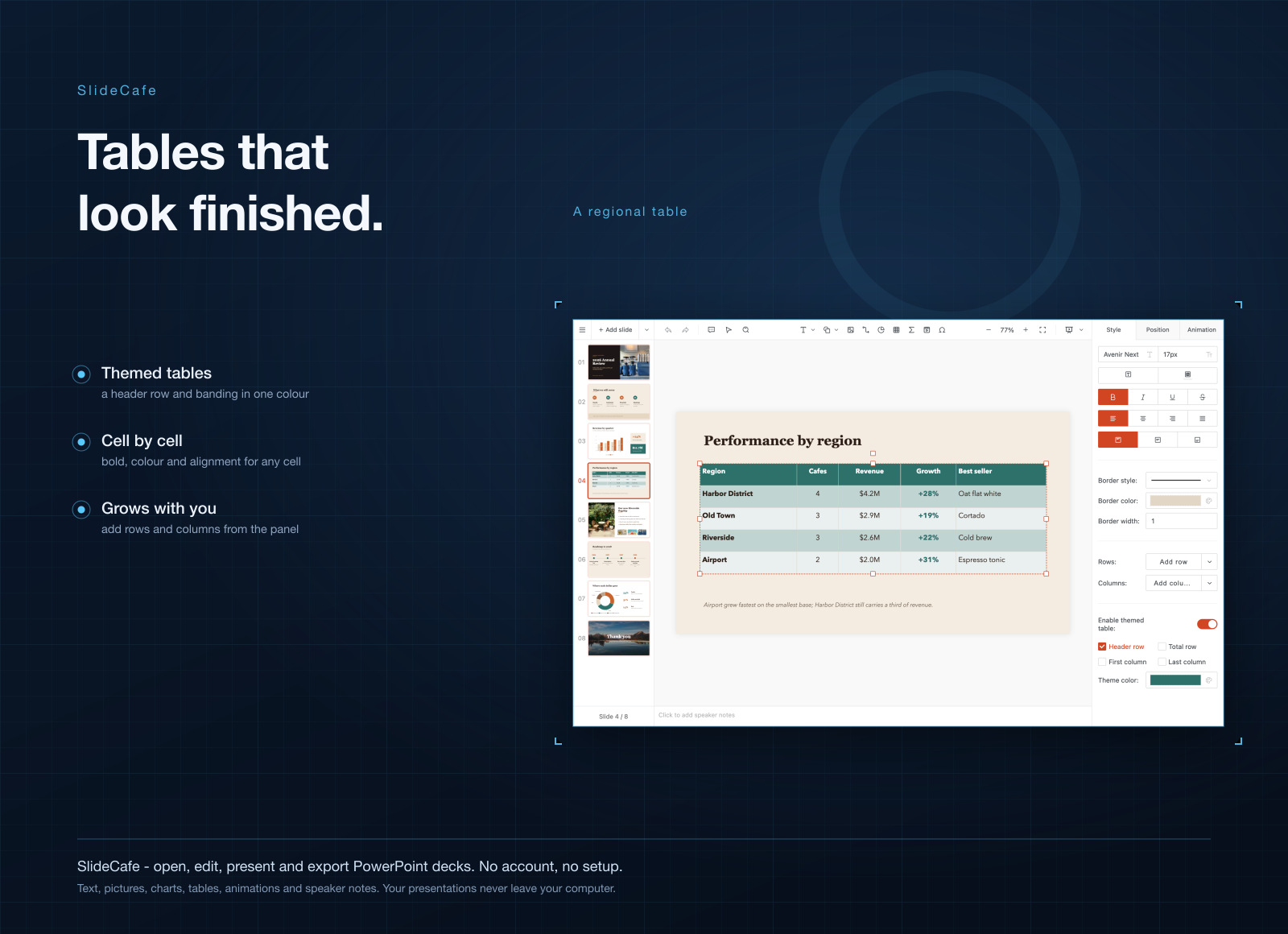
- Edit every part of a slide. Text boxes, shapes, images, tables, charts, lines, LaTeX formulas, animations and transitions.
- Lay things out by hand. Drag, resize, align, group and layer elements, with rulers, grid lines and snapping to keep it tidy.
- Present from the editor. Run the deck full-screen with its transitions and your speaker notes.
- Export what people ask for. Save as PowerPoint, PDF or one image per slide, or print it.
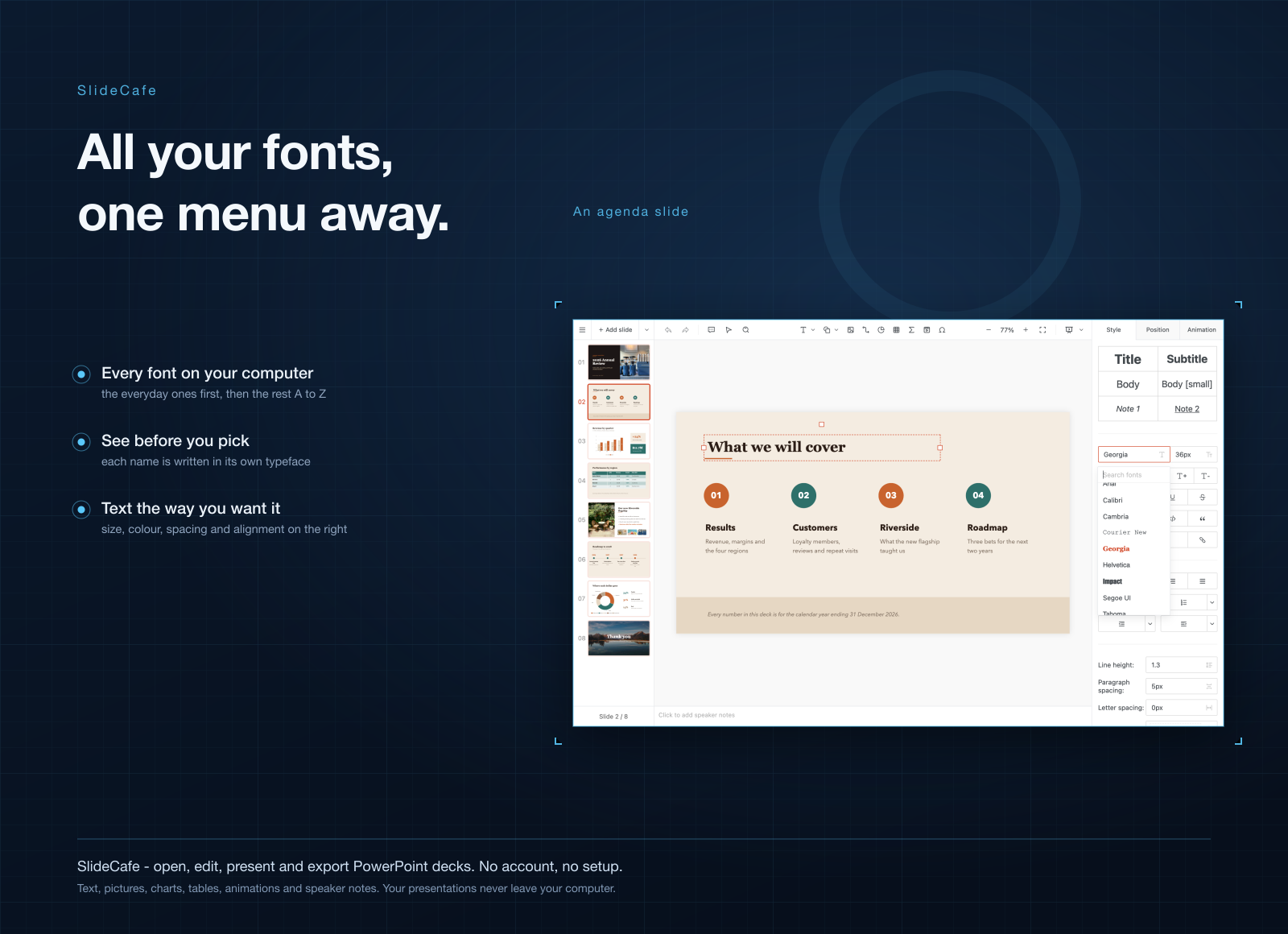
- Use your own fonts. Every font on your computer is in the menu, and PDFs keep the typefaces you picked.
- Keep it on your disk. SlideCafe runs offline, with no cloud sync and no telemetry.
Who it's for
Teachers updating last year's lesson slides. Sales folks tweaking a pitch deck before a call. Students who got a group project as a .pptx and need to add their part. Anyone who gives a talk now and then and wants to change a few slides without paying for a whole office suite.
When to stick with PowerPoint
If your team edits the same deck at the same time, keep PowerPoint. SlideCafe works on files on your own computer, with no shared editing. Same if you lean on Copilot to draft slides for you: SlideCafe has no AI. And if you build big, effect-heavy decks every week, PowerPoint is the tool made for that.
What it costs
SlideCafe comes with a getapps.cafe membership, from $1.99 a month on the annual plan, and you get every other app on the menu with it. A Solo membership covers one device. There's a 7-day free trial, so you can open your own decks in it first.