Be honest: how much of Excel do you actually use? For most people it's a few formulas, some formatting, maybe a chart for a report. Paying $99.99 a year for Microsoft 365 just to keep doing that gets old, especially after the 2025 price bump that came with Copilot whether you wanted it or not.
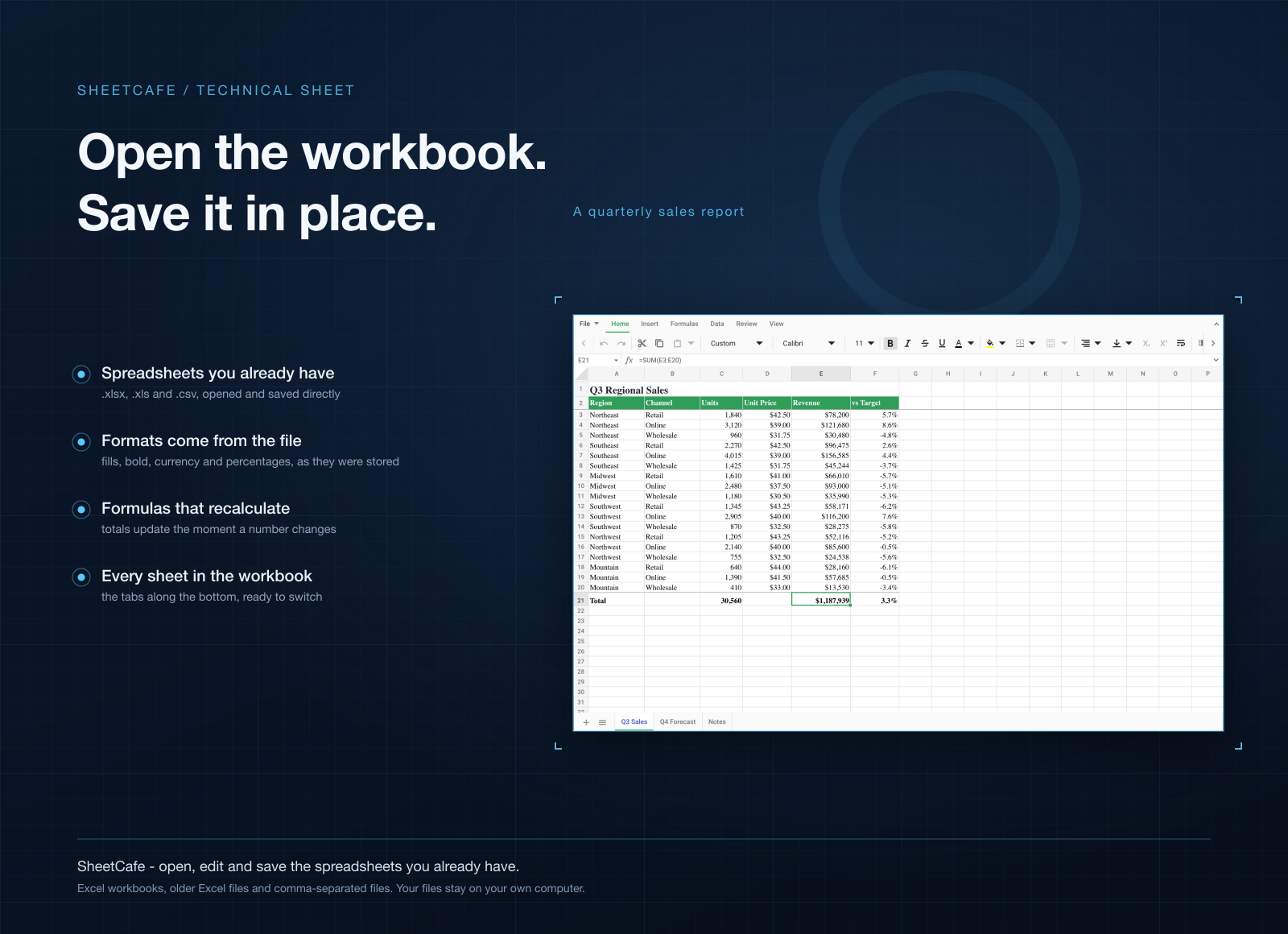
SheetCafe is built for that everyday part. It opens your .xlsx, .xls and .csv files, gives you a ribbon you already know, and saves back in the same format, so the file still works when a coworker opens it in Excel.
Light, quick, and on Mac and Windows
- A fraction of the size. SheetCafe for Mac is a 117 MB download. Excel on the Mac App Store is 1.2 GB. On Windows, SheetCafe is under 50 MB.
- Opens like a desktop app should. Double-click an .xlsx and you're editing. No browser tab, no waiting on the cloud.
- Same app on both systems. Mac, Windows, and Windows on ARM. The ribbon, the shortcuts and your files work the same everywhere.
What you can do in it
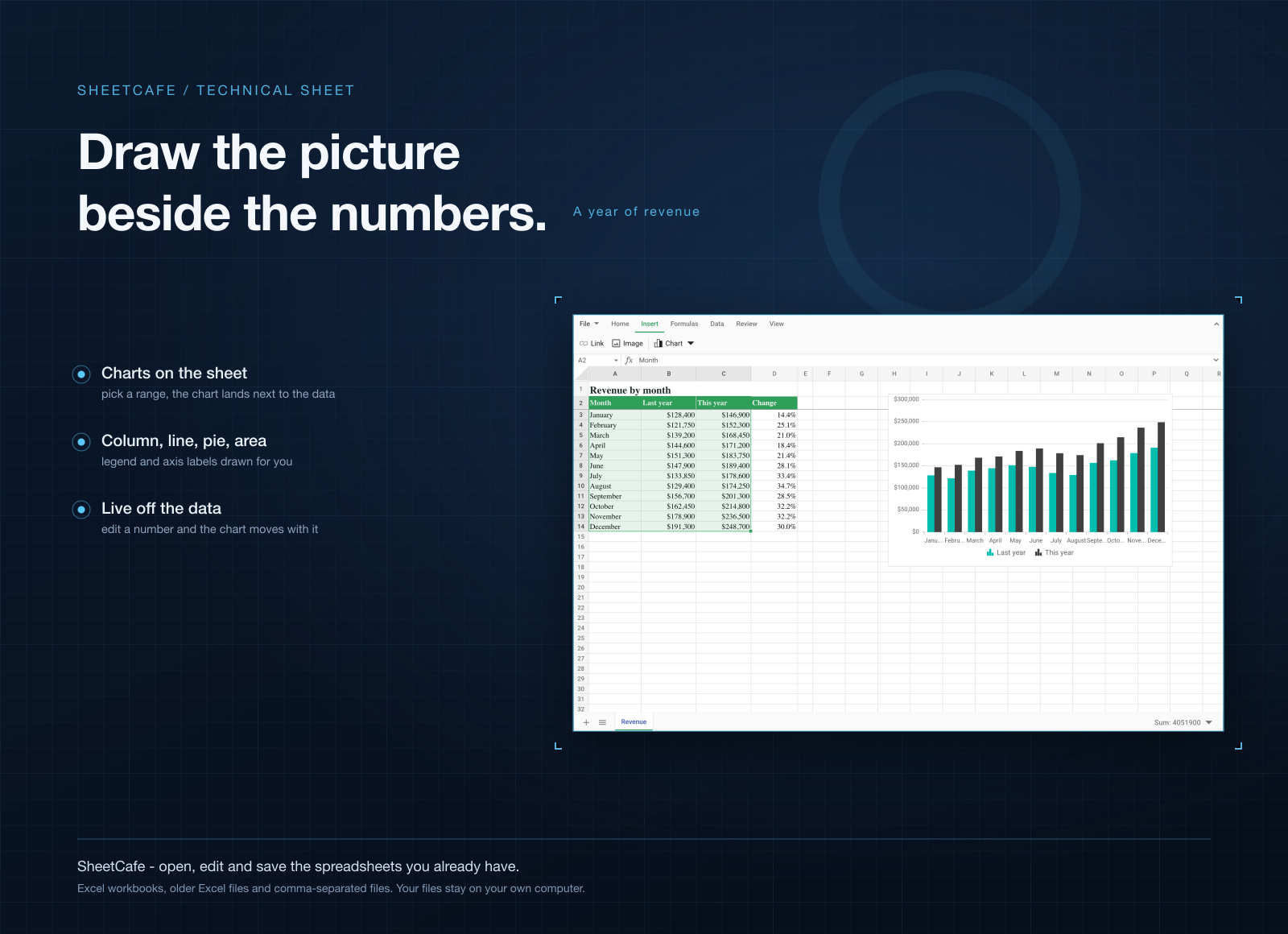
- Keep your Excel files as they are. Formulas, formatting and charts come through when you open and save.
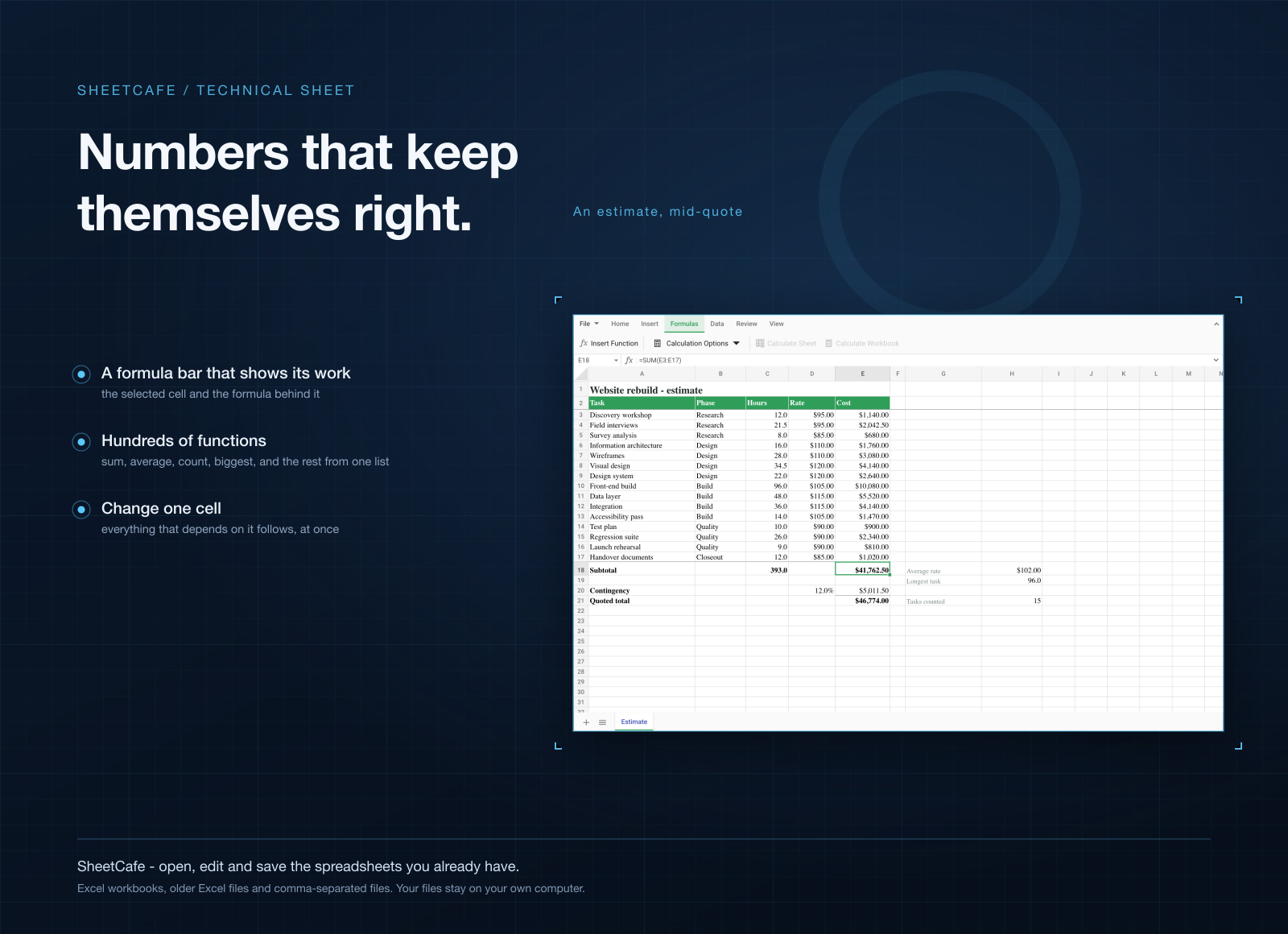
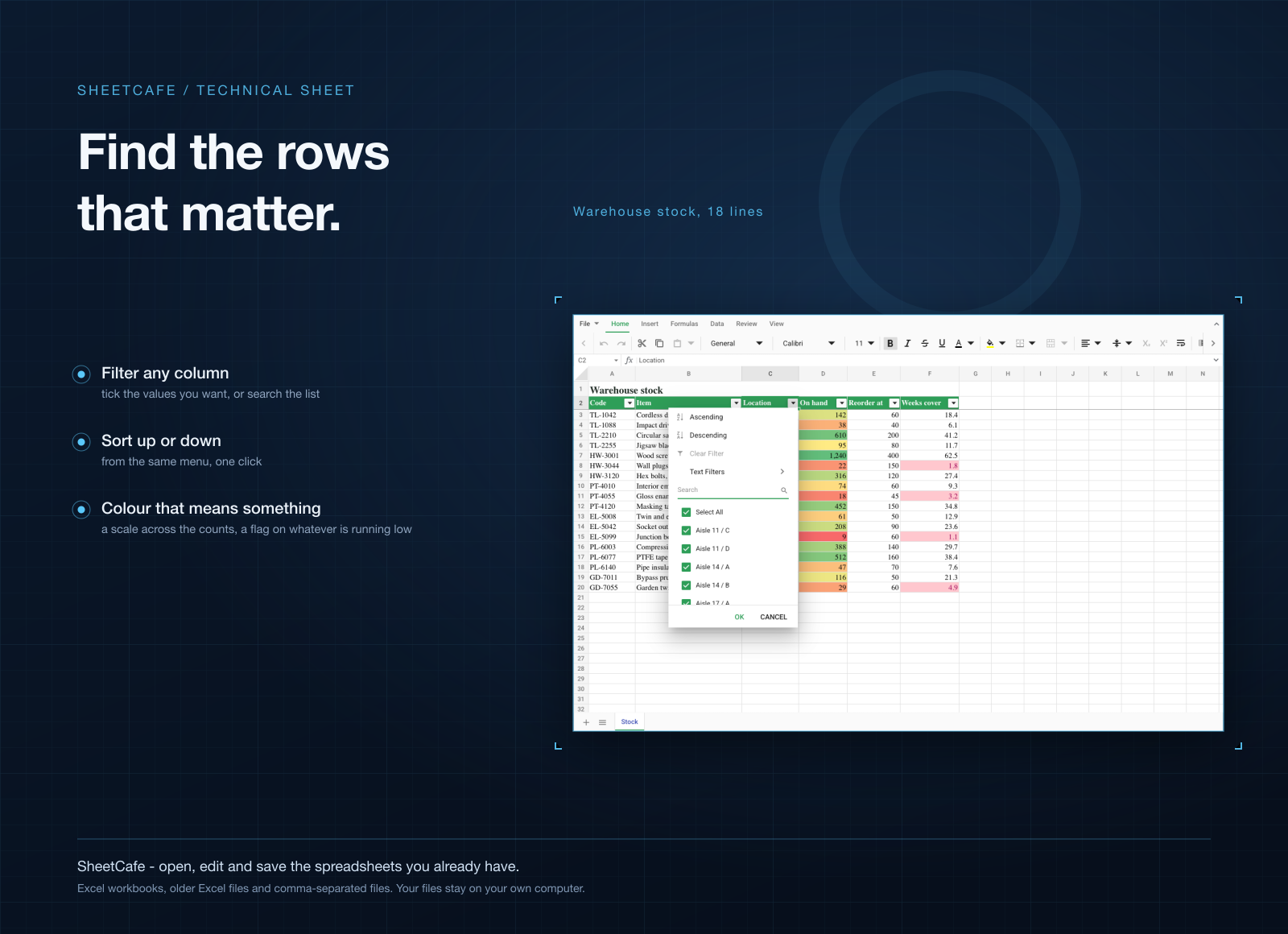
- Use the tools you actually reach for. Pivot tables, conditional formatting, sort and filter, freeze panes, data validation, format painter.
- Print sheets that fit. A real print preview with portrait, landscape and fit-to-width, so wide sheets don't get cut in half.
- Export to the usual formats. Save as .xlsx, .xls, .csv or PDF from one menu.
- Keep files on your computer. No cloud sync, no upload, no telemetry.
Who it's for
People who get spreadsheets by email and just need to change a few cells and send them back. Freelancers doing invoices. Anyone who cancelled Microsoft 365 but still has a folder full of .xlsx files. And anyone with an older or smaller laptop who doesn't want a 1.2 GB app for that.
When to stick with Excel
If your work runs on VBA macros, Power Query or workbooks with hundreds of thousands of rows, keep Excel. Same if your team edits the same sheet live in OneDrive: SheetCafe works on files on your own disk and has no shared editing. It's for everyday spreadsheet work, not for replacing a finance team's setup.
What it costs
SheetCafe isn't sold on its own. It comes with a getapps.cafe membership, from $1.99 a month on the annual plan, and that includes every other app on the menu too. There's a 7-day free trial, so you can open your own files in it before paying anything.