A lot of people who have AutoCAD, or AutoCAD LT, don't really draft in it. They open a DWG someone sent, check a measurement, move a wall line, and print the plan to scale. Paying for a full CAD seat and giving it gigabytes of disk just to do that is a lot.
BrewCAD is built for that part of the job. It opens DXF and DWG drawings, lets you draw and edit on top of them, and prints or exports them to PDF. DWG files are converted automatically when you open them, and your edits save back to DXF, a standard format other CAD tools can read.
Light, quick, and on Mac and Windows
- Megabytes, not gigabytes. BrewCAD for Mac is a 5.5 MB download. Autodesk asks for 8 GB of free disk space to download and install AutoCAD 2026 for Mac, and 10 GB on Windows. On Windows, BrewCAD is 3.8 MB.
- Opens like a desktop app should. Double-click a DXF or DWG and it opens right away on your own computer. No account, no cloud.
- Same app on both systems. Mac, Windows, and Windows on ARM. One app, whichever computer you're on.
What you can do in it
- Get around big drawings fast. Smooth pan and zoom, with a grid and snapping to keep things lined up.
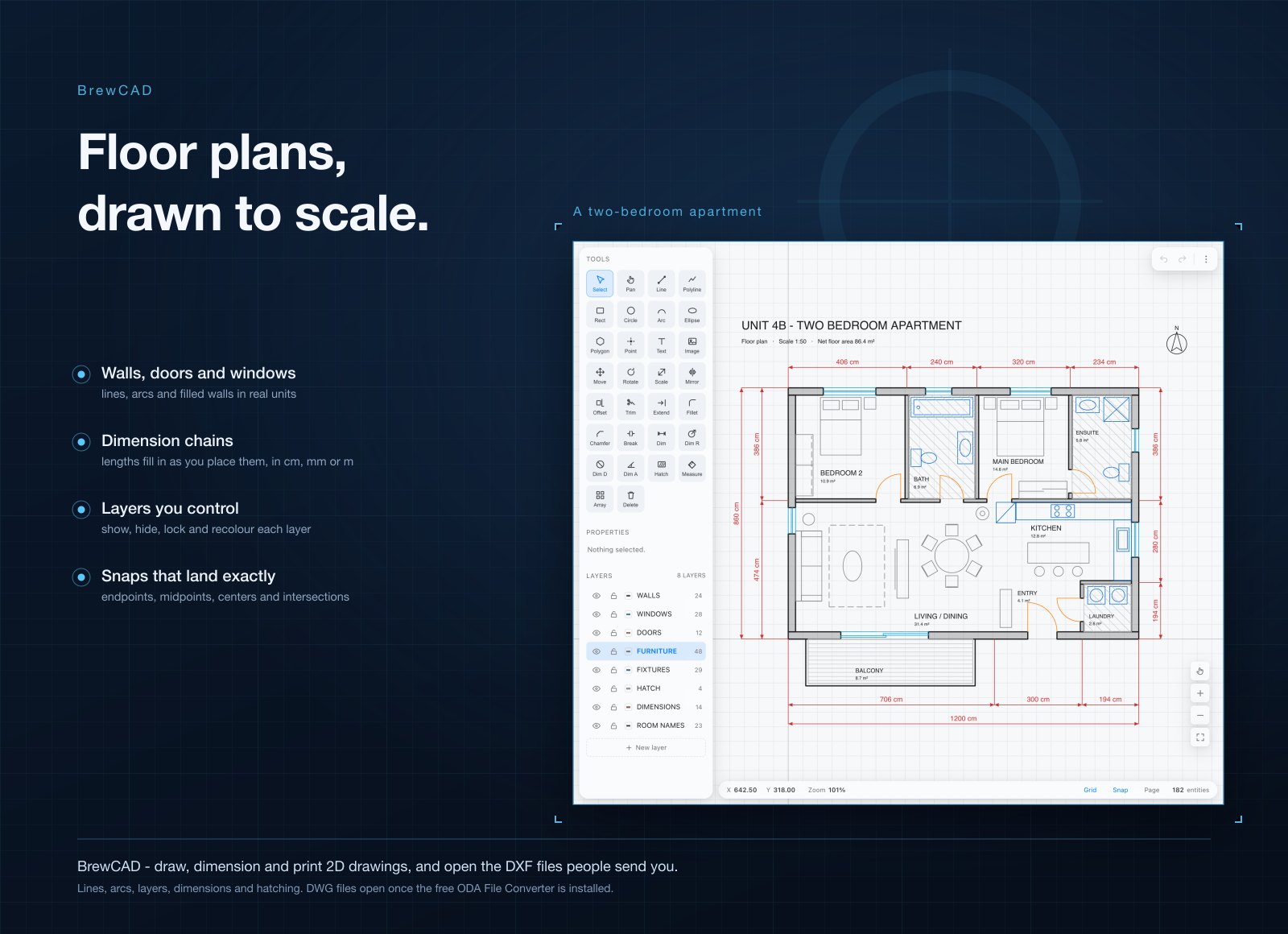
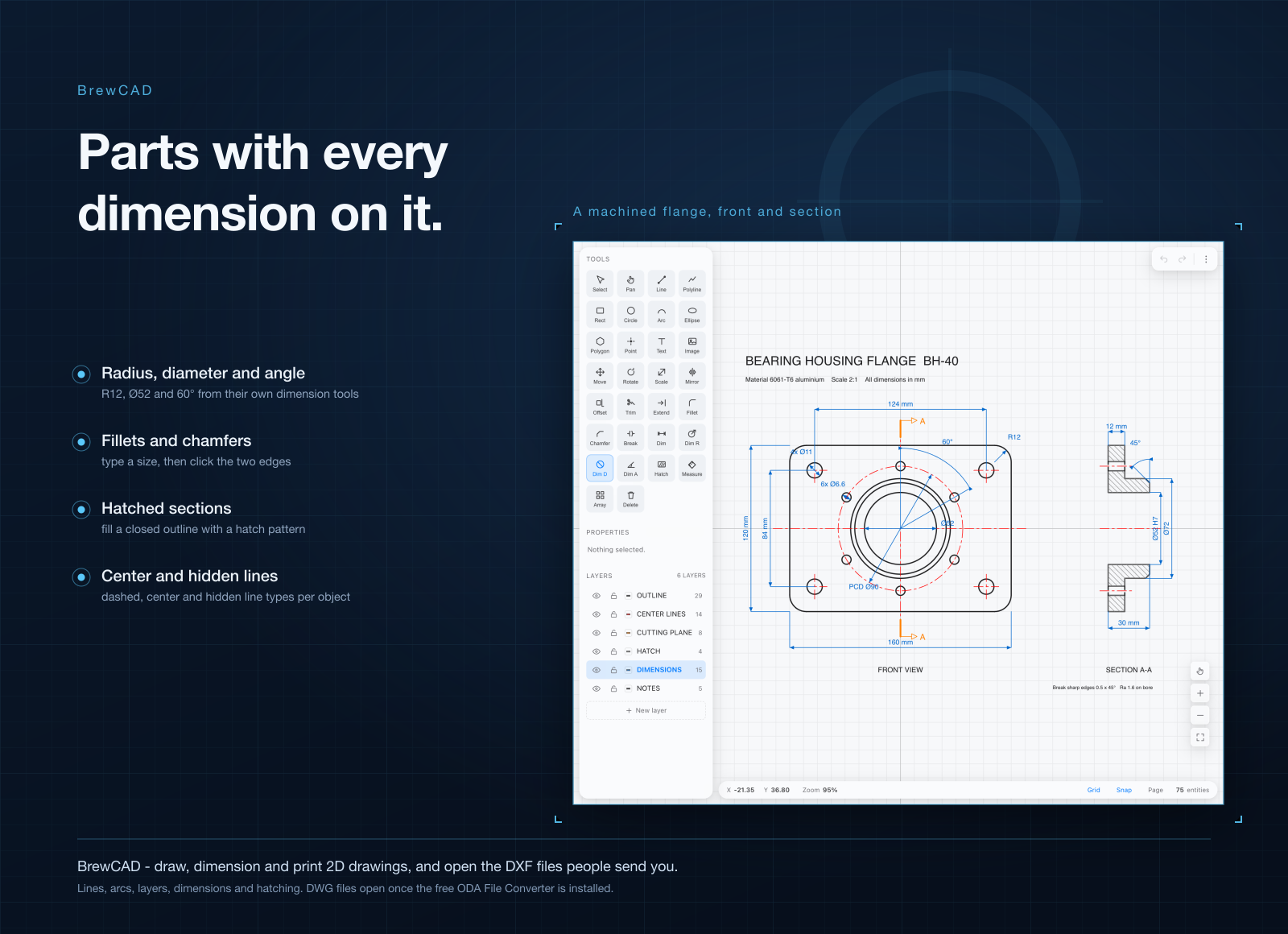
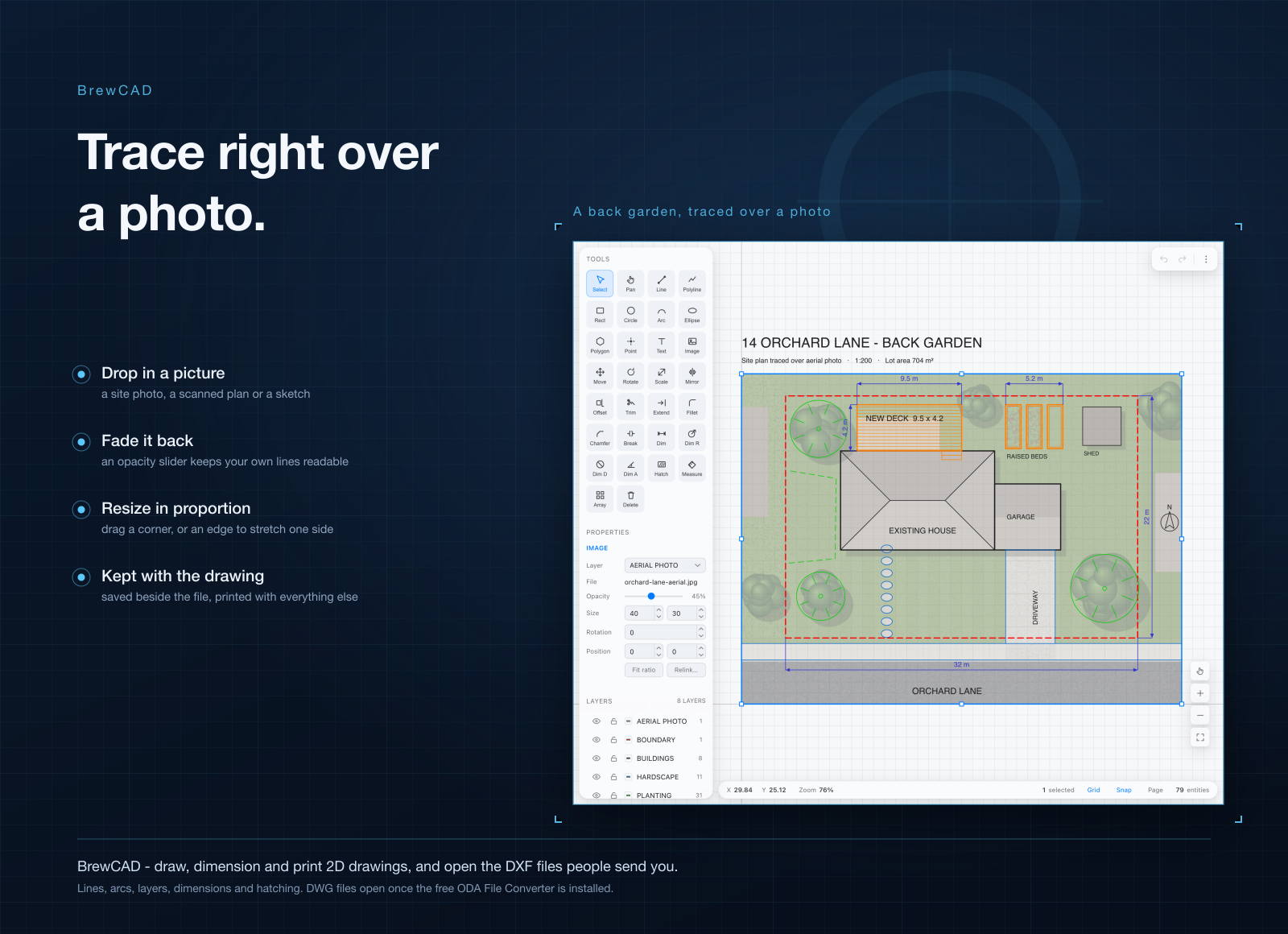
- Draw on an existing plan. Lines, polylines, rectangles, circles, arcs, text, dimensions and hatching.
- Edit with the commands you know. Move, rotate, scale, mirror, offset, trim, extend, fillet, chamfer and array.
- Snap where you mean to. Endpoints, midpoints, centers, intersections and more.
- Control layers. Show, hide, recolour and add layers, and pick which one new shapes go on.
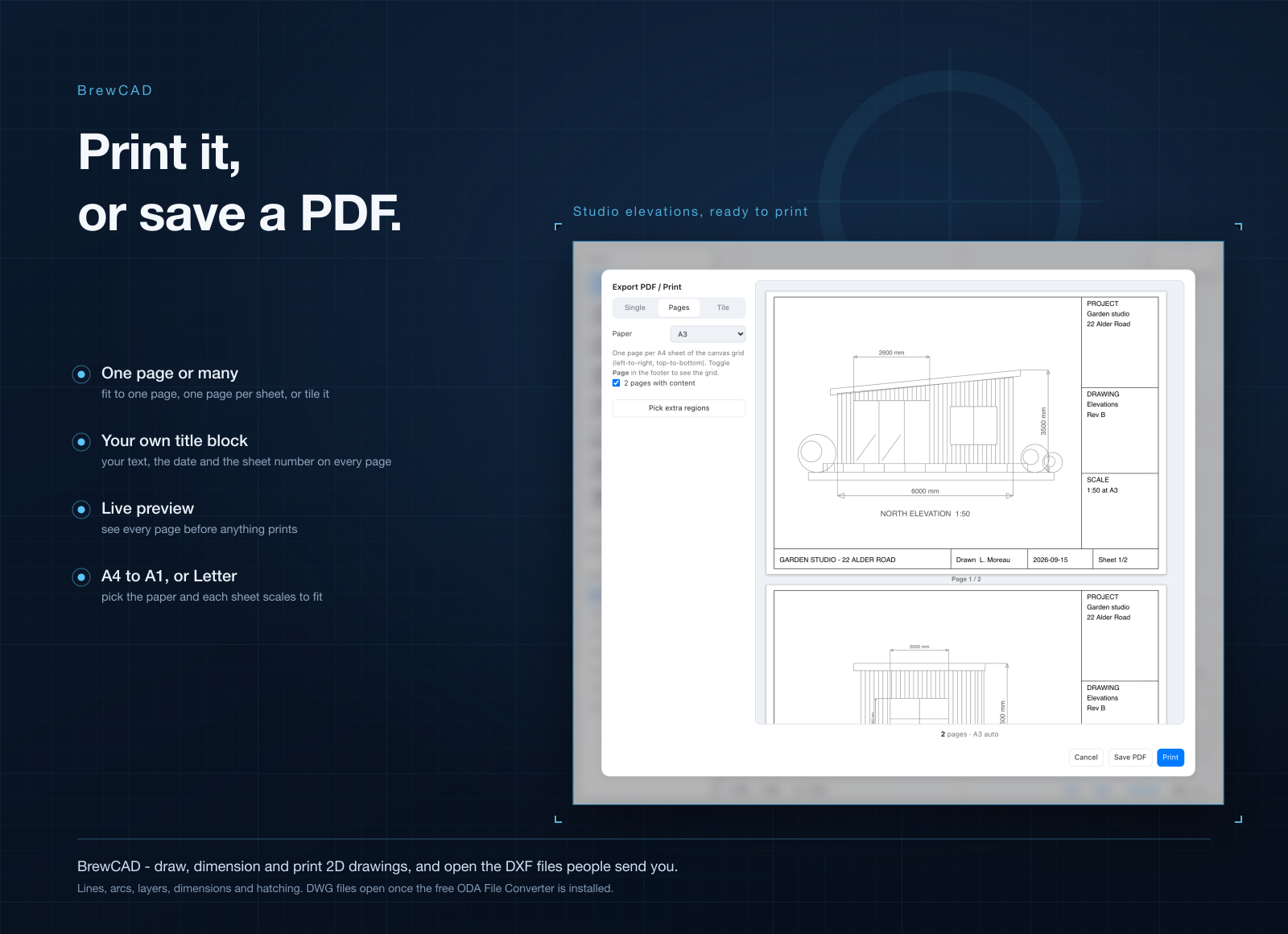
- Print to scale or to PDF. One page, a tiled set across A4 or A3 sheets, or just the regions you pick, with a live preview first.
Who it's for
Builders, makers and homeowners who get plans by email and need to mark them up. Contractors who only open a DWG to check a size and print it. Architects and engineers who want a quick viewer and editor on a laptop that doesn't have AutoCAD installed. And anyone who wants to print a big drawing across a few A4 pages at home.
When to stick with AutoCAD
If your drawings have to stay in DWG from start to finish, keep AutoCAD or AutoCAD LT: BrewCAD opens DWG files but saves to DXF. And keep full AutoCAD if you do 3D modeling, run AutoLISP routines, or work in its specialized toolsets like Architecture, Electrical, MEP or Plant 3D. BrewCAD is for opening, marking up and printing 2D drawings, not for running a drafting office.
What it costs
BrewCAD isn't sold on its own. It comes with a getapps.cafe membership, from $1.99 a month on the annual plan, and that includes every other app on the menu too. There's a 7-day free trial, so you can open your own drawings in it before paying anything.