Let's start with the free part: Adobe Acrobat Reader costs nothing, and if you only open and read PDFs, it does the job. The bill starts when you want to change one. Fixing a typo or editing text needs Acrobat Standard at $14.99 a month or Pro at $19.99 a month, both on an annual plan. Cancel that plan after 14 days and Adobe can charge up to half of what's left on the year. That's a lot for signing a lease and fixing a date.
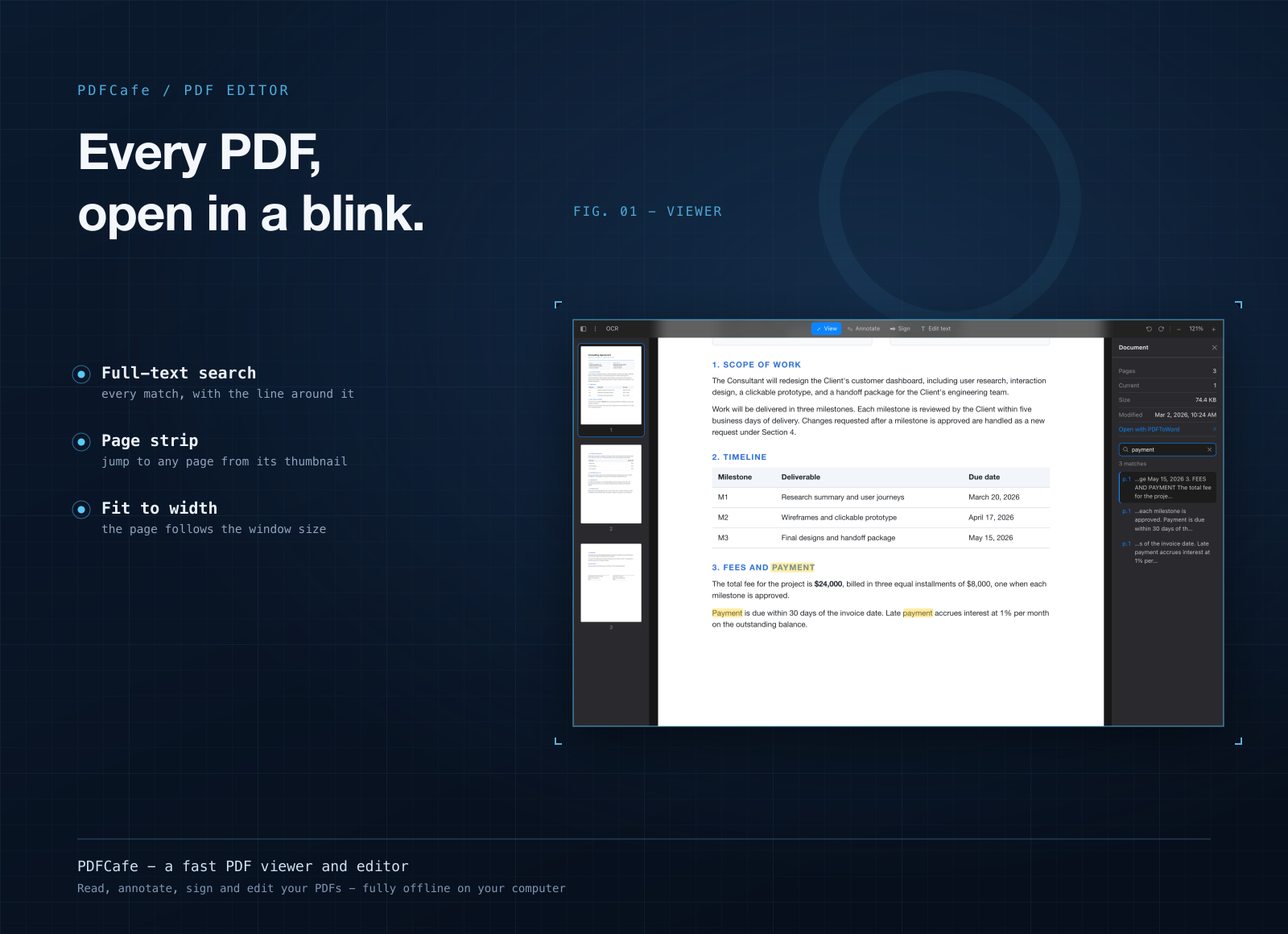
PDFCafe is a PDF viewer and editor for that everyday part. Open any PDF, read it, mark it up, sign it, fix a word right inside the text, and save. It all happens on your own computer, and nothing gets uploaded.
Light, quick, and on Mac and Windows
- A small download. PDFCafe for Mac is 18.7 MB. On Windows it's 9.2 MB, and 8.6 MB for Windows on ARM.
- Opens like a desktop app should. Set it as your default PDF app and a double-click opens the file. No browser tab, no cloud round-trip.
- Same app on both systems. Mac, Windows, and Windows on ARM, with the same tools in the same places.
What you can do in it
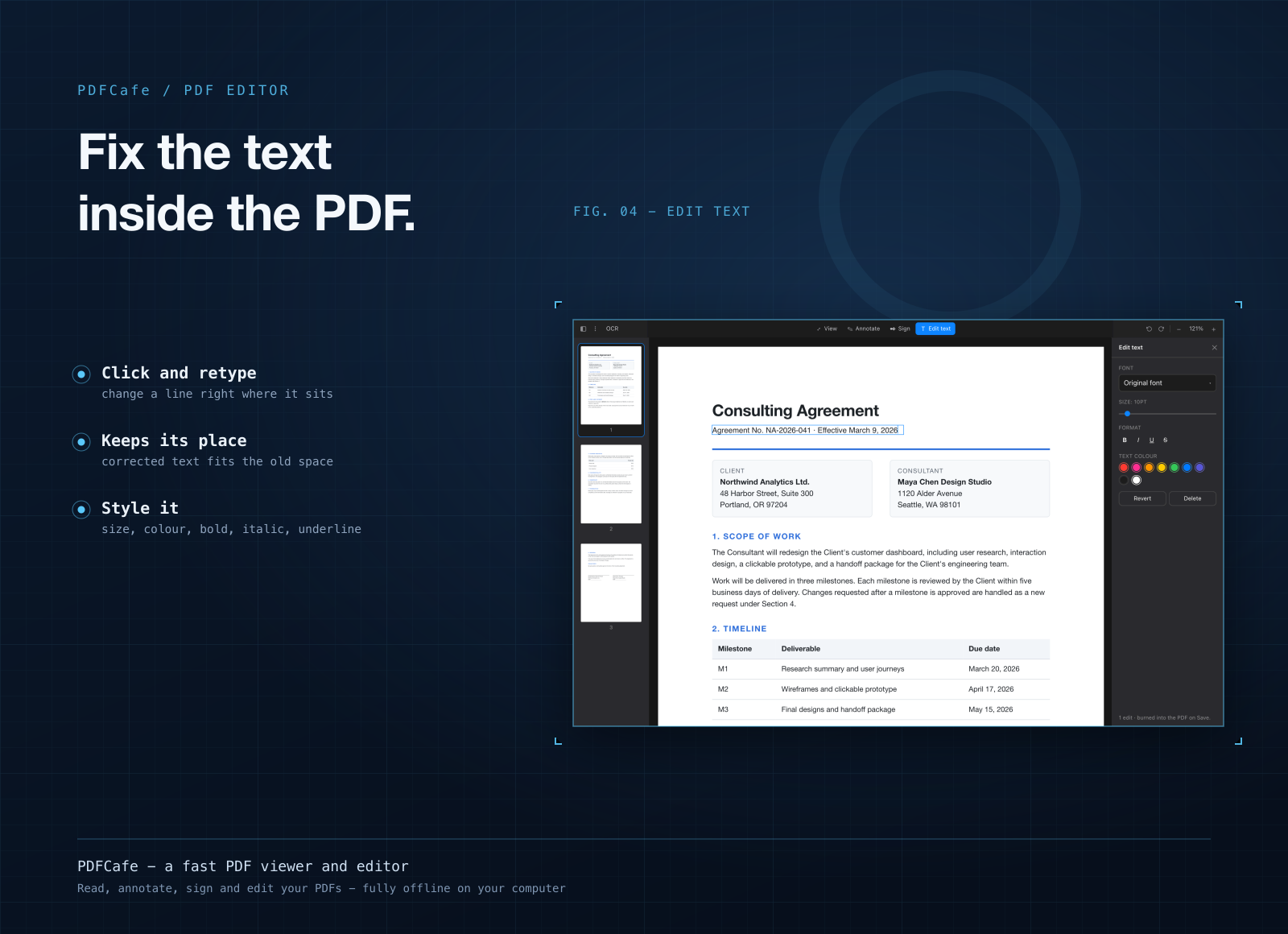
- Edit the actual text. Click a word that's already in the PDF to change it, fix a typo, adjust its size or color, or delete it.
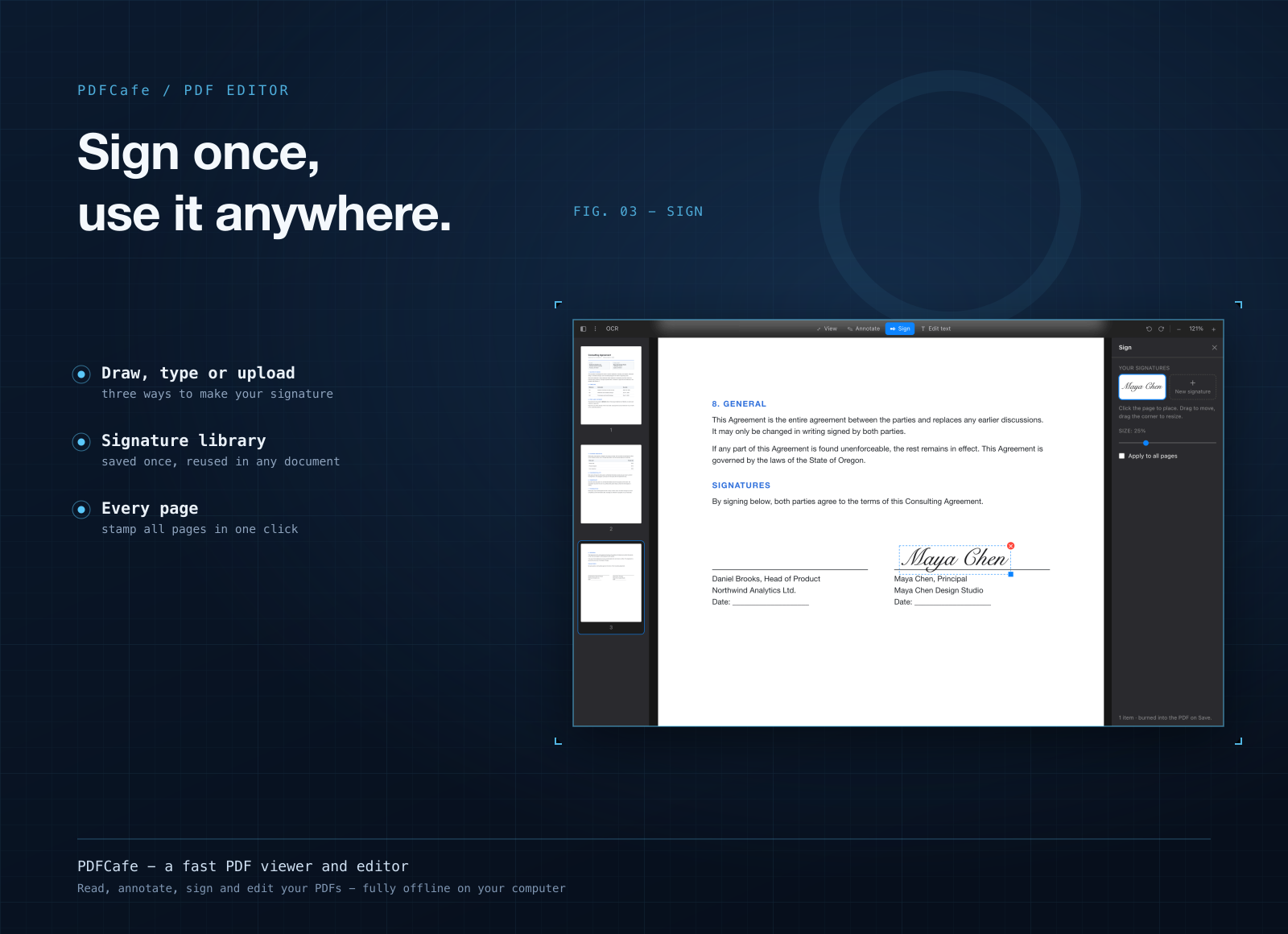
- Sign without printing. Draw your signature, type it in any font on your computer, or upload a picture, then save it to reuse on the next document.
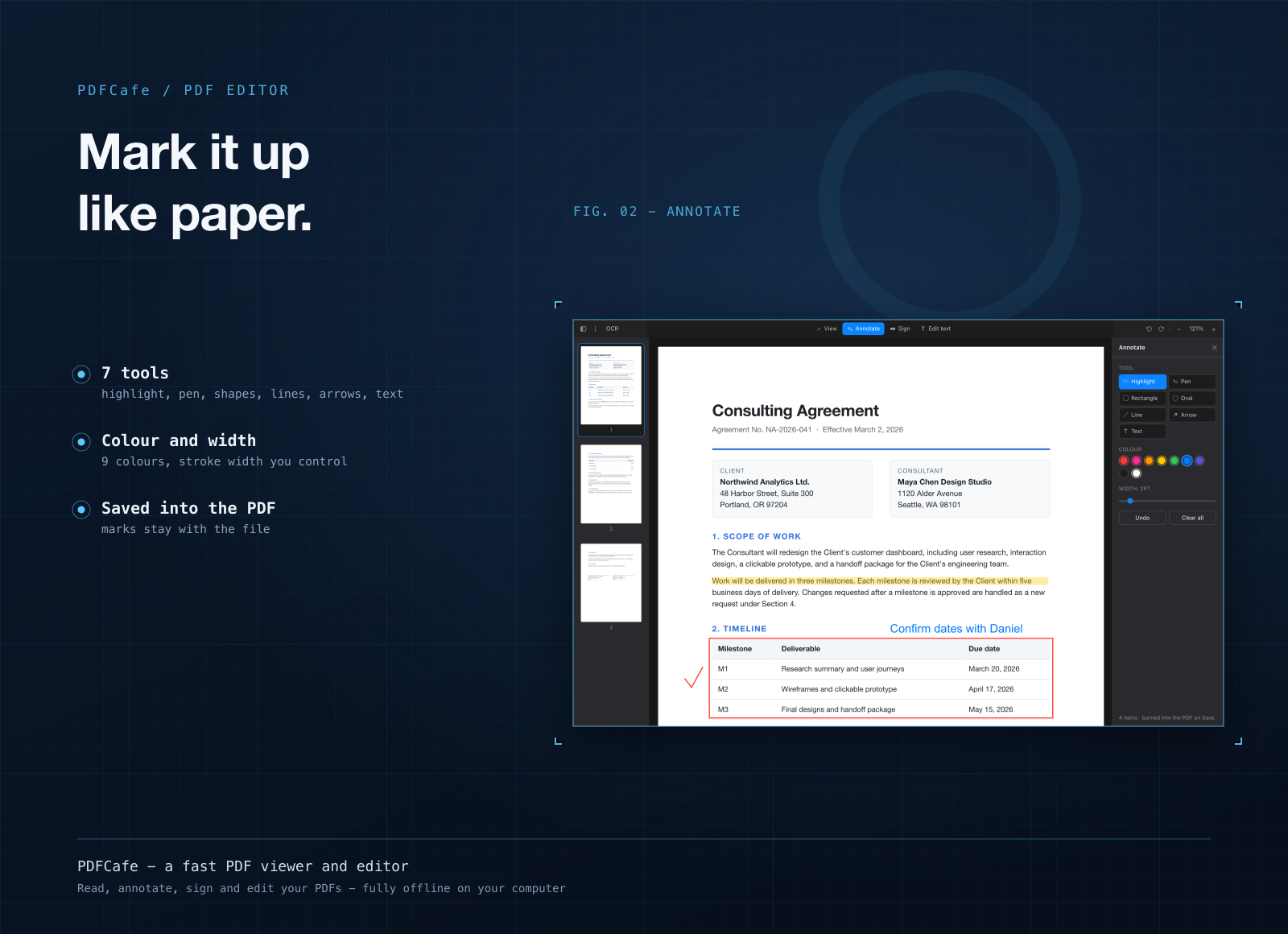
- Highlight and annotate. Highlights, freehand pen, rectangles, ovals, lines and text boxes in any color, with undo.
- Place images. Drop a logo or stamp on a page, drag it into place, resize it and fade it with the opacity slider.
- Send just the pages that matter. Pick pages from the thumbnail strip and save them as JPG images or as one new PDF.
- Search and print. Find every place a word appears, jump to it, and print straight from the app.
Who it's for
People who get contracts and forms by email and need to sign them and send them back. Anyone who spots a wrong date in a PDF and can't find the original file. Students highlighting readings. And anyone who'd rather keep private paperwork on their own computer than upload it to a website to edit it.
When to stick with Adobe Acrobat
If your work needs OCR on scanned pages, redaction, building fillable forms, or sending documents out for signature and tracking who signed, keep Acrobat. PDFCafe doesn't do those. Same if your office reviews PDFs together in Adobe's cloud. And if all you ever do is read PDFs, the free Acrobat Reader is fine. PDFCafe is for the editing in between.
What it costs
PDFCafe isn't sold on its own. It comes with a getapps.cafe membership, from $1.99 a month on the annual plan, and that includes every other app on the menu too. There's a 7-day free trial, so you can open your own PDFs in it before paying anything.