Most of what people do in Word is pretty simple. Write a letter, fix up a report someone emailed you, turn it into a PDF and send it off. Paying $99.99 a year for Microsoft 365 just to keep doing that adds up, year after year.
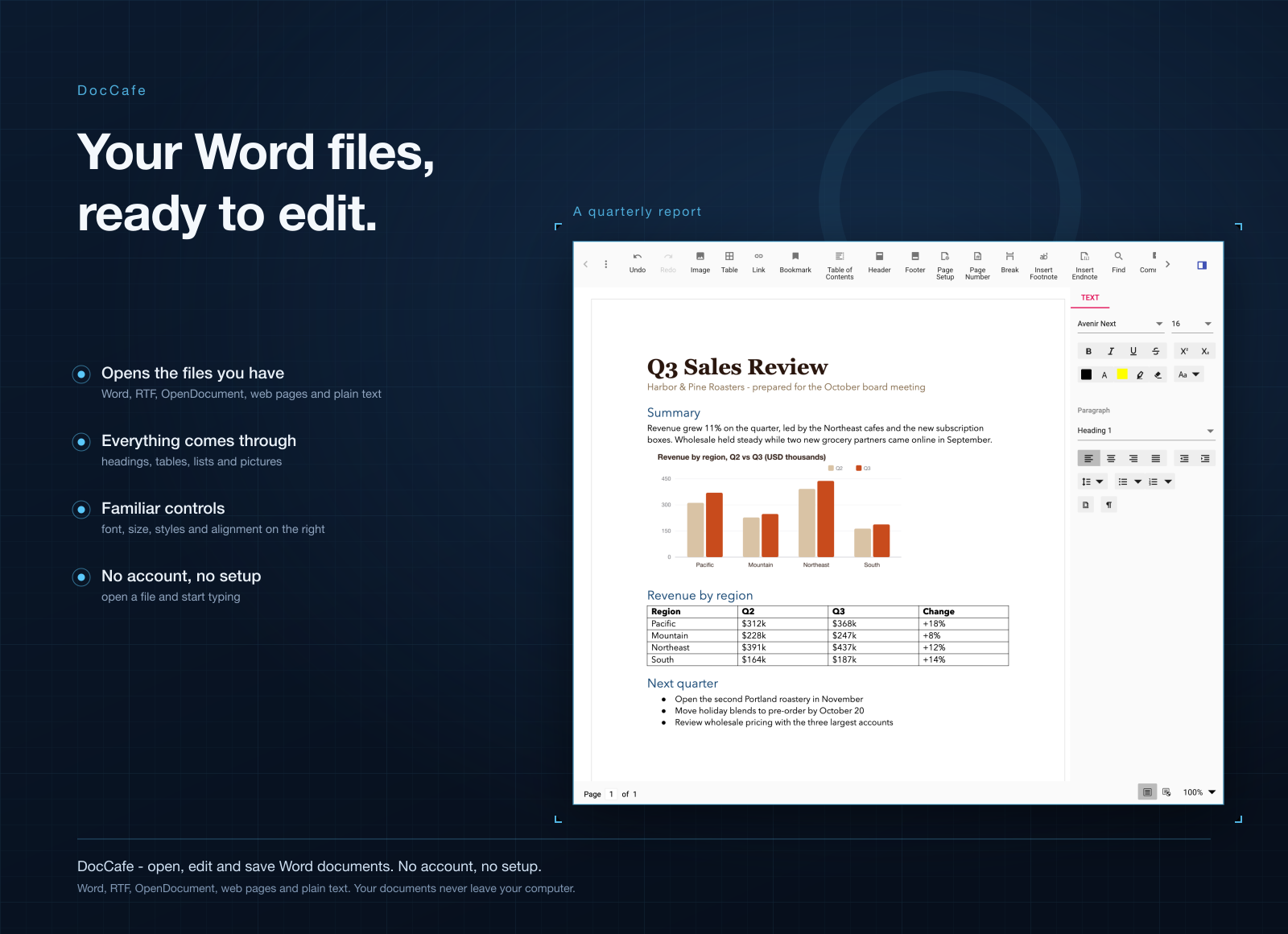
DocCafe is a word processor built for that everyday part. It opens your .docx files in a familiar word-processor view, lets you edit them, and saves them back as Word documents. No account, no setup.
Light, quick, and on Mac and Windows
- A fraction of the size. DocCafe for Mac is a 113 MB download. Word on the Mac App Store is 1.4 GB. On Windows, DocCafe is about 45 MB.
- Opens like a desktop app should. Double-click a document or drop it on the window and you're editing. No browser tab, no waiting on the cloud.
- Same app on both systems. Mac, Windows, and Windows on ARM. Your documents look and behave the same everywhere.
What you can do in it
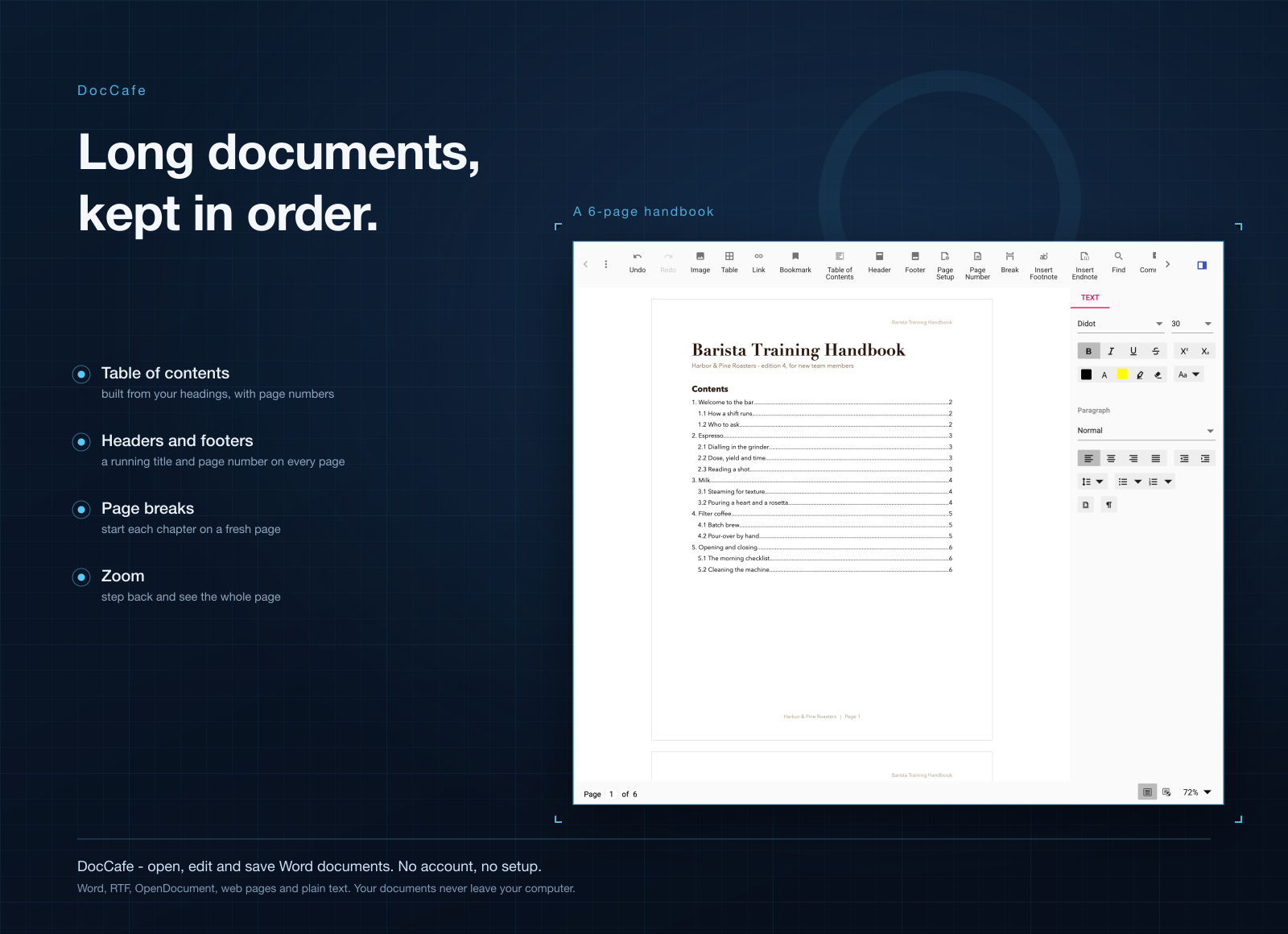
- Edit Word files like you're used to. Text, formatting, headings, lists, tables and images.
- Open what people send you. Word, RTF, OpenDocument, web pages and plain text all open in the same app.
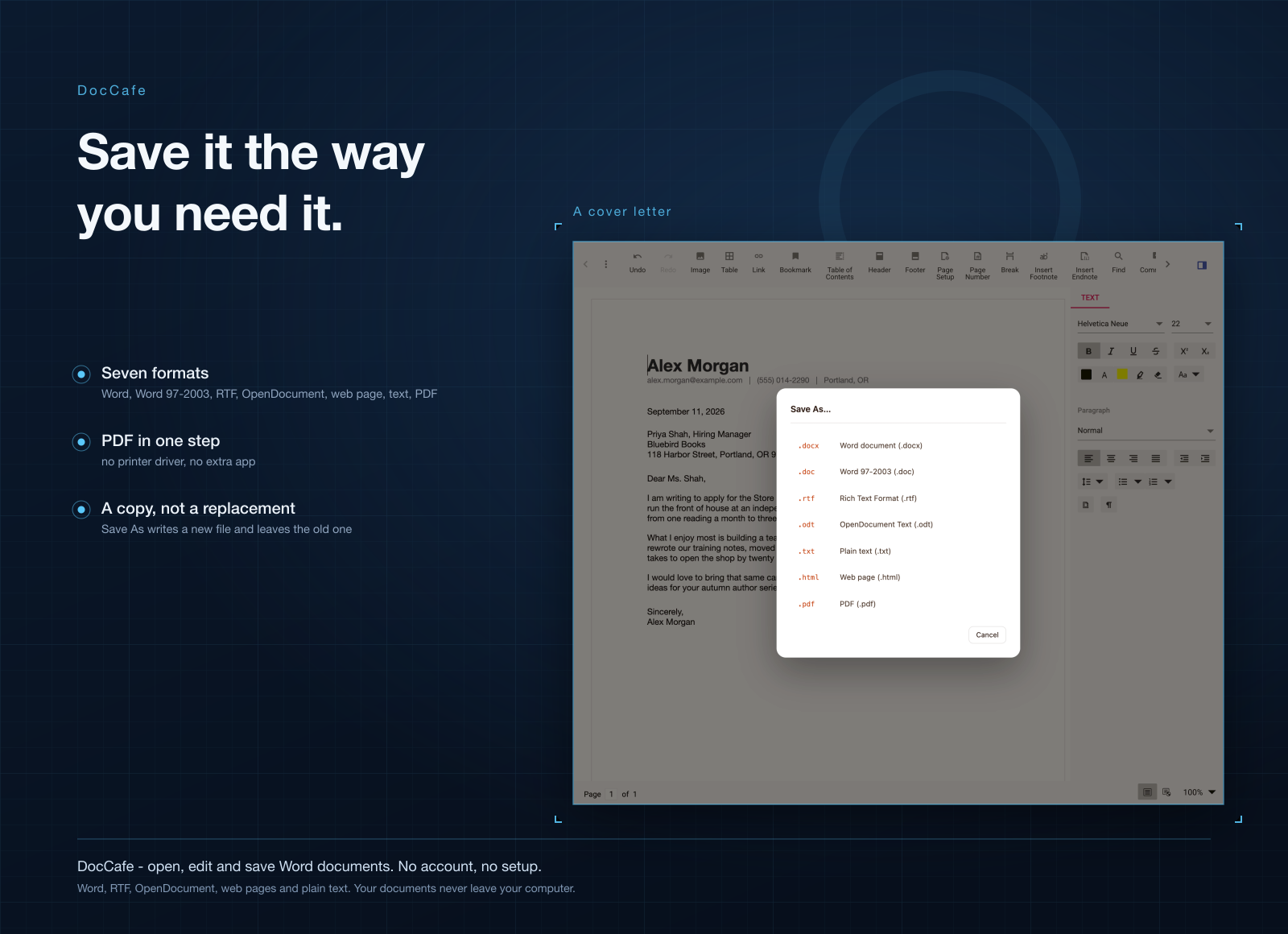
- Save in the format you need. Keep it as Word, or save a copy as PDF, RTF, OpenDocument, a web page or plain text.
- Print or make a PDF in one step. Send it to your printer, or turn it into a clean PDF to share.
- Work offline, keep it private. Everything happens on your computer. Your documents are never uploaded anywhere.
- Don't lose your changes. DocCafe reminds you to save before you close or switch files.
Who it's for
People who get documents by email and just need to fix a few lines and send them back. Freelancers writing proposals and turning them into PDFs. Anyone who cancelled Microsoft 365 but still has a folder full of .docx files. And anyone working on contracts or personal papers they'd rather not put on a cloud service.
When to stick with Word
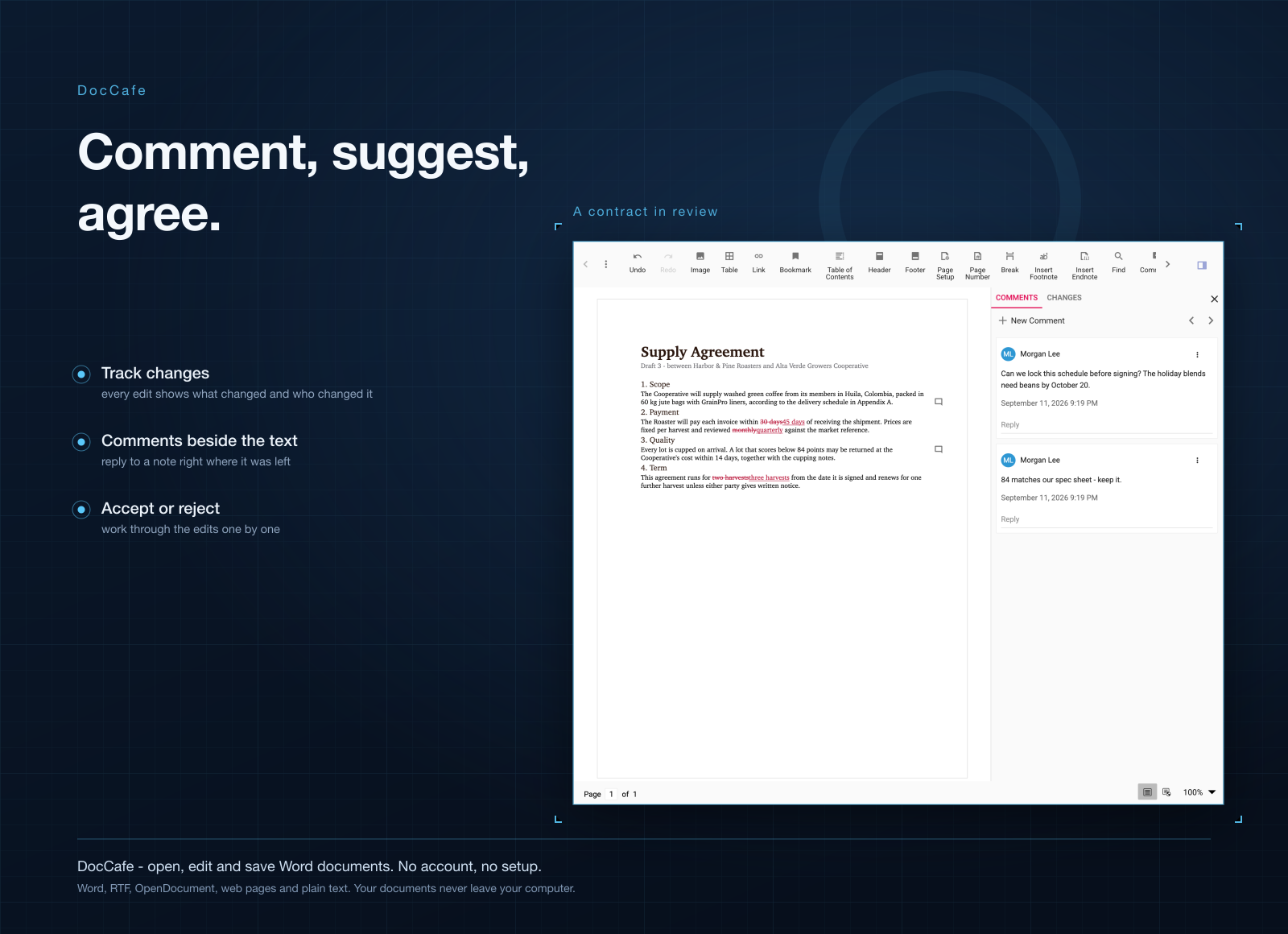
If your work runs on Track Changes and comment threads going back and forth with an editor or a lawyer, keep Word. Same if your team writes in the same document at the same time through OneDrive: DocCafe works on files on your own disk and has no shared editing. It's for everyday writing and editing, not for replacing a whole office's review process.
What it costs
DocCafe isn't sold on its own. It comes with a getapps.cafe membership, from $1.99 a month on the annual plan, and that includes every other app on the menu too. There's a 7-day free trial, so you can open your own documents in it before paying anything.