Someone sends you a .rar file and you're on a Mac. On Windows you'd reach for WinRAR, but there's no WinRAR window for the Mac. RARLAB's Mac download is RAR for macOS, and its own download page lists it as "command line only". That's fine if you live in Terminal. Most people just want to double-click the file and get their stuff out.
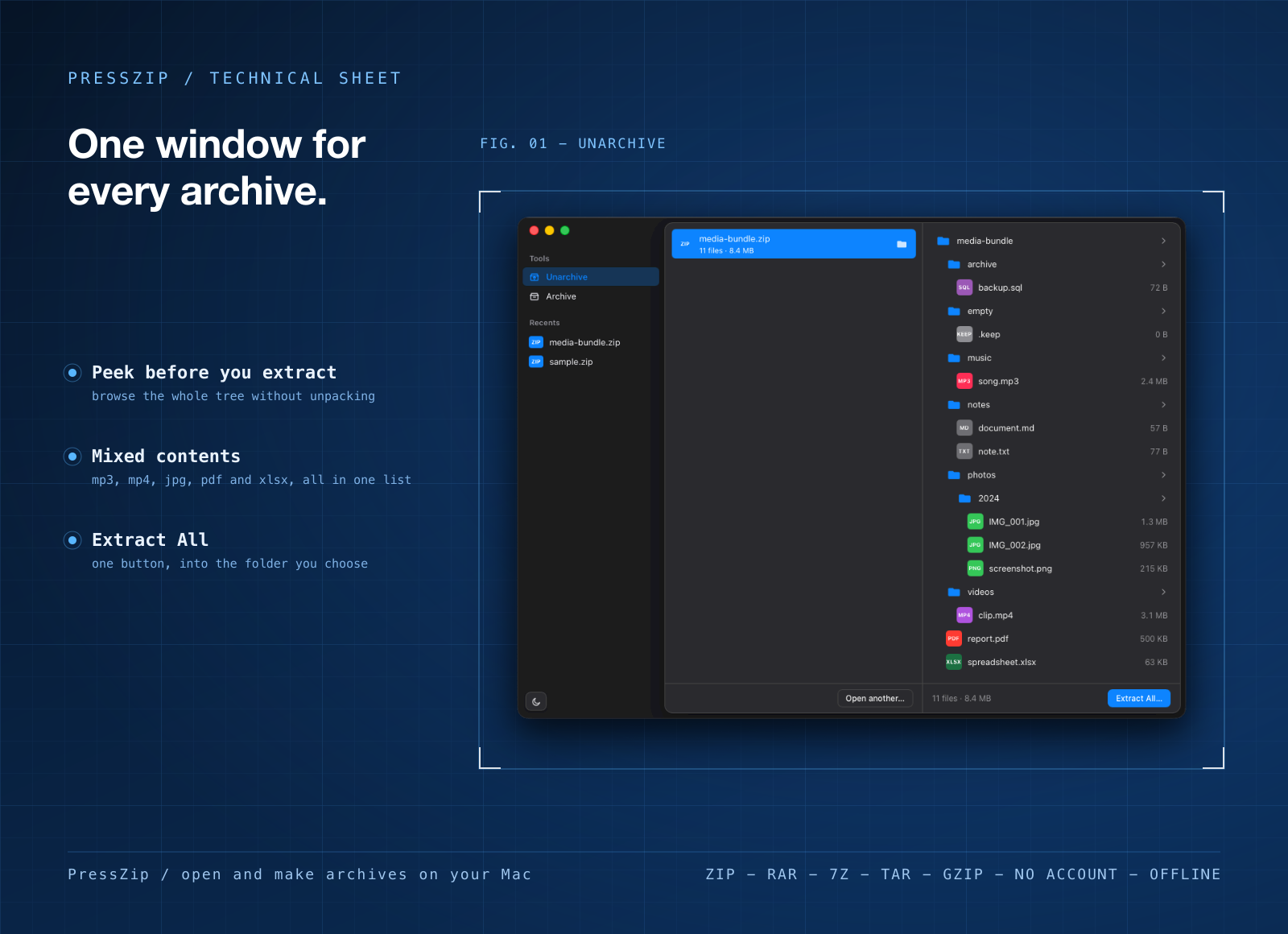
PressZip is a Mac app for exactly that. It opens and extracts ZIP, RAR, 7z, TAR and Gzip archives, lets you look inside first, and can pack your own files into a ZIP. Everything runs on your Mac, with no account and nothing uploaded.
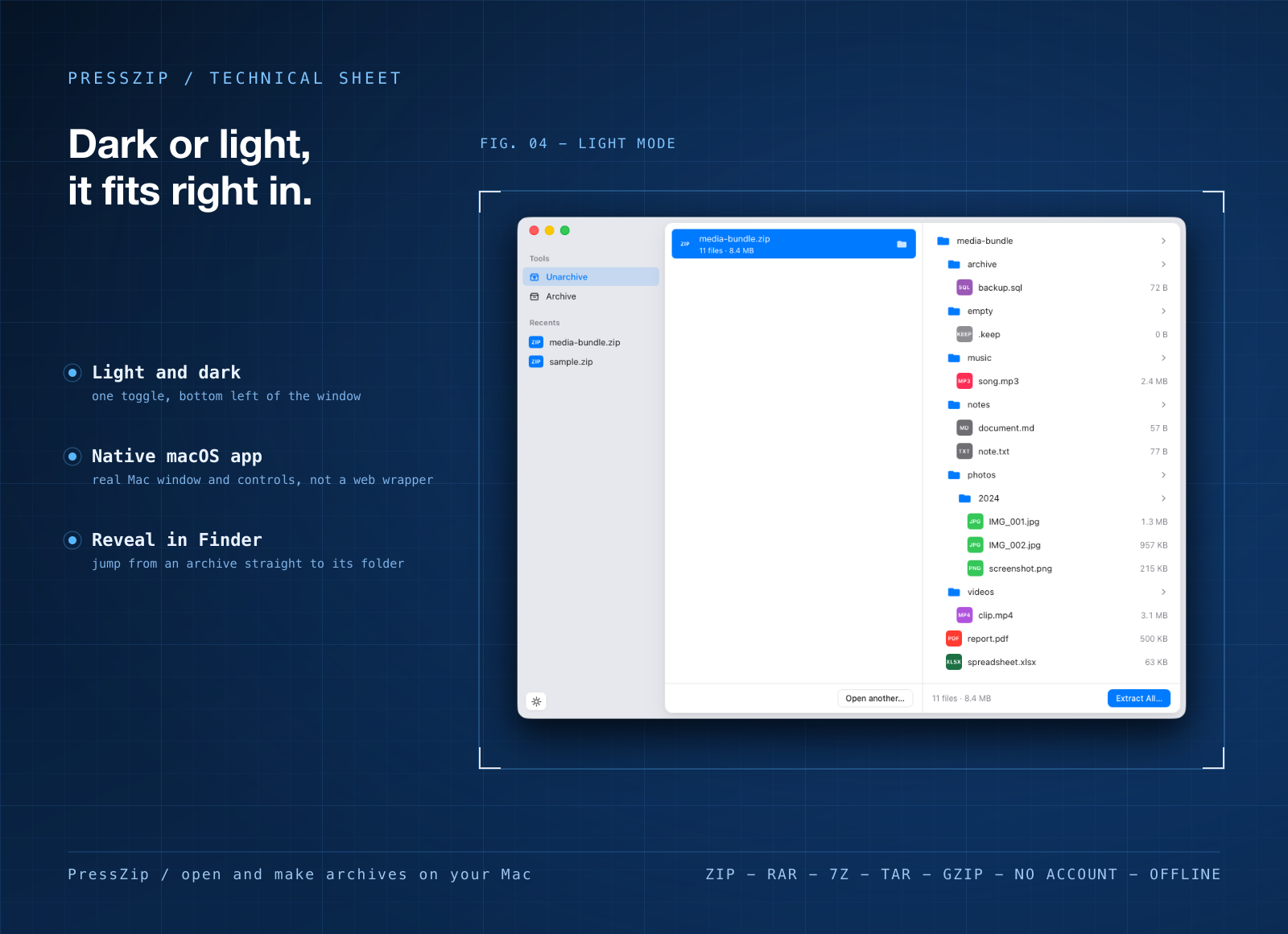
A real Mac app, not a command line
- Double-click and you're in. Open an archive from Finder or with Open With, and the contents show up right away.
- Honest about size. PressZip for Mac is a 14.9 MB download. RAR for macOS is smaller, about 654 KB for Apple silicon, because it's a command-line tool with no window at all.
- Mac only. PressZip is built for macOS. On a Windows PC, WinRAR itself is the one to use.
What you can do in it
- Open the common formats. Extract ZIP, RAR, 7-Zip, TAR and Gzip without a separate tool for each.
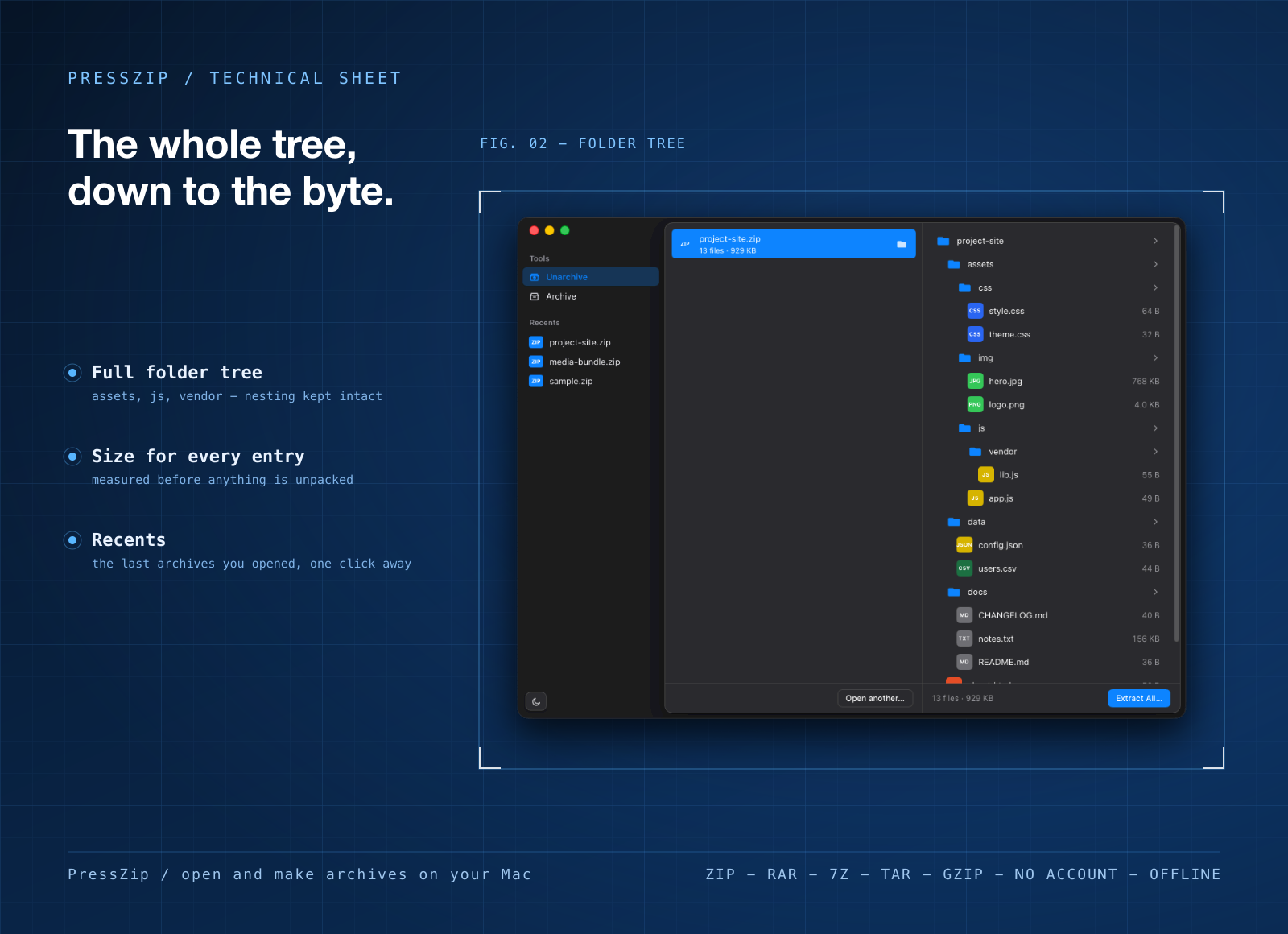
- Peek before you extract. Browse what's inside and pull out only the files you need.
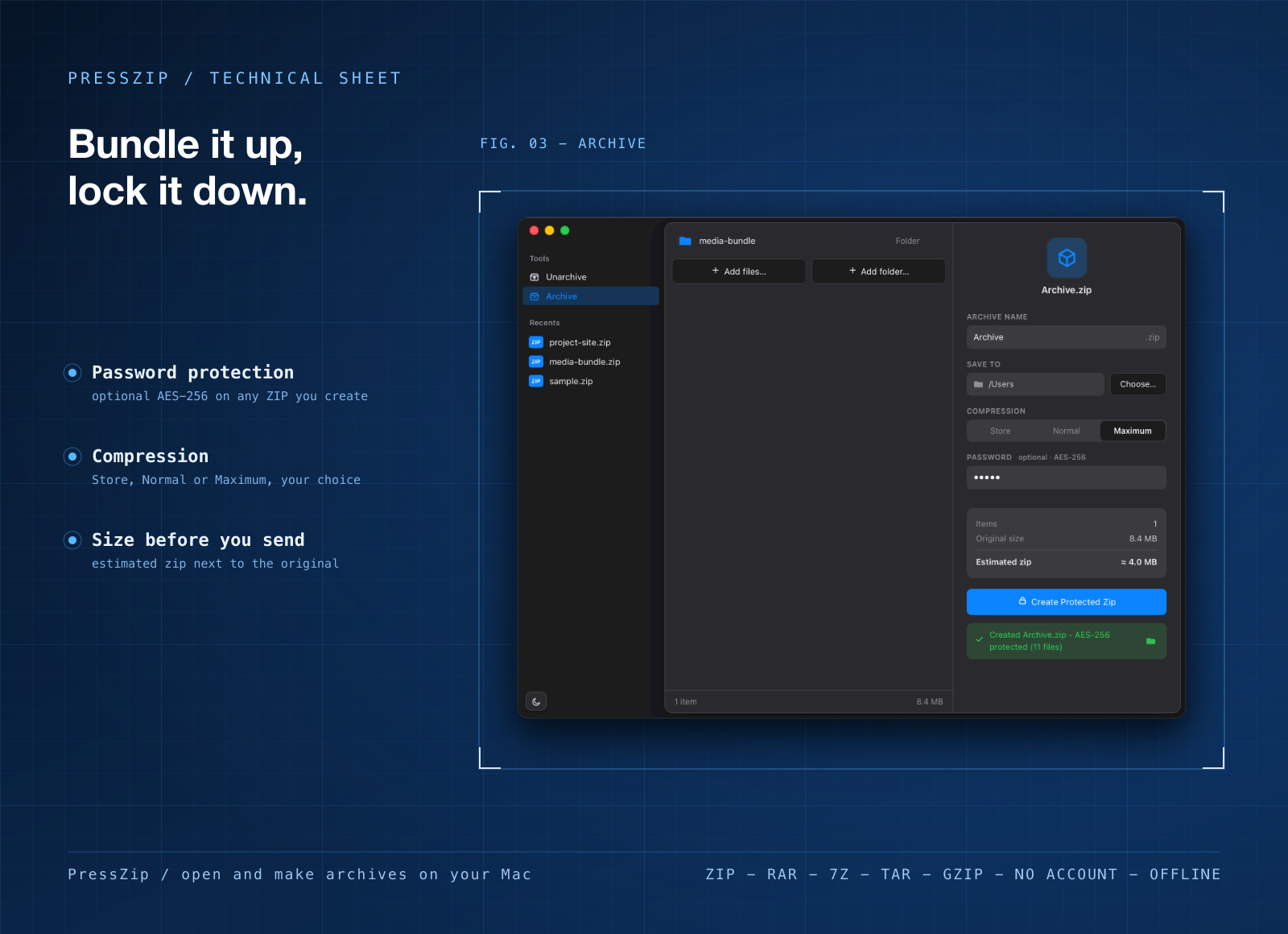
- Make your own ZIPs. Drop in files and folders and PressZip bundles them into a ZIP.
- Use passwords. Create password-protected archives, and open the ones people send you.
- Put files where you want. Pick the folder, extract, and open it in Finder straight away.
Who it's for
Mac users who download a .rar now and then and don't want to learn Terminal commands to open it. People who switched from a Windows PC and miss having WinRAR. Anyone who zips up a folder with a password before sending it on.
When to stick with WinRAR
If you need to create RAR archives, keep WinRAR: PressZip makes ZIPs, not RARs. The same goes for self-extracting archives, multivolume archives split into parts, and recovery records that can rebuild a damaged archive. RARLAB lists all of those, and PressZip doesn't do them. WinRAR also runs on Windows, where PressZip doesn't. And it's a one-time purchase: a single-user license is $29 before VAT after a 40-day trial, which can work out cheaper than a membership if an archiver is all you want.
What it costs
PressZip isn't sold on its own. It comes with a getapps.cafe membership, from $1.99 a month on the annual plan, and that includes every other app on the menu too. There's a 7-day free trial, so you can open your own RAR files in it before paying anything.