Typora's whole pitch is one pane. There's no preview window: you type a pound sign and a heading, and the symbols fold away into a formatted heading right where your cursor is. Plenty of people love that. Others find it slippery. They want to see the asterisks and brackets they typed, and check the finished page next to them before they commit or send it.
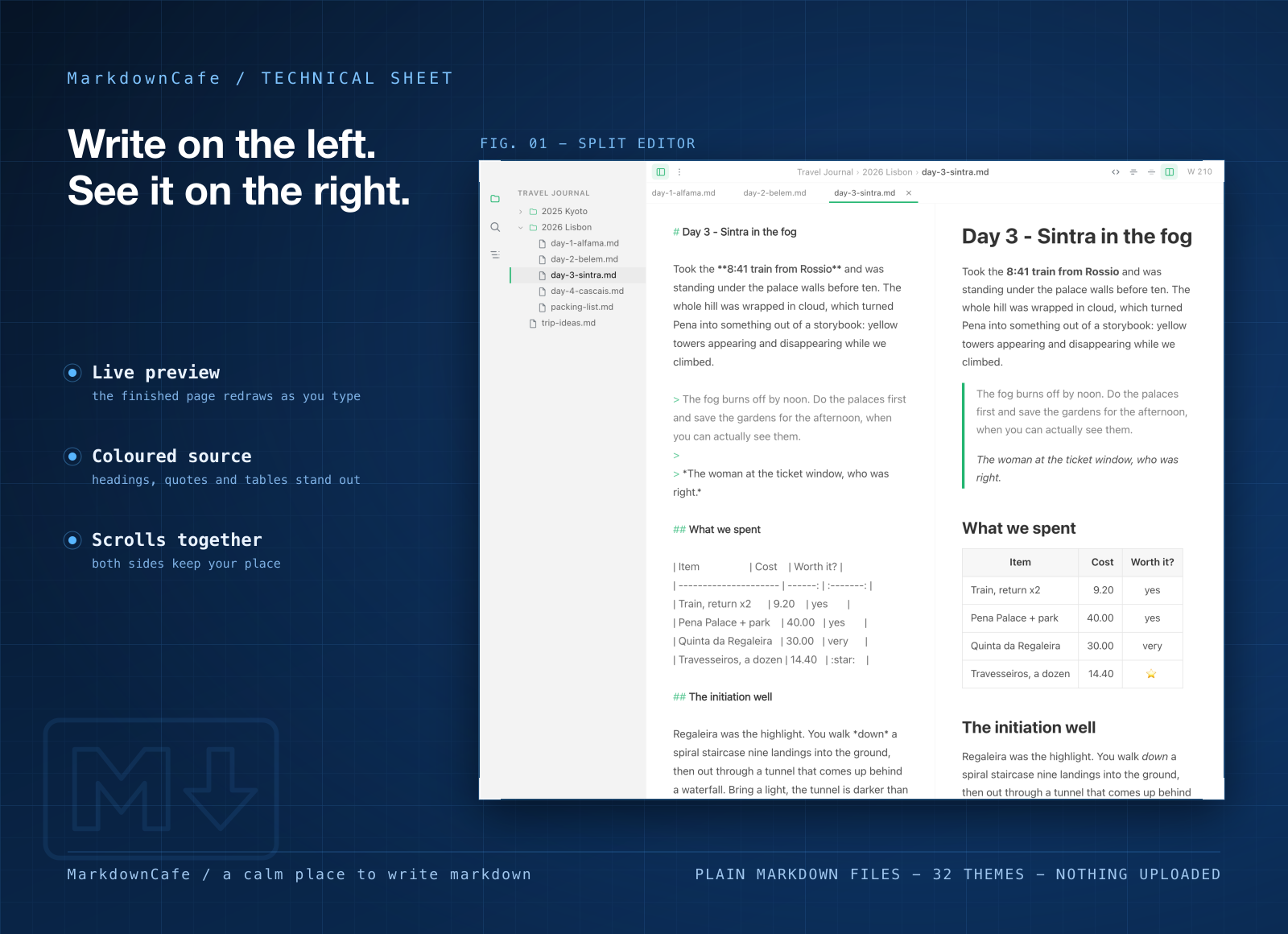
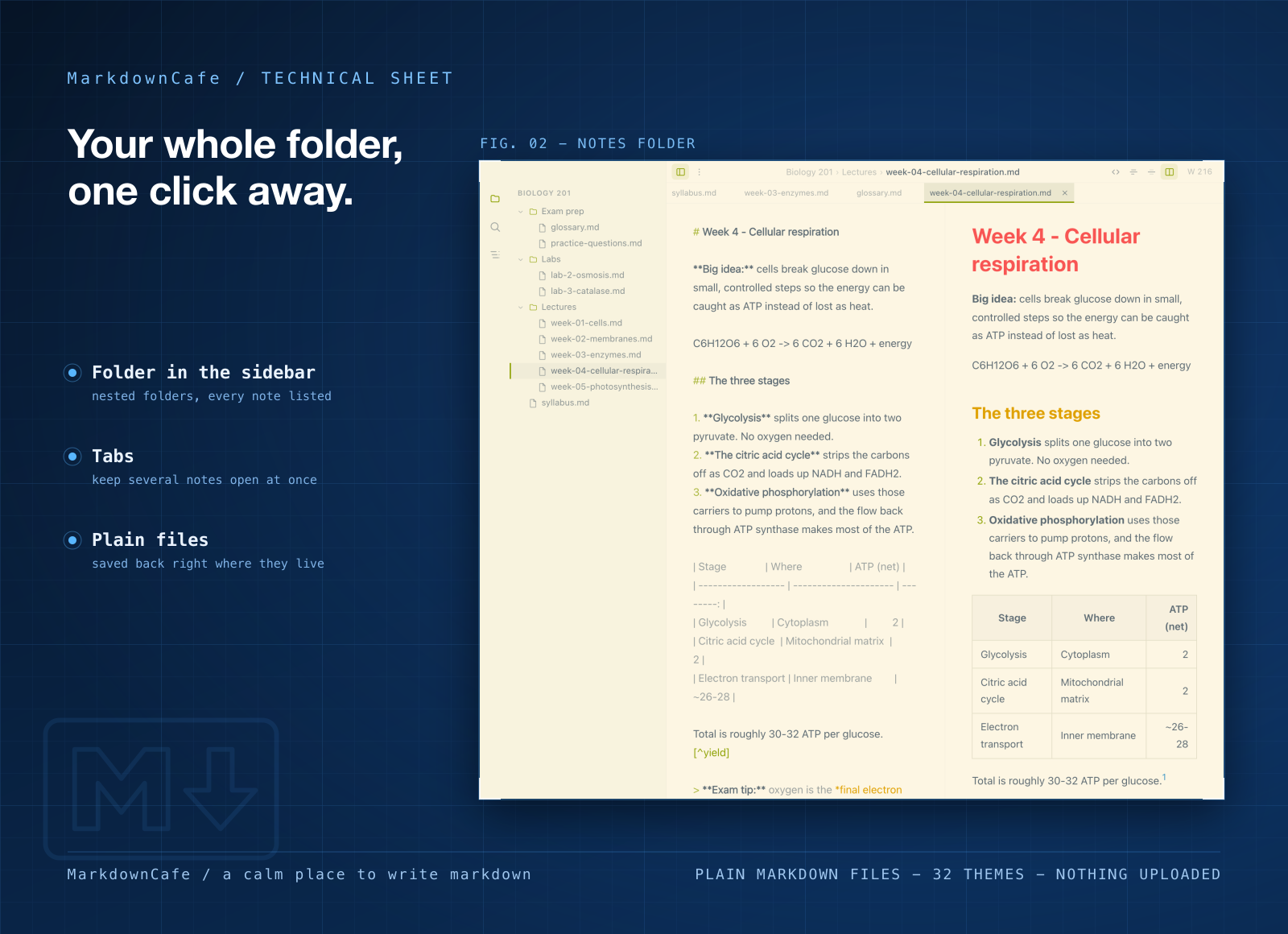
MarkdownCafe is built for that second group. Your plain text sits on the left, the formatted page on the right, and the two scroll together so you never lose your place. Point it at a folder and every note inside shows up in the sidebar. Your files stay plain text, right where you keep them.
Light, quick, and on Mac and Windows
- About half the size on a Mac. MarkdownCafe for Mac is a 7.7 MB download. Typora's Mac download is 14.4 MB.
- A fraction of the size on Windows. MarkdownCafe is 4.7 MB there. Typora's 64-bit Windows installer is 108.4 MB.
- Same app on both systems. Mac, Windows and Windows on ARM. It opens on your recent files and folders, so you're back in your notes in one click. No account, nothing to upload.
What you can do in it
- Write and preview side by side. Source on one side, the finished page on the other, scrolling together.
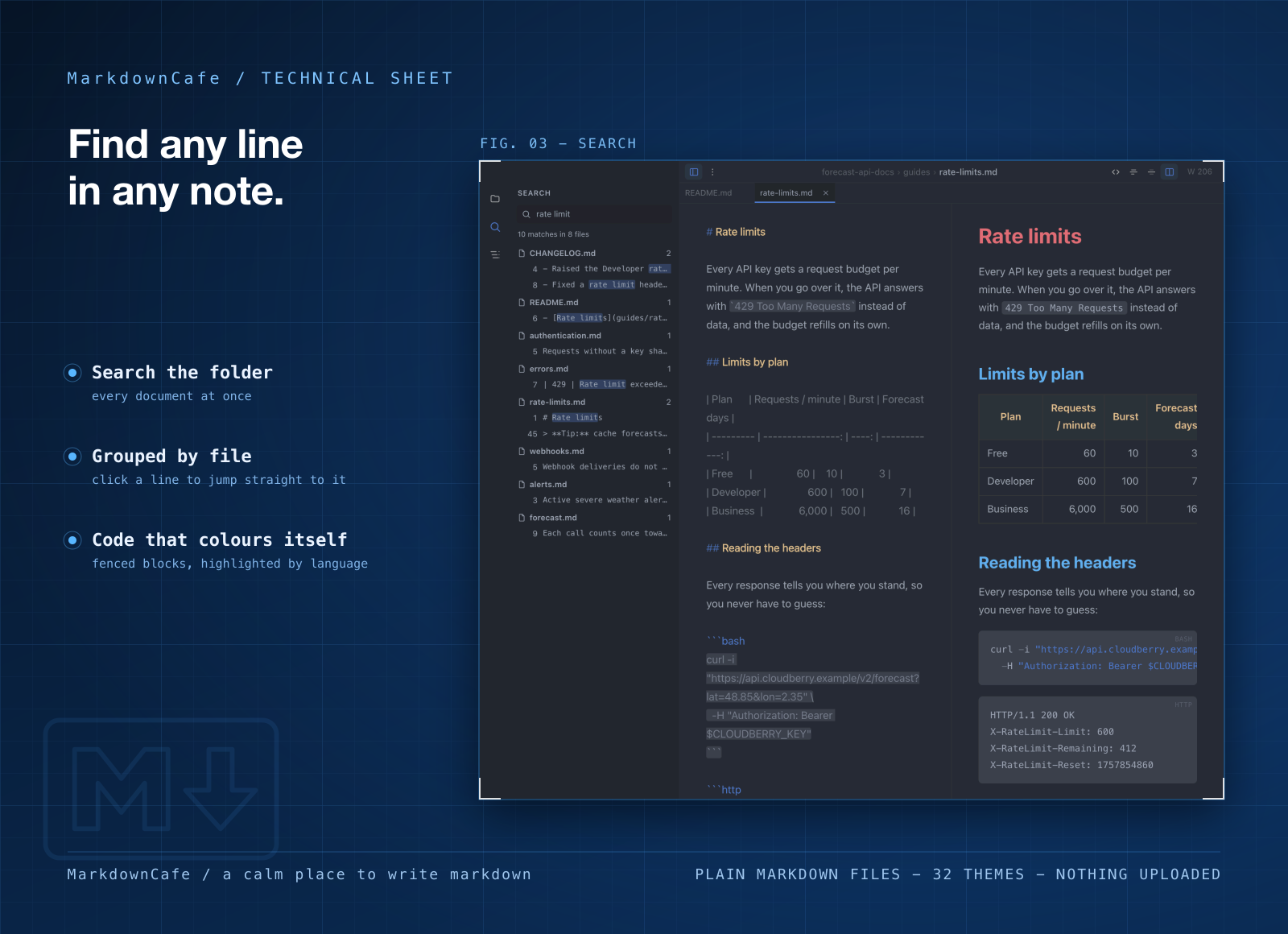
- Search a whole folder. One search box covers every note and lists the matching lines, so you land on the right paragraph.
- Keep several files open in tabs. Draft, outline and reference note, a keystroke apart.
- Hide the preview when you want. Drop the sidebar and the preview and write in one clean column.
- Export a web page or a PDF. It looks like what you were just looking at, theme included. There are 32 themes, light and dark.
Who it's for
Developers writing READMEs and changelogs who want to see the raw Markdown they'll commit. Students with a folder of lecture notes they want to search in one go. Writers who keep notes in Dropbox, iCloud or a Git repo and want an editor that just opens them, on a Mac at home and a Windows PC at work.
When to stick with Typora
If you love never seeing Markdown symbols, stay with Typora. That single-pane live preview is its point, and MarkdownCafe doesn't do it. Typora also renders math and Mermaid diagrams, exports to Word, LaTeX and Epub, and runs on Linux. And it's cheaper if a Markdown editor is all you want: $14.99 once, for up to three of your devices.
What it costs
MarkdownCafe isn't sold on its own. It comes with a getapps.cafe membership, from $1.99 a month on the annual plan, along with every other app on the menu. Solo covers one device and Family covers five. There's a 7-day free trial, so you can open your own notes folder in it before you pay anything.