Most people love Fantastical for one thing: you type "Lunch tomorrow at noon" and it lands on the calendar. The free plan covers the basics. Premium, with extras like travel time and Apple Watch support, is $56.99 a year.
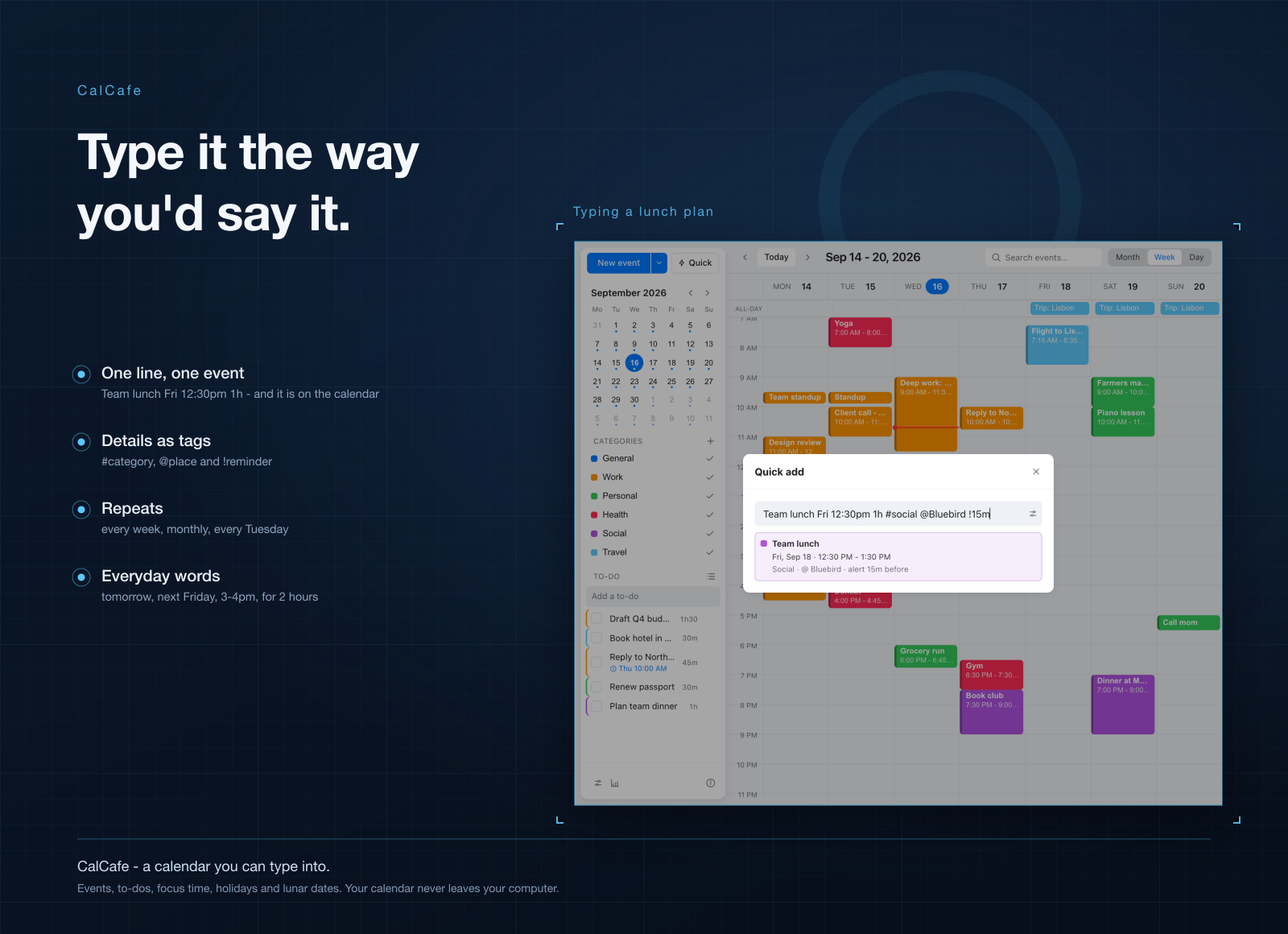
CalCafe is a desktop calendar that keeps every event on your own computer. You still add events by typing a sentence, with times, repeats, reminders, places and categories in one line. There's no account to make and nothing goes to a server, so it works the same on a plane as it does at your desk.
Light, quick, and on Mac and Windows
- About a third of the size. CalCafe for Mac is a 13 MB download. Fantastical on the Mac App Store is 42.5 MB. On Windows, CalCafe is under 6 MB.
- Opens straight away. Your events live on your own disk, so the app never waits on a network to show your week.
- Same app on both systems. Mac, Windows, and Windows on ARM, with the same views and single-key shortcuts.
What you can do in it
- Type an event in a sentence. "Team meeting Tue 3pm 1h #work every week" and it's done. It reads English and Vietnamese.
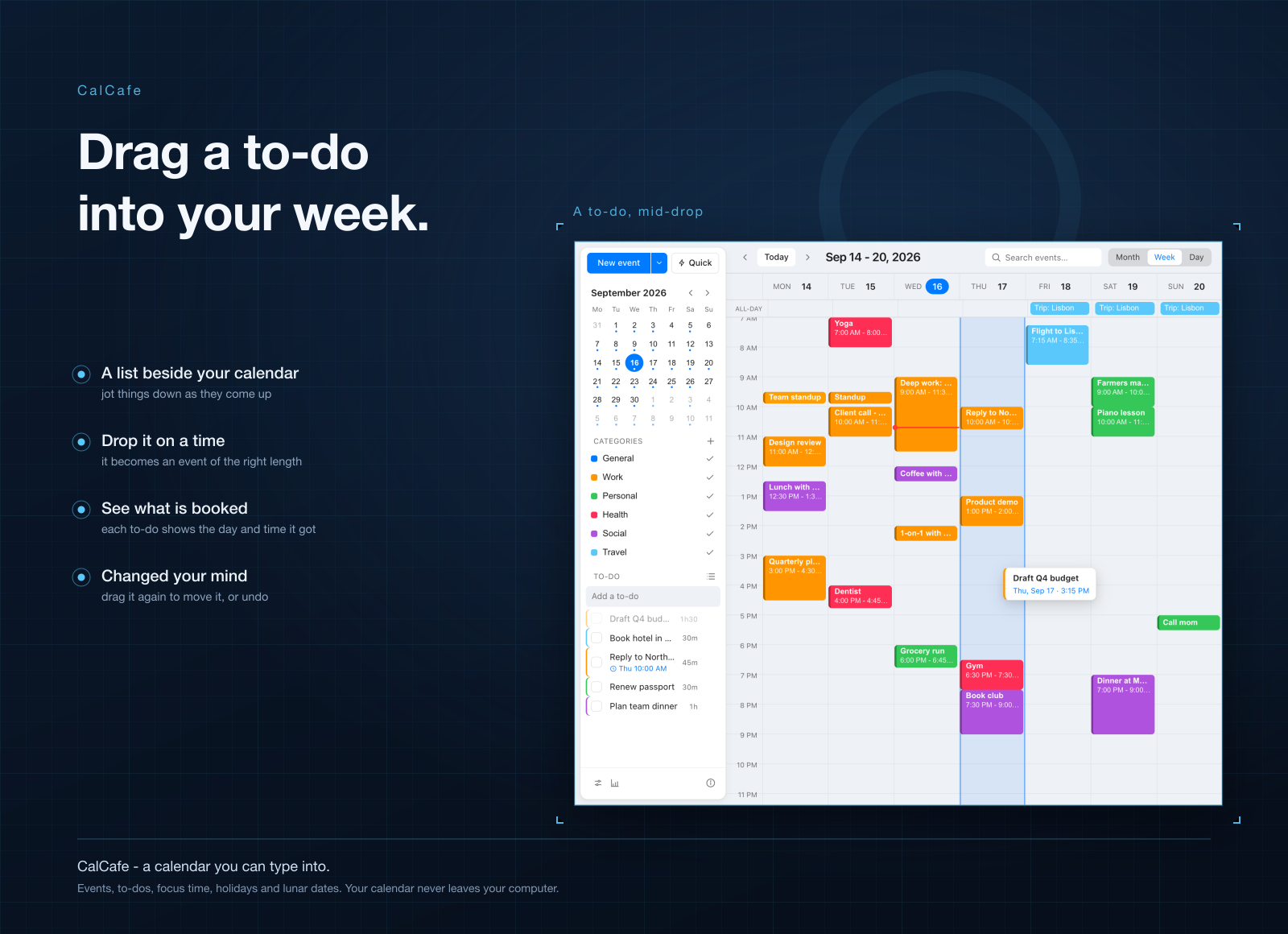
- Drag to-dos onto your week. Keep a list in the sidebar, give each item a length, and drop it where it fits.
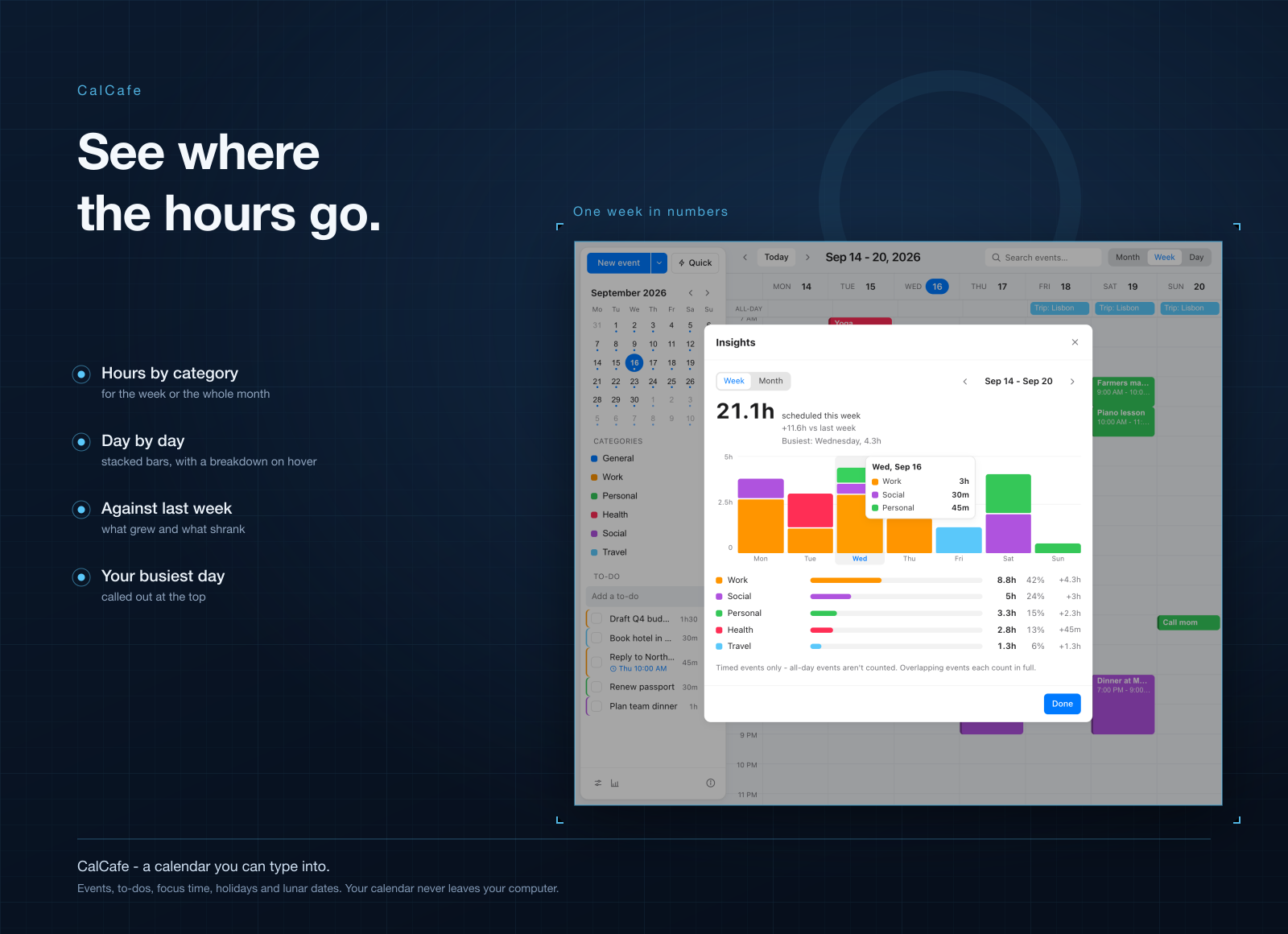
- See where your hours go. Hours per category for the week or month, your busiest day, and the change against last week.
- Know what's next at a glance. The icon by your clock shows "Standup in 12m", and a focus timer can run for the length of a meeting.
- Bring your calendar with you. Import events from Google Calendar, Outlook or Apple Calendar, and export a file any calendar app can open.
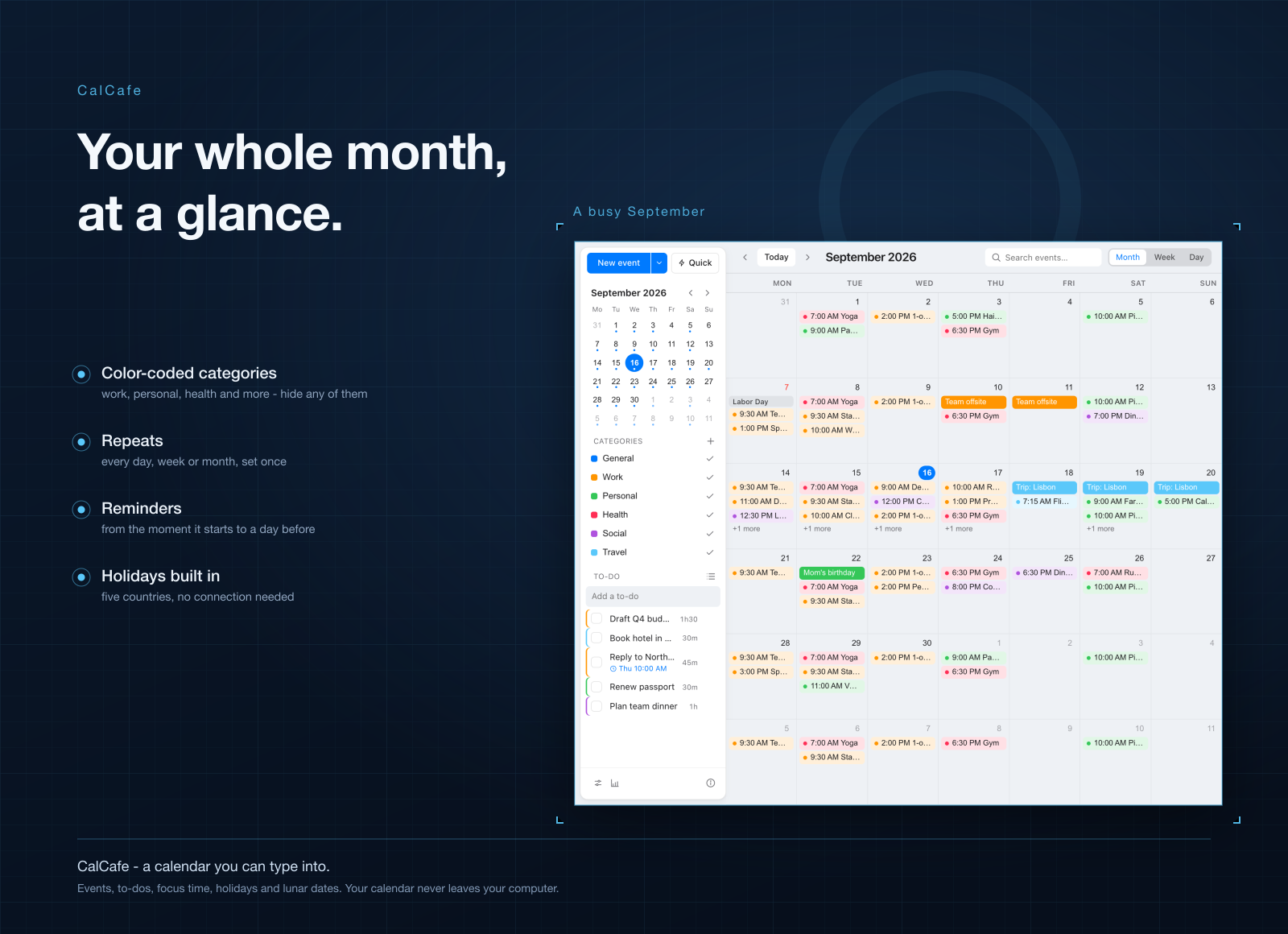
- Holidays and lunar dates built in. Public holidays for Vietnam, the US, the UK, China and South Korea, plus lunar day numbers on every date.
Who it's for
People who want their schedule to stay private and offline. Freelancers who plan their own week and want to see how much of it went to work. Anyone who lives on the keyboard: press Q, type a sentence, hit Enter. And families who keep track of Tet and Mid-Autumn alongside everything else.
When to stick with Fantastical
If you need your work calendar to stay in live sync with Google or Exchange, or you check it on your iPhone and Apple Watch all day, keep Fantastical. Same if you book meetings with other people through its Openings and Proposals. CalCafe imports from other calendars but doesn't sync with them, and it's a desktop app only.
What it costs
CalCafe isn't sold on its own. It comes with a getapps.cafe membership, from $1.99 a month on the annual plan, and that includes every other app on the menu too. There's a 7-day free trial, so you can plan a week in it before paying anything.