Autodesk Viewer is free, and it's good. But it's a web app, and that shapes everything about it. You sign in with an Autodesk Account, upload your model, and wait while Autodesk converts it. Then it opens in a browser tab, and the view expires after 30 days unless you extend it. If all you wanted was to look inside an .ifc someone sent you, that's a lot of steps, and your building now sits on someone else's server.
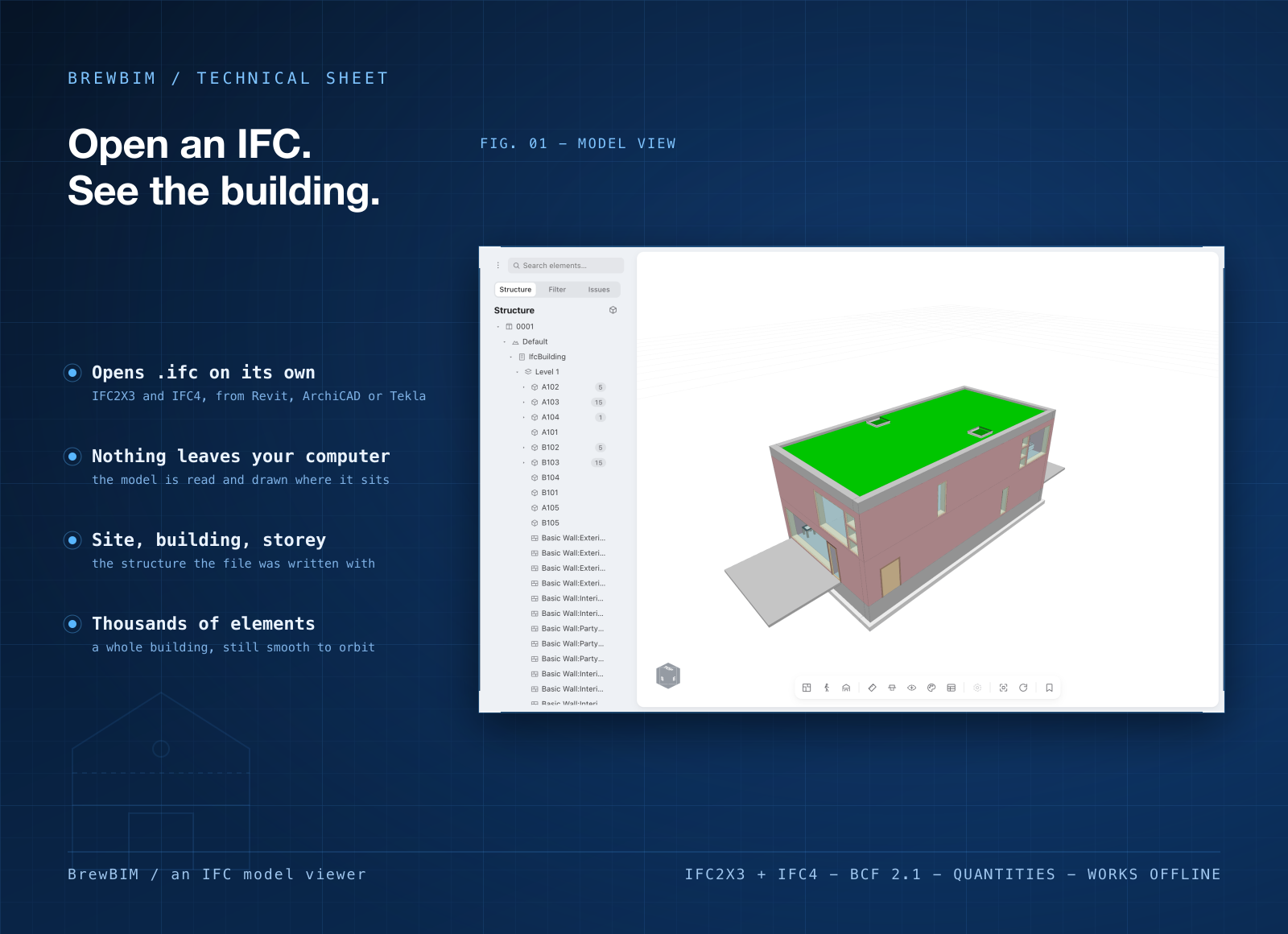
BrewBIM is a desktop app that opens IFC models straight from your disk. IFC2X3 and IFC4, from Revit, ArchiCAD or anything else. It's a viewer, not an editor: you see the building in 3D, cut it open and read what every element says. No account, no upload, no conversion step.
Light, quick, and on Mac and Windows
- Your file stays on your computer. BrewBIM reads the model you picked and holds it in memory. Close the app and there's no database, no cache and no copy of your building anywhere.
- A small download. 7.3 MB on Mac. On Windows it's about 4.5 MB. Drag an .ifc onto the window and it opens. No browser tab, no waiting for an email to say your model is ready.
- Same app on both systems. Mac, Windows, and Windows on ARM.
What you can do in it
- Handle a real building. A 10,000-element tower is drawn in a single pass, so it stays smooth while you orbit it.
- Look inside a floor. One key isolates the storey and cuts the ceiling off. Walk up and down the building with the arrow keys.
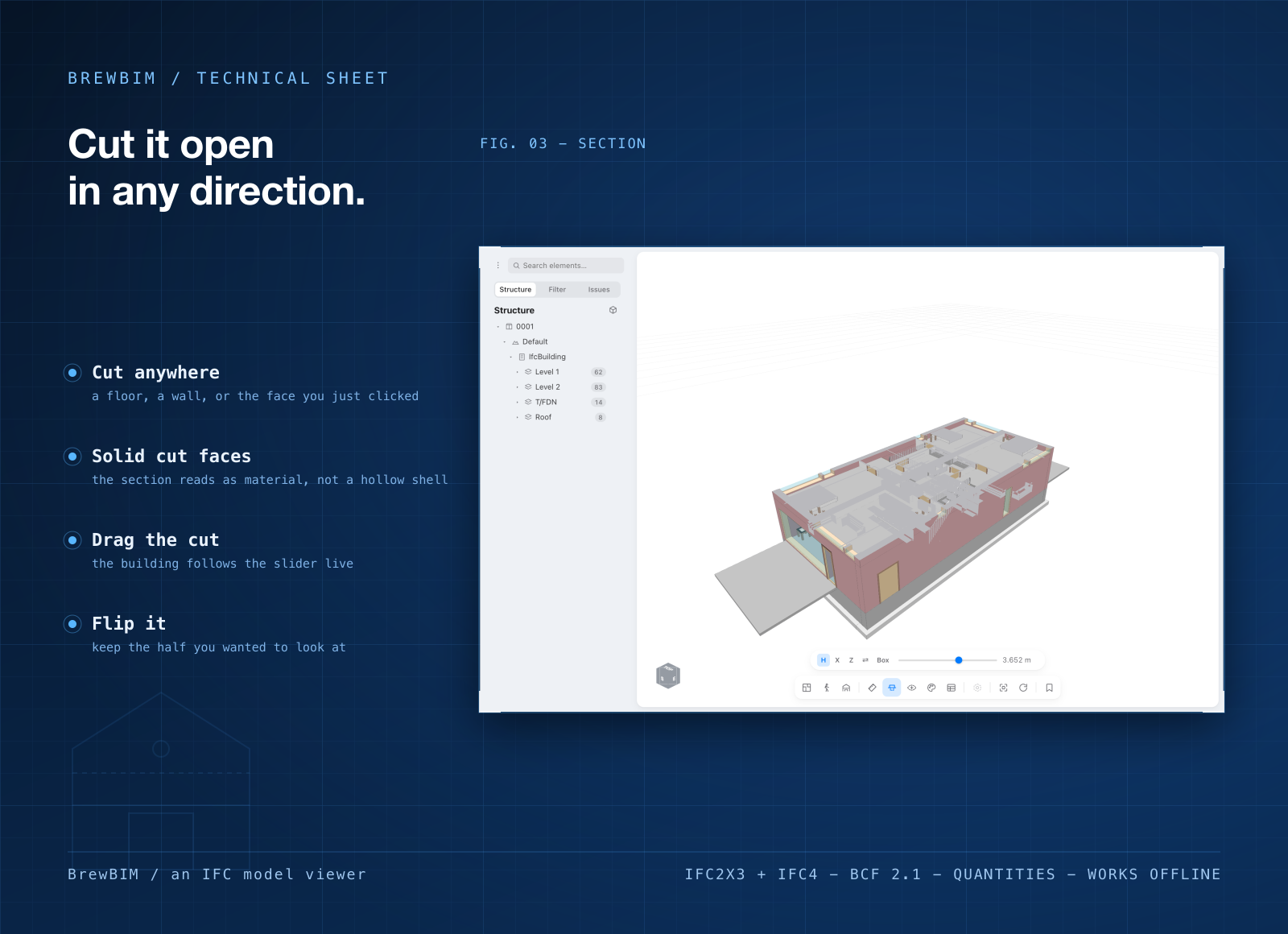
- Section it open. Cut a floor, a wall, or straight through a face you clicked.
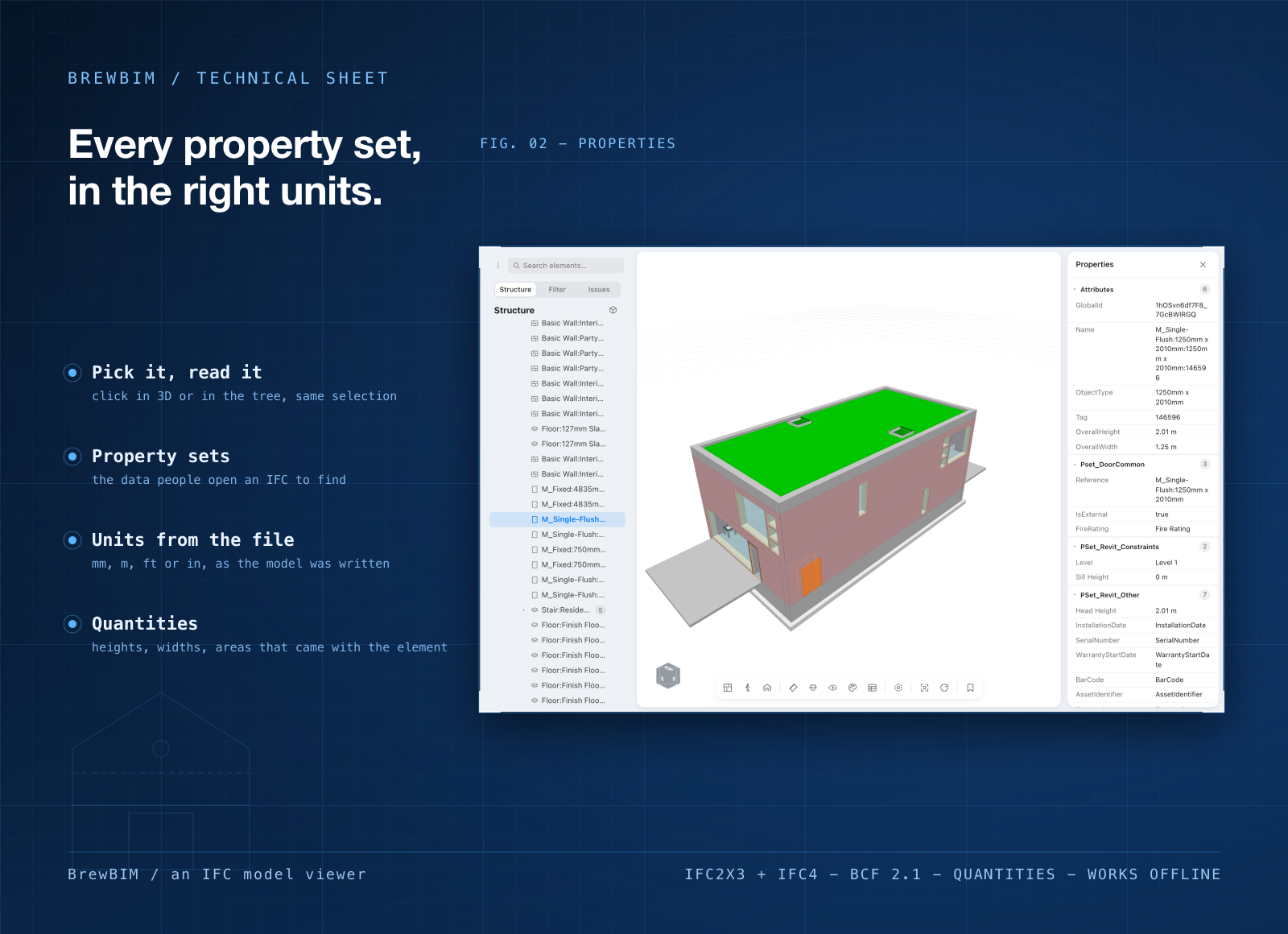
- Read the data in the right units. Property sets, quantities, areas and volumes, in the units the file declares.
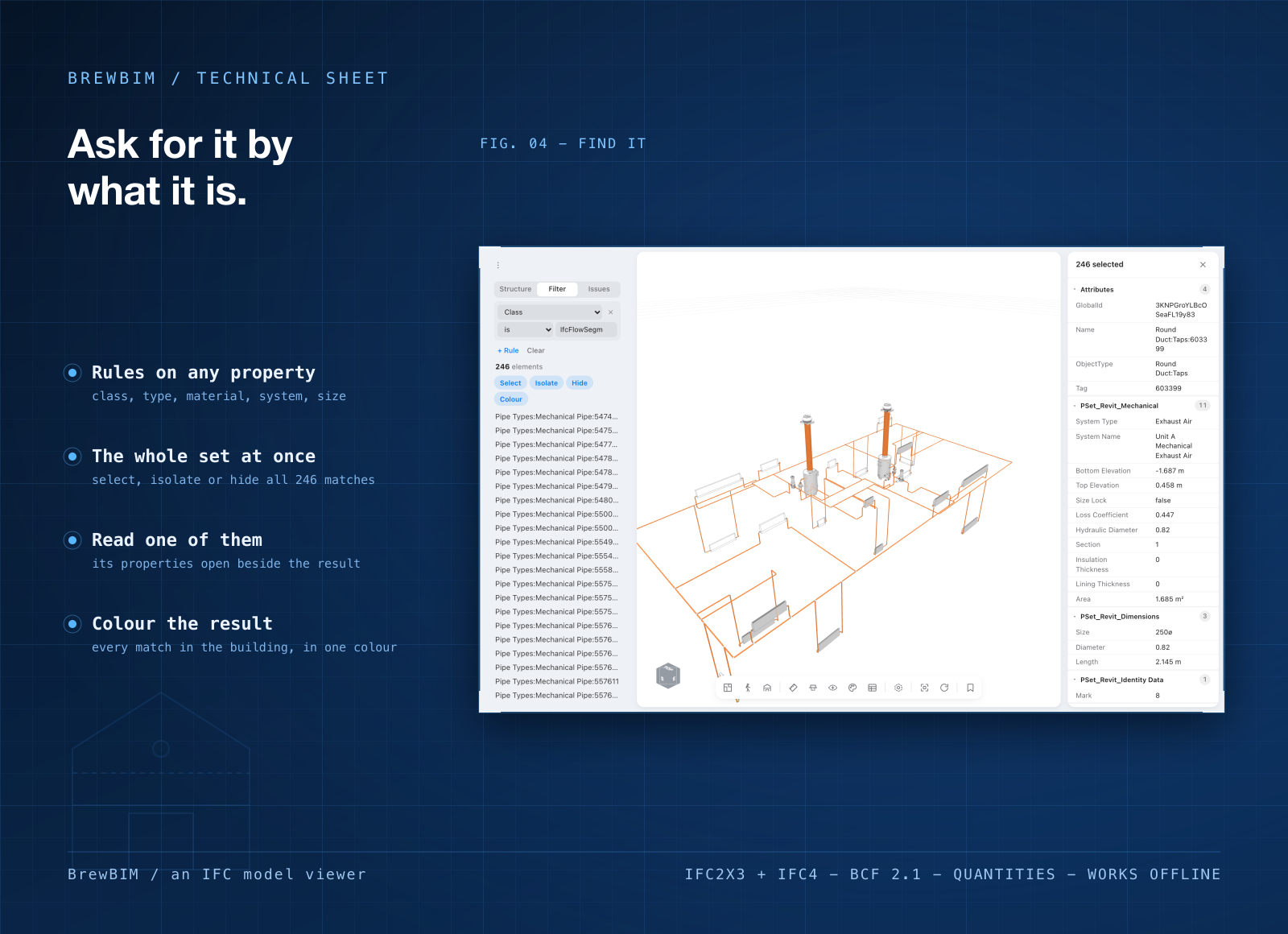
- Find, hide and measure. Browse by storey or by type, search names, isolate or x-ray, and measure with two clicks snapped to real corners.
- Open several models. Each one gets a tab, plus a plan view from straight above.
Who it's for
Clients, contractors and QSs who get handed an .ifc and just need to look at it. Architects and engineers checking an export before it goes out. And anyone on a confidential project who'd rather not upload the building to a website to see it.
When to stick with Autodesk Viewer
If you need to share a model with a link, keep Autodesk Viewer. Anyone with the link can open it, and they get comments and markup for feedback. It also reads far more than IFC, including Revit, DWG and STEP files, and there's nothing to install. BrewBIM opens .ifc only, has no sharing, and doesn't edit models.
What it costs
Autodesk Viewer costs nothing, and BrewBIM isn't free. It comes with a getapps.cafe membership, from $1.99 a month on the annual plan, and that includes every other app on the menu too. There's a 7-day free trial, so you can open your own models in it before paying anything.